
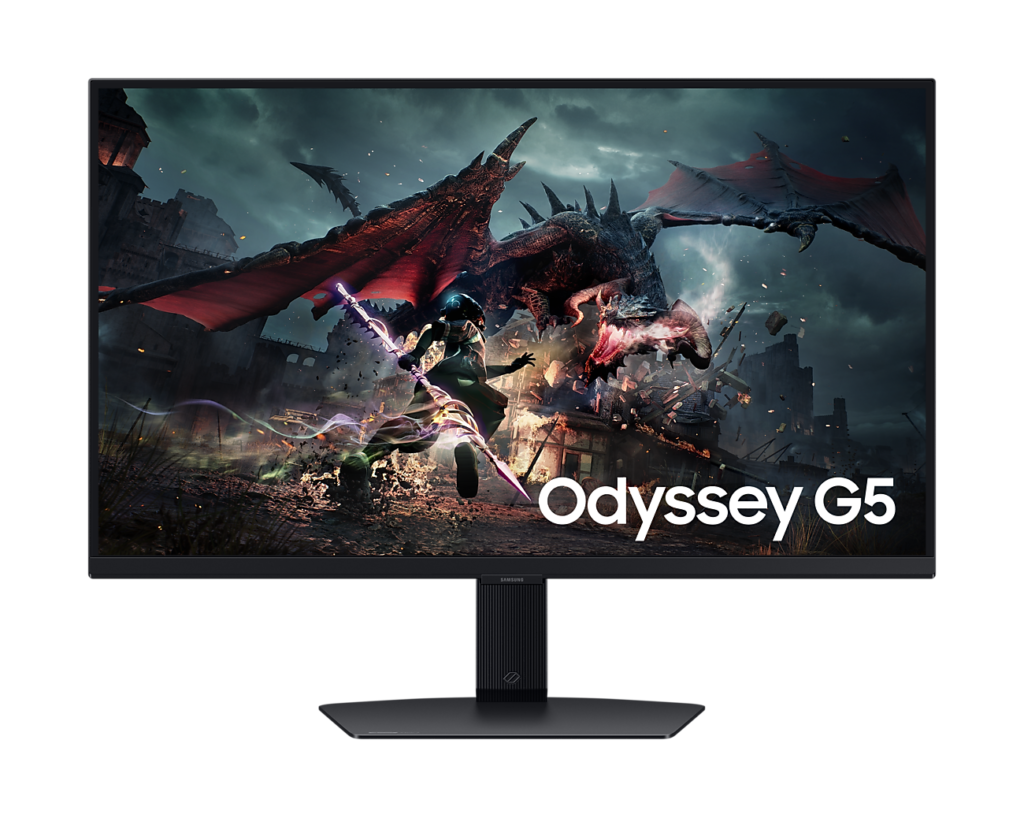
Samsung Odyssey G50D S27DG50: Specs, Features, Pros & Cons
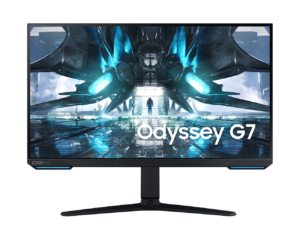
Samsung's Odyssey range made its name on curved VA screens, and this model is a deliberate step away from that formula: a flat IPS panel at QHD with a gaming refresh rate, positioned near the bottom of the family. It is Samsung's answer to the mainstream monitors from LG, ASUS and Dell that have long dominated this price bracket, and it competes on their terms rather than on the curve and contrast that define its siblings.
The switch of panel type brings the familiar strengths. Colors hold steady when seen from an angle, which suits a desk shared with a second person or a screen turned on its side for reading, and factory color is accurate enough that casual photo editing does not need a calibrator. Motion is quick enough for competitive shooters, and adaptive sync works with both major graphics card brands. The flip side is contrast: in a dark room this panel shows gray where a curved Odyssey shows something much closer to black.
Where Samsung spent money is the stand, which is far more adjustable than this bracket usually offers. Where it saved is the back panel. Inputs are few and a generation old, so a current console will not reach its best modes, and a PC plus one other device is the practical limit. There are no speakers, no USB ports and no type-C connection for a laptop.
The result is a solid, unglamorous default for a single gaming PC on a desk that gets rearranged from time to time. It is less convincing for dark-room film watching, for a busy multi-device setup, or for anyone who wants the wraparound curve that built the Odyssey name in the first place.
Category strengths
Where the Samsung Odyssey G50D S27DG50 trails the median
- Fewer HDMI ports ?1 vs 2 (median)
- Lower peak brightness ?350 nits vs 400 nits (median)
- A lower color depth ?8 bit vs 10 bit (median)
- No USB hub ?
How this VS Score was computed
Score 48: each known spec is measured against the median of IPS gaming monitors, 27 to 31 inches (29 products), then weighted; 50 means level with that median. In classes of six or more, a value beyond the class’s 10th–90th percentile range counts as that limit, so one extreme product cannot set the scale. 68% of the scoreable weight could be used; unknown values, features not applicable to this class and proxies (battery capacity where a rated life exists) add or remove nothing.
| Specification | This product | Cohort median | Score weight | Points moved |
|---|---|---|---|---|
| USB-C | No | 24% of the class have it | 0.5 | −24.0 |
| Height adjustment | Yes | 79% of the class have it | 0.4 | +20.0 |
| Swivel | Yes | 64% of the class have it | 0.2 | +10.0 |
| HDMI ports | 1 | 2 | 0.4 | −10.0 |
| Built-in speakers | No | 31% of the class have it | 0.2 | −9.6 |
| Peak brightness | 350 | 400 | 0.8 | −4.8 |
| Color depth | 8 | 10 | 0.3 | −3.0 |
| USB hub | No | 50% of the class have it | 0.05 | −2.2 |
| Pivot | Yes | 75% of the class have it | 0.02 | +1.0 |
| Screen size | 27 | 27 | 1.2 | +0.0 |
| Resolution | 1440p | 1440p | 1.2 | +0.0 |
| Panel type | IPS | IPS | 0.8 | +0.0 |
| Refresh rate | 180 | 180 | 1.2 | +0.0 |
| Response time | 1 | 1 | 0.8 | +0.0 |
| Contrast ratio | 1,000 | 1,000 | 0.6 | +0.0 |
| HDR | DisplayHDR 400 | DisplayHDR 400 | 0.5 | +0.0 |
| Pixel density | 109 | 109 | 0.5 | +0.0 |
| Adaptive sync | G-Sync Compatible | G-Sync Compatible | 0.6 | +0.0 |
| DisplayPort inputs | 1 | 1 | 0.4 | +0.0 |
Not scored: DCI-P3 coverage (unknown: not scored); Local dimming (unknown: not scored); Local dimming zones (unknown: not scored); Variable refresh rate (standard for the class (100% have it)); Motion blur reduction (unknown: not scored); Input lag (unknown: not scored); Tilt (standard for the class (100% have it)); USB-C power delivery (unknown: not scored); Headphone output (standard for the class (86% have it)); KVM switch (unknown: not scored); Webcam (unknown: not scored); Microphone (unknown: not scored); Ethernet (unknown: not scored); Picture-by-picture (unknown: not scored).
Editor’s note
The G50D is the sensible one. A 27-inch 1440p IPS panel at 180 Hz is the resolution and refresh combination most people should buy, and Samsung has put the money where it shows.
The stand is the giveaway. At this price a tilt-only plastic hinge is normal. This one gives 120 millimeters of height travel, 30 degrees of swivel either way, full pivot into portrait and a proper tilt range, with a 100 by 100 VESA pattern underneath. Over a few years of desk changes that matters more than a few extra hertz.
The panel is a fast IPS with a 1 ms response, 350 nits and 99 percent sRGB coverage. Colors are accurate from the factory for sRGB work and viewing angles are wide, which is what you buy IPS for. Contrast is the usual IPS 1,000 to 1, so blacks look gray next to a VA or OLED screen in a dark room. The DisplayHDR 400 badge is a certification without a meaningful HDR picture behind it.
The port selection is where the budget bites. There is one HDMI 2.0 and one DisplayPort 1.2, plus a headphone jack and no speakers. That is enough for a PC and one console, but HDMI 2.0 caps a console at 1440p 120 Hz and leaves you no spare input.
There are no built-in speakers, which at this price is the right call. The ones fitted to cheap monitors are rarely worth the board space, and the headphone output does the job instead.
Choose this for competitive play, general desktop work and anything color-adjacent where viewing-angle consistency beats outright contrast. Take the curved G55C if you want deeper blacks in a dark room and can live with a tilt-only stand and a smaller VESA pattern.
Specifications
Quality bars show where each figure sits between the lowest and highest of the 29 IPS gaming monitors, 27 to 31 inches this VS Score is measured against.
Picture
Gaming
Ergonomics & design
Connectivity
Features
Sources and verification
Where the specifications come from
- Official product pagesamsung.com
- Independent testingrtings.com
Verification
- First published
- Specifications last checked
- Sheet completeness
- 28 of 42 specifications verified; the rest show as Unknown and are never estimated or scored
- Page type
- Product specification page — Compiled from the manufacturer’s published specifications and the cited sources; this is not a hands-on test.
- Basis
- Research-based: specifications and editorial text were compiled from the documents listed here and the manufacturer’s published data. We have not tested this unit ourselves; where independent measurements are mentioned they belong to the linked publication.
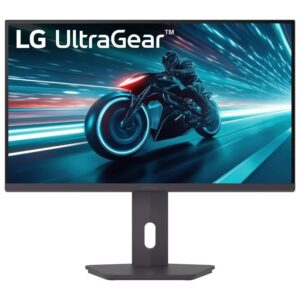
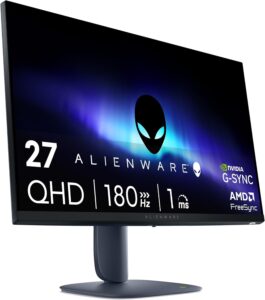
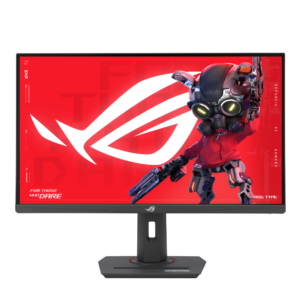
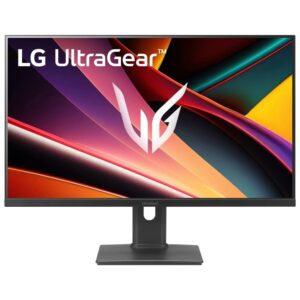
Monitors with similar specs to the Samsung Odyssey G50D S27DG50
Ratings & reviews
No reviews yet. Be the first to share your experience.
The bottom line
The Samsung Odyssey G50D S27DG50 earns a VS Score of 48, below the median of the 29 IPS gaming monitors, 27 to 31 inches it is measured against (a score of 50 is level with that median).
- Who it’s for
- A single gaming PC on a desk that gets reorganized. Accurate color, wide viewing angles and a properly adjustable stand make it an easy all-rounder.
- Who should look elsewhere
- Console owners chasing the best modes, dark-room movie watching, or multi-device desks. Inputs are few and dated, and blacks look gray with the lights off.
- The trade-off that matters
- A flat, fast, sensible panel on a good stand, at the price of old connectors and the contrast Samsung's curved models are known for.
- The main alternative
- LG UltraGear 27G610A-B: a faster QHD panel with a second video input for a console, on an equally adjustable stand.
The VS Score is calculated from the weighted specifications above, each measured against the median of comparable IPS gaming monitors, 27 to 31 inches — a shortlisting guide, not a substitute for your own priorities. See how we score.





