42 facts in comparison
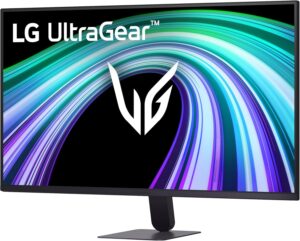
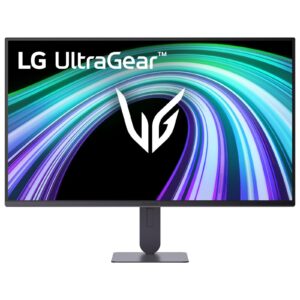
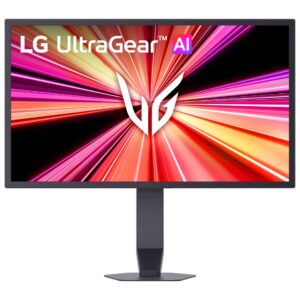
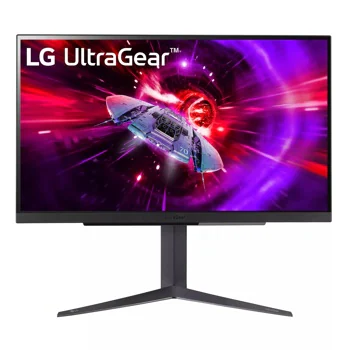
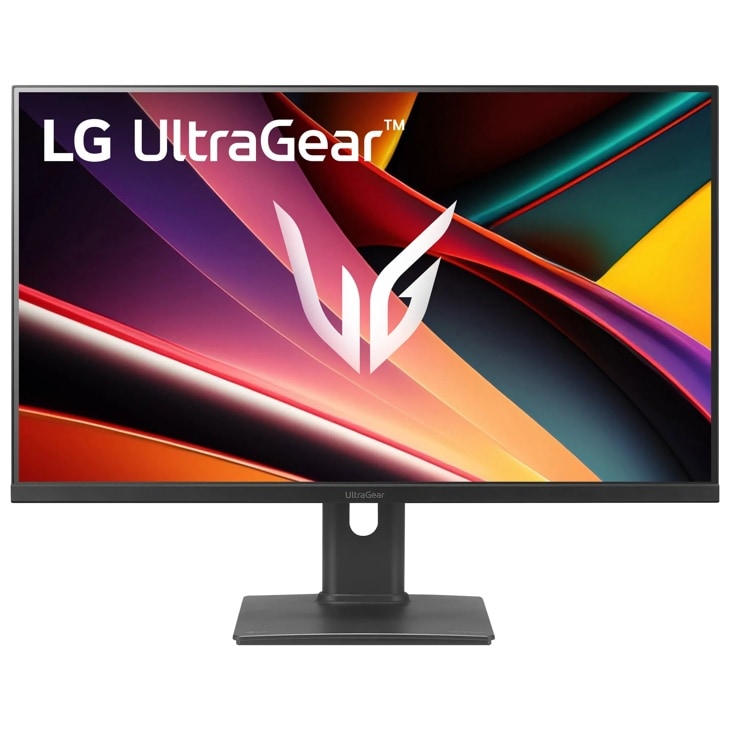
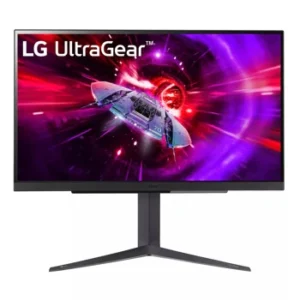
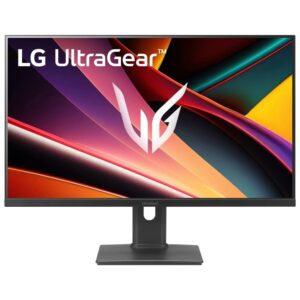
LG UltraGear 27GR83Q-B vs LG UltraGear G6 27G64NA-B
This comparison puts the LG UltraGear 27GR83Q-B and LG UltraGear G6 27G64NA-B side by side — two monitors measured against the same 42-spec sheet, with every meaningful gap scored and explained. On our weighted VS Score the LG UltraGear G6 27G64NA-B finishes ahead, 93 to 88 — a solid lead.
The most consequential difference is USB hub — the LG UltraGear 27GR83Q-B has it, the LG UltraGear G6 27G64NA-B does not. A transparency note before you dive in: the spec sheets are LG UltraGear 27GR83Q-B 83% and LG UltraGear G6 27G64NA-B 74% complete. Anything unverified shows as Unknown and is left out of the scores — we never estimate a missing value.
Where the LG UltraGear 27GR83Q-B beats the LG UltraGear G6 27G64NA-B
- Slightly wider DCI-P3 colour coverage ?95 % vs 93 %
- Has USB hub ?
Where the LG UltraGear G6 27G64NA-B beats the LG UltraGear 27GR83Q-B
- A higher refresh rate ?300 Hz vs 240 Hz
- More DisplayPort inputs ?2 vs 1
Key real-world differences
The spec sheet pulls in both directions. These are the gaps big enough to shape the decision — with the actual figures, and what each one means in real-world use.
- USB hubConnectivityYes vs No — only the LG UltraGear 27GR83Q-B has it
Built-in USB ports for peripherals.
- Refresh ratePicture240 Hz vs 300 Hz — 20% more for the LG UltraGear G6 27G64NA-B
Higher refresh rates are smoother for gaming and scrolling.
The step from 60 to 120 Hz is obvious; differences above 120 Hz are far subtler in everyday use.
- DisplayPort inputsConnectivity1 vs 2 — 2× more for the LG UltraGear G6 27G64NA-B
DisplayPort inputs, preferred for high refresh rates.
Which one should you buy?
There is no single answer — it depends on what you will actually use it for. Match your priority to the pick below.
- Best for picture LG UltraGear G6 27G64NA-B takes the category 93 to 87 — driven by refresh rate (240 Hz vs 300 Hz).
- The safe all-rounder LG UltraGear G6 27G64NA-B wins more of the categories that carry real weight, topping the overall VS Score at 93.
Where each one falls short
LG UltraGear 27GR83Q-B
- Refresh rate: 240 Hz vs 300 Hz
- DisplayPort inputs: 1 vs 2
- 7 specs are unreported (shown as Unknown) and excluded from its scores.
LG UltraGear G6 27G64NA-B
- USB hub: Yes vs No
- 11 specs are unreported (shown as Unknown) and excluded from its scores.
What matters to you?
Drag the sliders to weight each category and re-rank the products to suit your priorities.
Score breakdown
Picture
Gaming
Ergonomics & design
Connectivity
Features
Specs last verified September 2, 2026LG UltraGear 27GR83Q-B: 35 of 42 specs verified (83%)LG UltraGear G6 27G64NA-B: 31 of 42 specs verified (74%)Unverified specs show as Unknown — never estimated, never scored
What reviewers say
The bottom line
The LG UltraGear G6 27G64NA-B comes out ahead, scoring 93 to 88 on our VS Score. It leads on Picture and Connectivity.
Latest comparisons
 vs
vs
 vs
vs
 vs
vs vsvsvs
 vs
vs vs
vs vs
vs vs
vs
 vs
vs
 vs
vs vs
vsLatest Monitors