
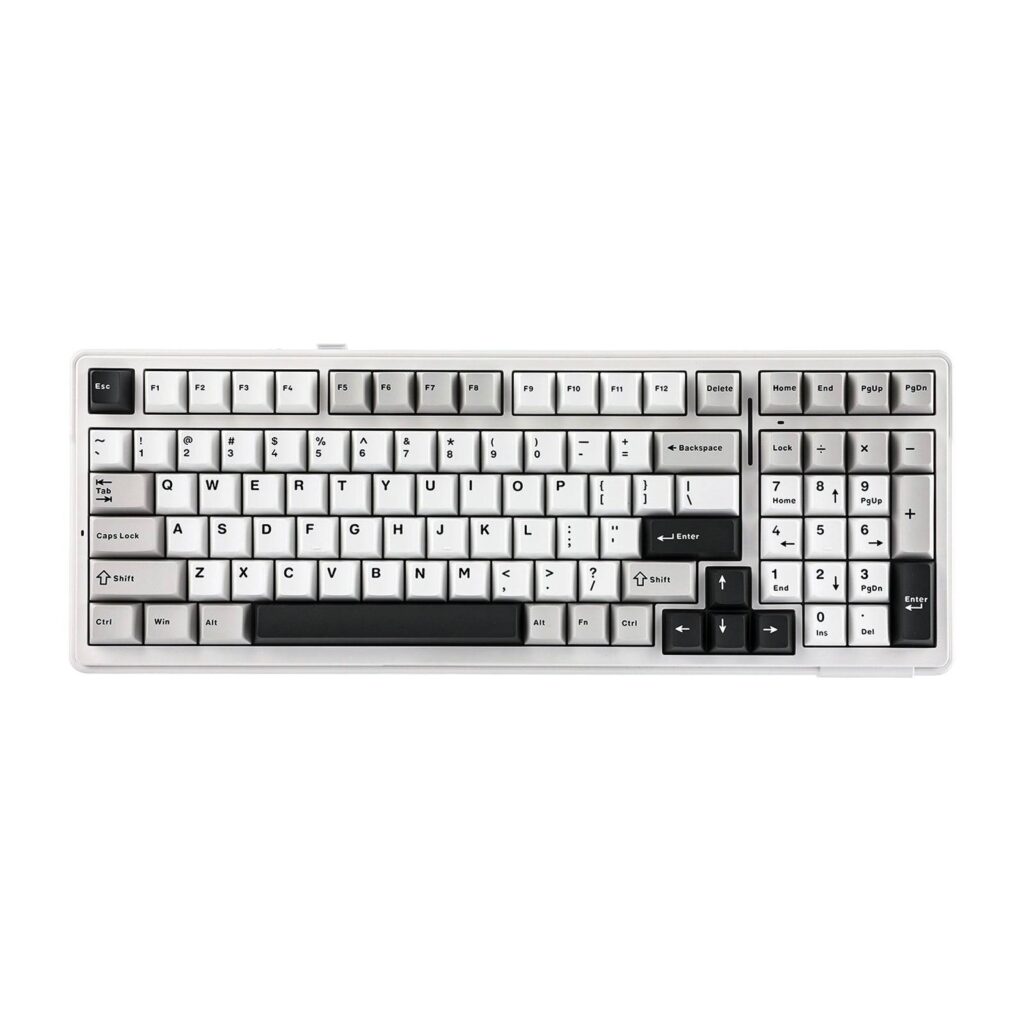
AULA F99: Specs, Price, Pros & Cons
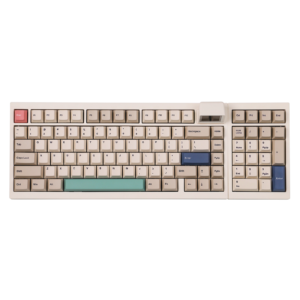
The AULA F99 keeps a full number pad, arrows and navigation keys, yet squeezes them into 99 keys, a layout AULA calls 98% that closes the gaps a full-size board leaves between its key blocks. That makes it a budget keyboard for people who type figures all day and still want a narrower footprint on the desk.
A gasket mount and several layers of foam and film fill the gaps around pre-lubed linear switches, sold as Graywood V3 or Reaper depending on the version. The sockets are hot-swappable, so the switches can be changed later without solder. The keycaps are PBT, which holds its texture longer than the cheaper plastic common at this level. Volume and playback controls sit on the function row.
The board connects over a cable, a wireless USB receiver or Bluetooth, and it remembers three Bluetooth devices, enough to hop between a work laptop, a home PC and a tablet. AULA fits two 4,000 mAh cells, 8,000 mAh in all, and publishes no battery-life figure in hours.
The compromises follow from the price and the shape. At a listed 42.57 mm the board stands tall, so a long typing session tends to call for a wrist rest. Its switches are conventional mechanical ones, with none of the rapid trigger, adjustable actuation or analog input that magnetic boards now bring to competitive shooters. AULA also sells a smaller 75% board, the F75, for anyone who never uses the number pad.
Category strengths
Where the AULA F99 beats the median
- Longer battery life ?400 h vs 313.5 h (median)
How this VS Score was computed
Score 62: each known spec is measured against the median of all keyboards (101 products), then weighted; 50 means level with that median. In classes of six or more, a value beyond the class’s 10th–90th percentile range counts as that limit, so one extreme product cannot set the scale. 41% of the scoreable weight could be used; unknown values, features not applicable to this class and proxies (battery capacity where a rated life exists) add or remove nothing.
| Specification | This product | Cohort median | Score weight | Points moved |
|---|---|---|---|---|
| Hot-swappable | Yes | 61% of the class have it | 0.6 | +30.0 |
| Sound dampening | Yes | 76% of the class have it | 0.3 | +15.0 |
| Battery life | 400 | 313.5 | 0.6 | +8.4 |
| Switch technology | Mechanical | Mechanical | 1 | +0.0 |
| Connection | 3 | 3 | 0.8 | +0.0 |
| Bluetooth devices | 3 | 3 | 0.3 | +0.0 |
| Keycap material | PBT | PBT | 0.4 | +0.0 |
| Backlight | RGB | RGB | 0.3 | +0.0 |
Not scored: Actuation force (unknown: not scored); N-key rollover (unknown: not scored); Adjustable actuation (unknown: not scored); Analog input (unknown: not scored); Polling rate (unknown: not scored); Wired latency (unknown: not scored); Wireless latency (unknown: not scored); Rapid trigger (unknown: not scored); Front height (unknown: not scored); Battery capacity (capacity is a proxy; the rated battery life is scored instead); USB passthrough (unknown: not scored); Programmable keys (standard for the class (99% have it)); Media controls (standard for the class (98% have it)); Rotary knob (unknown: not scored); Onboard profiles (unknown: not scored); Configuration software (standard for the class (95% have it)).
Editor’s note
Everything that shapes the sound of the F99 is inside the case. AULA lists a gasket mount, five layers of filling between the circuit board, the plate and the switches, and a circuit board slotted around each switch, and it says the filling absorbs the hollow cavity noise. Its own switch table rates both linear options as quiet.
AULA's driver adds key remapping and macros, and the lighting modes also run from Fn shortcuts printed in the manual. At 1,183 g by AULA's spec sheet, the board stays where you put it.
I would buy it for typing, spreadsheets and the odd evening game. Anyone who never touches the number pad gets the same gasket construction in less width from the F75.
Specifications
Quality bars show where each figure sits between the lowest and highest of the 101 keyboards this VS Score is measured against.
Switches & typing
Performance
Layout & size
Connectivity
Build & sound
Features
Sources and verification
Where the specifications come from
- Official product pageaulastar.com
Verification
- First published
- Specifications last checked
- Sheet completeness
- 20 of 34 specifications verified; the rest show as Unknown and are never estimated or scored
- Page type
- Product specification page — Compiled from the manufacturer’s published specifications and the cited sources; this is not a hands-on test.
- Basis
- Research-based: specifications and editorial text were compiled from the documents listed here and the manufacturer’s published data. We have not tested this unit ourselves; where independent measurements are mentioned they belong to the linked publication.
Where to buy
Prices and availability may change. Check the retailer before buying. We may earn a commission on purchases.
Price history
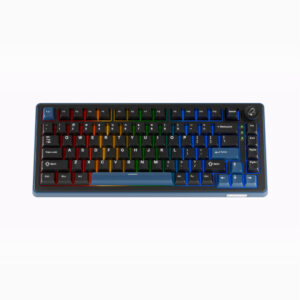
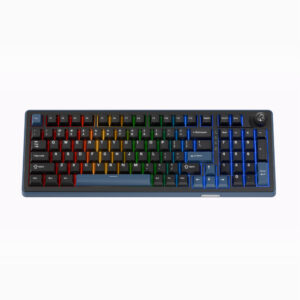
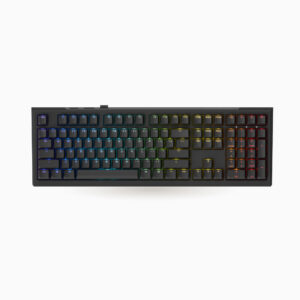
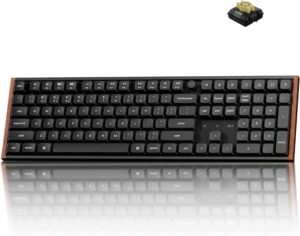
Keyboards with similar specs to the AULA F99
Ratings & reviews
No reviews yet. Be the first to share your experience.
The bottom line
The AULA F99 earns a VS Score of 62, above the median of the 101 keyboards it is measured against (a score of 50 is level with that median).
- Who it’s for
- A typist or casual gamer on a tight budget who wants the muffled sound of a custom board, plus a numpad and wireless.
- Who should look elsewhere
- Competitive shooter players should pass, because the switches have no rapid trigger or adjustable actuation.
- The trade-off that matters
- It is tall and heavy, so it stays on one desk. Plan on a wrist rest for long typing sessions.
- The main alternative
- AULA F75: the brand's smaller 75% gasket board, the better buy if you never touch the numpad.
The VS Score is calculated from the weighted specifications above, each measured against the median of comparable keyboards — a shortlisting guide, not a substitute for your own priorities. See how we score.





