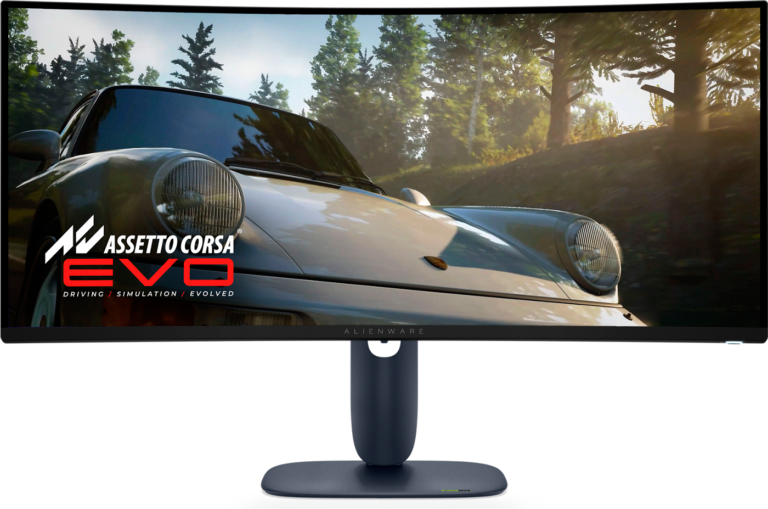
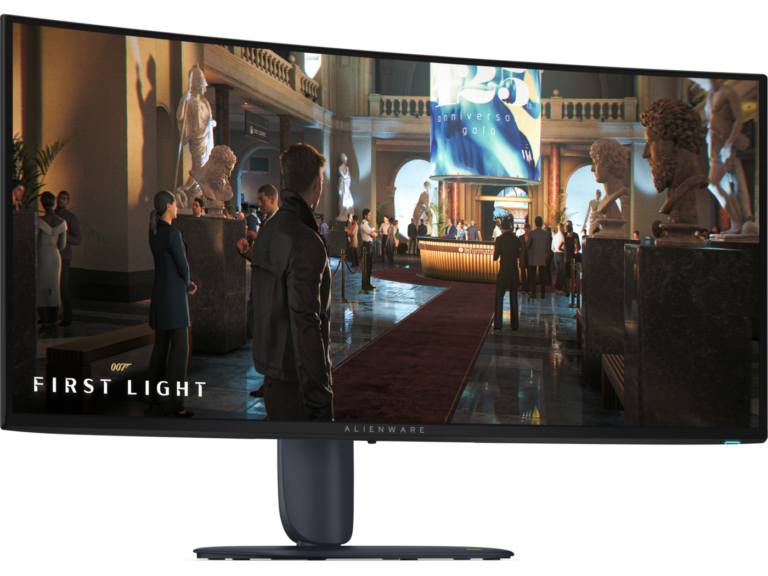
42 facts in comparison
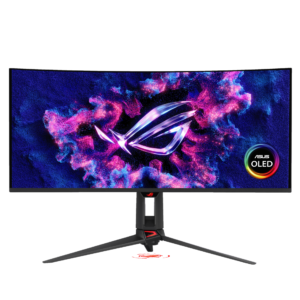
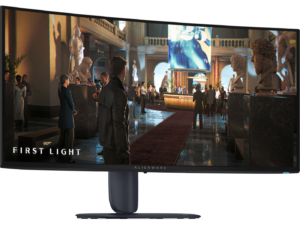
Dell Alienware AW3425DW vs Dell Alienware AW3426DW
This comparison puts the Dell Alienware AW3425DW and Dell Alienware AW3426DW side by side — two monitors measured against the same 42-spec sheet, with every meaningful gap scored and explained. On our weighted VS Score the Dell Alienware AW3426DW finishes ahead, 95 to 77 — a decisive result.
The single biggest measurable gap is peak brightness: 1,000 nits vs 1,300 nits. A transparency note before you dive in: the spec sheets are Dell Alienware AW3425DW 60% and Dell Alienware AW3426DW 67% complete. Anything unverified shows as Unknown and is left out of the scores — we never estimate a missing value.
Where the Dell Alienware AW3425DW beats the Dell Alienware AW3426DW
- Slightly wider DCI-P3 colour coverage ?99.3 % vs 99 %
Where the Dell Alienware AW3426DW beats the Dell Alienware AW3425DW
- A higher refresh rate ?280 Hz vs 240 Hz
- Higher peak brightness ?1,300 nits vs 1,000 nits
- True Black 500 HDR ?True Black 500 vs True Black 400
Key real-world differences
The spec sheet pulls in both directions. These are the gaps big enough to shape the decision — with the actual figures, and what each one means in real-world use.
- Peak brightnessPicture1,000 nits vs 1,300 nits — 23% more for the Dell Alienware AW3426DW
Higher brightness makes HDR highlights pop.
- Refresh ratePicture240 Hz vs 280 Hz — 14% more for the Dell Alienware AW3426DW
Higher refresh rates are smoother for gaming and scrolling.
The step from 60 to 120 Hz is obvious; differences above 120 Hz are far subtler in everyday use.
Which one should you buy?
There is no single answer — it depends on what you will actually use it for. Match your priority to the pick below.
- Best for picture Dell Alienware AW3426DW takes the category 93 to 64 — driven by peak brightness (1,000 nits vs 1,300 nits).
- Best for features Dell Alienware AW3426DW takes the category 100 to 0.
- The safe all-rounder Dell Alienware AW3426DW wins more of the categories that carry real weight, topping the overall VS Score at 95.
Where each one falls short
Dell Alienware AW3425DW
- Peak brightness: 1,000 nits vs 1,300 nits
- Refresh rate: 240 Hz vs 280 Hz
- HDR: True Black 400 vs True Black 500
- 17 specs are unreported (shown as Unknown) and excluded from its scores.
Dell Alienware AW3426DW
- No major spec weaknesses in this matchup — the gaps that exist are small.
- 14 specs are unreported (shown as Unknown) and excluded from its scores.
What matters to you?
Drag the sliders to weight each category and re-rank the products to suit your priorities.
Score breakdown
Picture
Larger screens are more immersive; measured diagonally.
The total pixel count; higher is sharper.
The panel technology; OLED offers the best contrast.
The more specific panel or backlight technology (e.g. QD-OLED, WOLED or Mini-LED VA).
The native or supported bit depth used to reproduce colour gradients.
The display surface treatment and its balance of glare control and image clarity.
Higher refresh rates are smoother for gaming and scrolling.
Grey-to-grey response; lower reduces motion blur.
Higher brightness makes HDR highlights pop.
The ratio between the brightest and darkest output.
Wider colour gamut for more vivid, accurate colour.
Full sRGB coverage keeps everyday content and photos colour-accurate.
The certified HDR tier.
Pixels per inch; higher looks sharper.
Dims parts of the backlight independently to improve contrast.
More independently controlled zones can improve HDR precision.
Gaming
Variable-refresh technology for tear-free motion.
Syncs the refresh rate to the GPU.
Backlight strobing for clearer motion.
The delay between an input and the image changing; lower is better.
The minimum-to-maximum refresh range over which variable refresh rate operates.
Ergonomics & design
The width-to-height ratio (e.g. 16:9, 21:9).
The curve radius (e.g. 1000R); blank for a flat panel.
Raise and lower the panel.
Angle the panel up and down.
Rotate the panel left and right.
Rotate to portrait orientation.
The VESA wall / arm mount pattern (e.g. 100 x 100 mm).
Connectivity
More HDMI inputs connect more devices.
The highest HDMI standard supported by the monitor.
DisplayPort inputs, preferred for high refresh rates.
The highest DisplayPort standard supported by the monitor.
A USB-C input, often with power delivery for laptops.
Charges a connected laptop over USB-C.
Built-in USB ports for peripherals.
Integrated speakers.
A 3.5 mm audio output for headphones or external speakers.
Control two computers with one keyboard and mouse.
Features
A built-in camera for video calls.
A built-in microphone for calls.
A wired network port for USB-C docking.
Shows inputs from two computers side by side.
Specs last verified August 20, 2026Dell Alienware AW3425DW: 25 of 42 specs verified (60%)Dell Alienware AW3426DW: 28 of 42 specs verified (67%)Unverified specs show as Unknown — never estimated, never scored
What reviewers say
The bottom line
The Dell Alienware AW3426DW is the clear winner, scoring 95 to 77 on our VS Score. It leads on Picture and Features.
Latest comparisons
 vs
vs
 vs
vs vsvsvs
 vs
vs vs
vs vs
vs vs
vs vs
vs
 vs
vs vs
vs