Mouse brands love big numbers. You see 1000Hz, 4000Hz, or 8000Hz on the box, and it sounds like a huge upgrade. That can make shopping feel simple. Bigger must be better, right?
Not really.
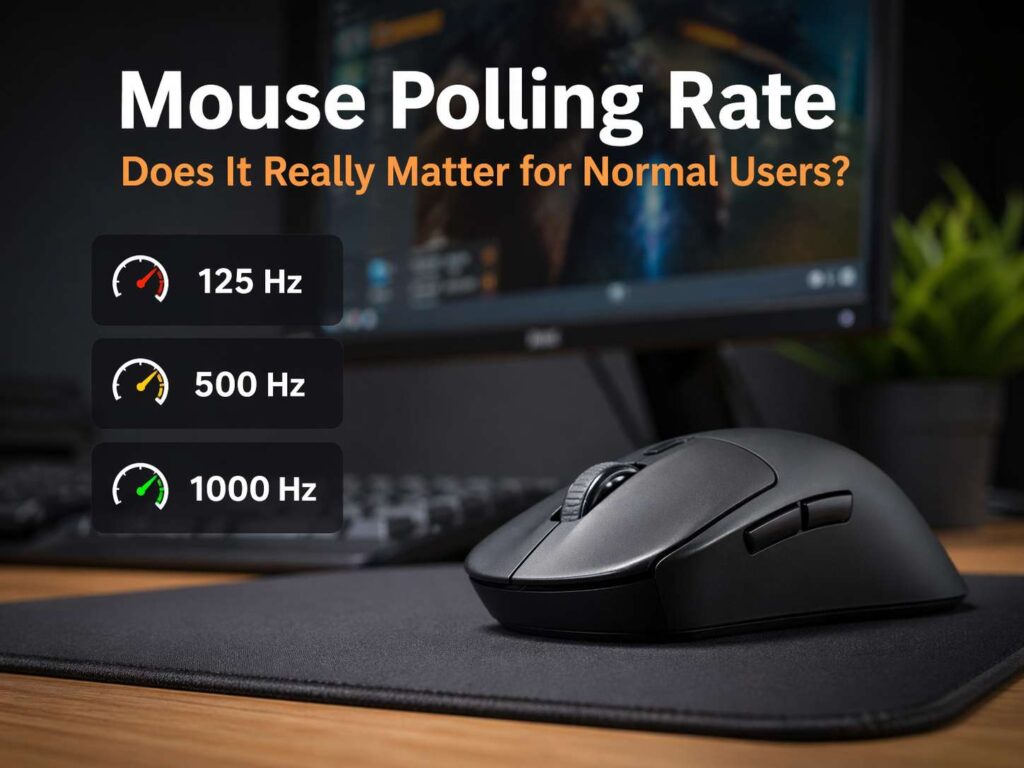
Polling rate does matter, but the gains flatten fast. Most people use a mouse for work, web browsing, school, photo editing, video calls, and a bit of gaming. In that kind of use, the jump from 125Hz to 500Hz can feel real. The jump from 500Hz to 1000Hz feels smaller but still nice. Past 1000Hz, many normal users stop noticing much at all.
So the better question is not “What is the highest polling rate?” The better question is “What polling rate feels good in daily use without wasting money, battery life, or system resources?”
That is the one that helps people buy the right mouse.
What mouse polling rate means
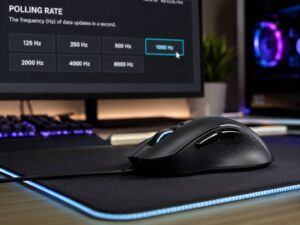
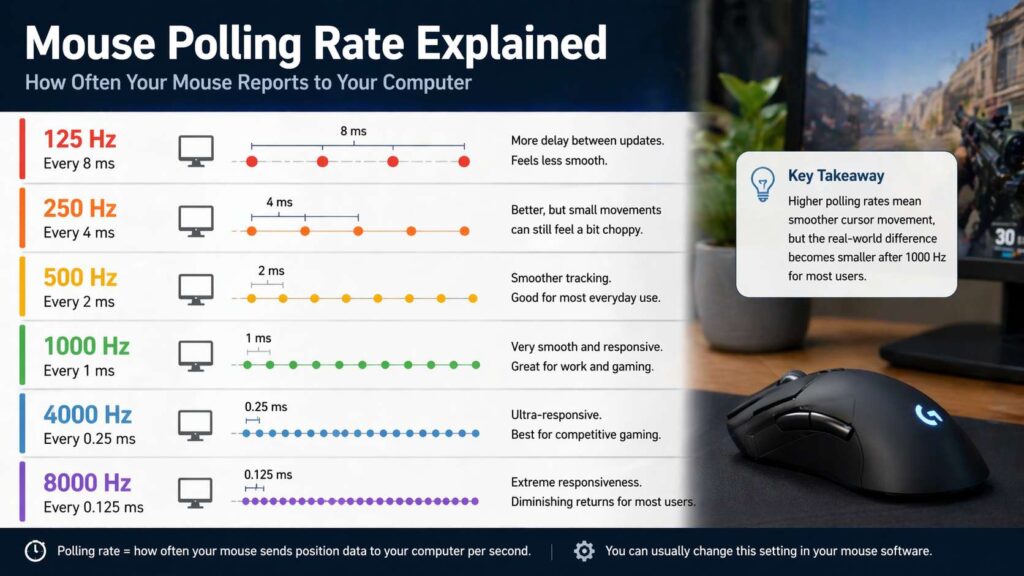
Polling rate is how often a mouse sends its position data to your computer each second. A 125Hz mouse reports 125 times per second. A 500Hz mouse reports 500 times per second. A 1000Hz mouse reports 1000 times per second.
That sounds technical, but the effect is easy to understand.
At 125Hz, the mouse updates every 8 milliseconds.
At 250Hz, it updates every 4 milliseconds.
At 500Hz, it updates every 2 milliseconds.
At 1000Hz, it updates every 1 millisecond.
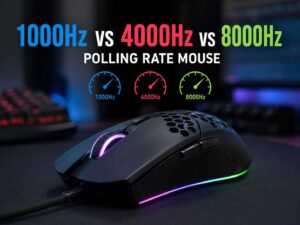
At 4000Hz, it updates every 0.25 milliseconds.
At 8000Hz, it updates every 0.125 milliseconds.
So yes, a higher polling rate cuts the gap between updates. The cursor can look smoother, and the mouse can feel more connected to your hand. Yet paper specs and real use are not the same thing. A tiny timing gain does not always turn into a clear change on your desk.
That is where many buyers get stuck. They read the numbers, then expect a dramatic difference from every jump. Real use is less exciting than marketing.
Why the jump from 125Hz to 500Hz feels bigger
This is the part most people will notice first. A 125Hz mouse can feel fine for basic work, but it can look a bit rough on a large screen or a fast display. Fast cursor moves may seem less clean. Small corrections can feel slightly delayed. The mouse still works, but it does not feel sharp.
Move up to 500Hz, and things often get better fast. The pointer tracks more smoothly. Quick swipes feel cleaner. Daily movement across the desktop feels more direct. For many people, this is the sweet spot where the mouse starts to feel “right.”
That matters even more on a modern setup. A big monitor, dual screens, or a higher refresh rate panel can make a low polling rate feel older than it is. So, for office work, school, design apps, and normal home use, 500Hz already gives a very solid experience.
This is one reason many people never feel the need to chase extreme numbers. They move from a cheap office mouse to a decent 500Hz or 1000Hz model, and that alone fixes most of what felt off.
Is 1000Hz worth it for normal users?
For a lot of people, yes.
A 1000Hz polling rate cuts the update interval to 1 millisecond, and that can make the mouse feel a bit tighter. The difference from 500Hz is not huge, but it is real. Cursor movement can look a touch cleaner, and fast pointer moves may feel more immediate.
That said, this is not a dramatic upgrade for normal users. It is a refinement. You are not stepping into a new class of performance. You are polishing the last part of the experience.
So who benefits most from 1000Hz?
People with large monitors do.
People who notice input delay do.
People who mix office work with casual gaming do.
People who just like a crisp, snappy mouse do.
For most desks, 1000Hz is a very safe choice. It feels modern, fast, and responsive. It gives you a bit more headroom than 500Hz, and it avoids most of the downsides linked to the ultra-high settings.
Do 4000Hz and 8000Hz matter for regular work?
For most normal users, not much.
This is the part that cuts through the hype. A 4000Hz or 8000Hz mouse is built for a narrow group of people. That group includes competitive players, very fast monitors, powerful PCs, and users who chase tiny input gains. Those gains are real, but they sit at the far edge of what people can notice and use.
A normal user will open email, scroll web pages, edit documents, move files, join calls, and watch videos. None of that asks for 8000Hz. Even light gaming does not demand it. A strong 1000Hz mouse already feels very fast in those tasks.
There is another problem too. Extreme polling rates can bring trade-offs. Battery life can drop. CPU load can rise. Some systems can show weaker stability or odd behavior in certain games and apps. So you may pay more for a feature you barely feel, then get shorter battery life in return.
That is not a smart trade for most people.
High polling rate is nice to have in the same way a sports car top speed is nice to have. It sounds impressive. It helps in a narrow lane. Most owners will never use the full number.
Polling rate is only one part of mouse feel
A lot of buyers focus on polling rate and ignore the rest. That leads to bad choices.
A great mouse is not great from one spec alone. Shape matters a lot. Sensor quality matters. Click feel matters. Glide matters. Weight matters. Wireless stability matters. Software matters too. A good 1000Hz mouse with a comfortable shape will feel better than a badly shaped 8000Hz mouse on almost every normal desk.
That is why shopping by polling rate alone is a mistake.
Take wireless performance as an example. A solid 2.4GHz wireless mouse can feel excellent in daily use, and many people will never spot a gap between that and a wired model. If you want a full breakdown, this guide on wireless mouse vs wired mouse helps explain where each type fits best.
Connection type matters too. Bluetooth is convenient, but 2.4GHz wireless often feels faster and more stable for people who care about response time. That difference becomes more relevant once polling rate enters the conversation. This comparison of Bluetooth vs 2.4GHz mouse in 2026 gives a clear look at what changes in real use.
So yes, polling rate matters, but it sits inside a bigger picture.
Best polling rate for office work
For office work, 250Hz to 500Hz is already good. A lot of people will be happy there. Word processing, spreadsheets, browsing, calls, email, and light creative work do not need more.
Still, 1000Hz is a strong pick if you want a smoother feel and you do not mind using it. It gives the mouse a cleaner response, and it often feels more premium. So the “best” setting for office work is not one fixed number for every person. Yet most buyers land in one of these simple groups:
125Hz works, but it can feel dated.
250Hz is okay for basic use.
500Hz feels smooth for most people.
1000Hz feels fast and polished for most desks.
This means the best polling rate for office work is usually 500Hz or 1000Hz. Past that point, the value drops fast.
Best polling rate for casual gaming
Casual gaming changes the picture a bit, but not by much.
If you play shooters, racing games, MOBAs, or action games after work, 1000Hz is a very good target. It feels responsive, and it fits the way most people actually play. You do not need 4000Hz or 8000Hz to enjoy games, track targets well, or feel in control.
In fact, shape and sensor quality will often matter more. So will mouse feet, pad surface, click tension, and weight. A balanced 1000Hz gaming mouse can beat a flashy 8000Hz mouse that feels awkward in your hand.
That is easy to forget when marketing pushes the biggest possible number.
Does monitor refresh rate change the answer?
Yes, to a point.
A higher refresh rate monitor can make cursor motion look cleaner, and it can make low polling rates feel rougher. So a 144Hz or 240Hz display may help you notice the step from 125Hz to 500Hz or from 500Hz to 1000Hz more easily.
Yet this does not mean every high refresh setup needs 4000Hz or 8000Hz. It only means the gains from a decent polling rate are easier to notice on a fast screen. For most people with a good monitor, 1000Hz is still the practical ceiling.
That is the key point. A better display can reveal the benefit of a good polling rate. It does not turn extreme polling rates into a must-have feature.
Should you change your mouse polling rate setting?
Yes, if your mouse software lets you do it. It takes a minute, and the result is easy to test.
Try 500Hz first. Use it for a day. Then try 1000Hz. Move windows around. Browse. Edit text. Use your normal apps. Play a game for a bit if you want. The better setting is the one that feels smooth and stable without draining battery life faster than you like.
That simple test works better than reading ten spec charts.
If you use a wireless mouse and care about battery life, 500Hz often makes a lot of sense. If you want the sharpest normal-user feel, 1000Hz is a smart setting. If you try 4000Hz or 8000Hz and feel no clear gain, drop back down and keep the extra battery.
The simple answer
So, does polling rate matter for normal users?
Yes, but only up to a point.
The jump from 125Hz to 500Hz can make a mouse feel much smoother. The jump from 500Hz to 1000Hz can make it feel a bit tighter and more polished. Past 1000Hz, most normal users get very little for the extra cost and battery drain.
That is why 500Hz and 1000Hz are the numbers that matter most in real life. They give you the smooth, responsive feel people want, and they do it without asking you to pay for a spec built for edge cases.
If your goal is a better everyday mouse, do not chase 8000Hz first. Pick a mouse with a good shape, a reliable sensor, solid wireless performance, and a polling rate of 500Hz or 1000Hz. For almost every normal user, that is the sweet spot.