A lot of people buy a mouse and never think twice about it. Then wrist pain starts. Or desk space gets tight. Or long workdays feel harder than they should. That is usually the point where trackballs enter the chat.
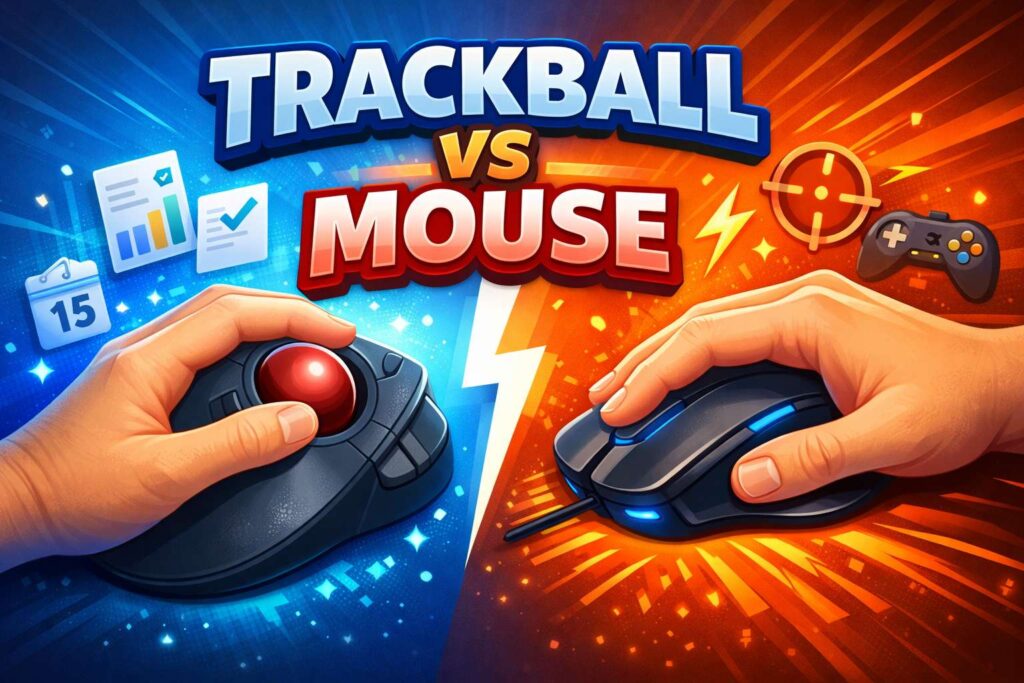
A regular mouse moves across your desk. A trackball stays in one place, and you move the cursor by rolling a ball with your thumb or fingers. That single change affects comfort, control, speed, and how much your arm moves during the day.
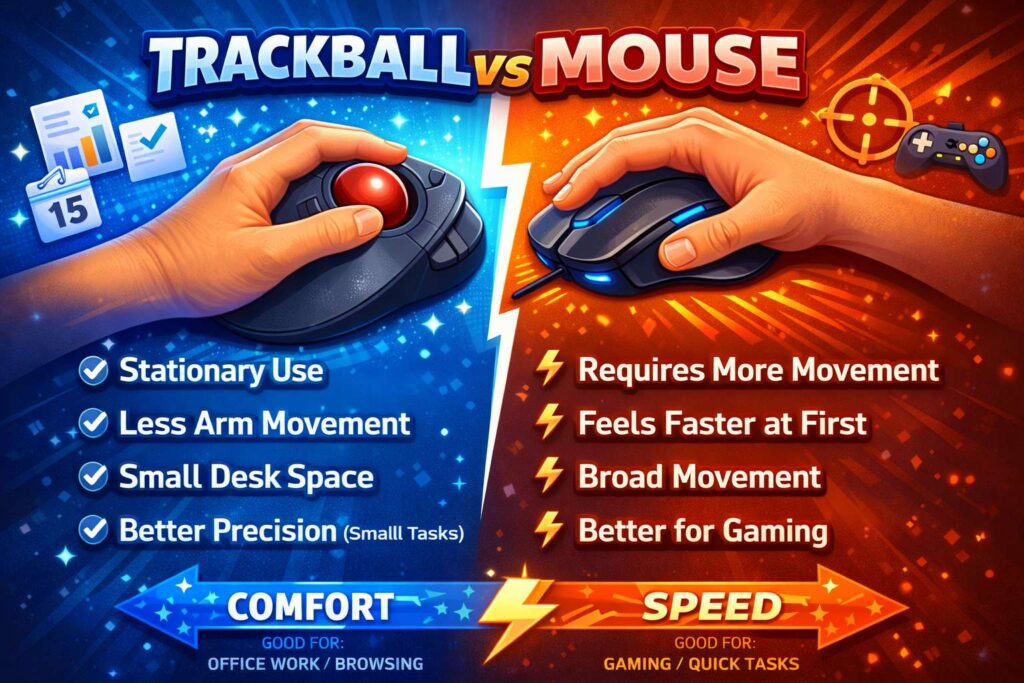
For many users, the choice feels simple at first. A mouse feels familiar. A trackball feels strange. Real use tells a fuller story. A trackball can feel great for office work, small desks, and users who want less arm travel. A regular mouse still makes more sense for fast movement, quick adaptation, and many gaming setups.
If you are choosing between the two, the right pick comes down to how you work, how your hand feels after long sessions, and how much time you want to spend adjusting to something new.
Why this choice matters more than people think
Your pointing device does more than move a cursor. It shapes how your wrist sits, how far your shoulder travels, and how often your hand repeats the same motion. Over a full workweek, those little movements add up fast.
A standard mouse asks you to move the whole device. That means more desk space and more arm travel. Plenty of people like that. The movement feels direct, and the learning curve is almost zero.
A trackball changes the pattern. Your hand stays in one place, and the cursor moves when you roll the ball. That cuts down on desk movement. It can feel easier on the shoulder and forearm, especially during long office tasks. For users with a shallow desk or a crowded setup, that fixed position can feel like a big upgrade.
Comfort still does not come from the device alone. Chair height, desk height, keyboard placement, and break habits all shape the result. A new device helps, but it does not erase a poor setup.
What a regular mouse does well
A normal mouse wins on familiarity. Most people learned on one, so it feels natural right away. You move your hand, and the cursor follows. That direct link makes a mouse easy to trust.
Speed is another strong point. Fast swipes, wide screens, and drag-heavy work often feel smoother with a regular mouse. If you edit images, move windows across two monitors, or play games that need quick flicks, a mouse usually feels easier.
Gaming is a clear example. Many players want low effort, fast tracking, and immediate response. A standard mouse fits that style well. You do not need to retrain your hand, and you can switch between slow precision and fast motion with little thought.
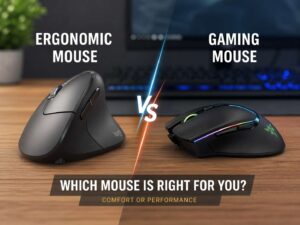
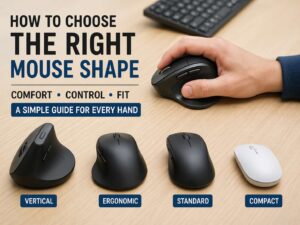
Regular mice give you more shape options too. You can find compact travel mice, full-size ergonomic models, lightweight gaming mice, and vertical designs. If you are already comparing ergonomic shapes, it makes sense to look at a vertical mouse vs regular mouse before you decide that a trackball is the only route toward better comfort.
Where a trackball stands out
A trackball shines in a different kind of routine. It suits users who spend hours in spreadsheets, email, web apps, customer support tools, admin platforms, or long browsing sessions. In those cases, constant desk travel matters less, and reduced arm movement starts to feel very nice.
The biggest plus is simple. The device stays still. Your hand stays planted. Your arm does not sweep back and forth across the desk all day. That can make a real difference if your shoulder gets tired or your desk feels cramped.
Small workspaces are a natural fit for trackballs. If your keyboard, notebook, dock, coffee mug, and charger already fight for room, a stationary pointing device makes life easier. You do not need a large mouse pad. You do not need to clear space every time you sit down. A trackball just sits there and works.
Trackballs can feel better in awkward setups too. Couch desks, tray tables, uneven surfaces, and tiny home office corners all work better with a device that does not need to slide around.
Trackball vs mouse for wrist pain
This is one of the most common reasons people search for this topic. They feel soreness in the wrist, forearm, thumb, or shoulder, so they start looking for an answer in the hardware.
A trackball can help. A mouse can help too. The answer changes from person to person.
If your pain comes from repeated arm travel, a trackball may feel like relief. Your hand stays in one place, so the shoulder and forearm do less work. That setup often appeals to users searching for terms like trackball for wrist pain, mouse alternative for RSI, or best pointing device for office work.
There is a trade-off though. A thumb trackball puts more work on the thumb. A finger trackball shifts more work to the fingers. If your thumb already feels sore, a thumb trackball may annoy you more than a normal mouse. If finger joints bother you, a finger trackball may not feel great either.
A regular mouse spreads movement across the hand and arm in a more familiar way. Some users prefer that right away. Others feel better after moving to a vertical mouse or a larger ergonomic mouse with stronger palm support.
So the device matters, but posture still matters just as much. Keep your wrist straight. Keep the pointer close to the keyboard. Relax the shoulders. Stand up now and then. Short breaks do more good than many people expect.
Thumb trackball vs finger trackball
Not all trackballs feel the same. This part changes the whole experience.
A thumb trackball looks closer to a regular mouse. Your hand rests on the shell, and your thumb rolls the ball. That layout feels easier for many first-time users. The jump from a mouse is smaller, so the learning phase tends to feel less harsh.
A finger trackball uses your index and middle fingers to move the ball. The device often sits more centrally, and some users love the extra control for small cursor movements. Long-time trackball fans often praise this style for precision and comfort during long desk sessions.
Thumb models usually feel more approachable. Finger models often reward patience. Neither one is better for everyone. Hand size, grip style, and old injuries shape the result.
The learning curve is real
A mouse feels normal in minutes. A trackball rarely does.
That does not mean the trackball is worse. It just asks your brain and hand to build a new habit. For the first day or two, the cursor can feel slippery or oddly disconnected. Small corrections may feel harder. You may overshoot targets. That is normal.
Some people give up too fast. They try a trackball for twenty minutes, hate it, and return it. That short test does not tell you much. A fair test takes several days of real work.
Start with low-pressure tasks. Use it for email, browsing, chat, and office work. Keep your old mouse nearby during the first week. Then pay attention to how your hand feels after a full day, not just how the device feels in the first ten minutes.
That slower evaluation matters. Plenty of users dislike the first hour and like the first full week.
Which one feels better for gaming?
A regular mouse still wins for most gamers. Fast aim, broad sweeps, quick flicks, and muscle memory all favor the normal mouse. The format has decades of momentum behind it, and game design has grown around it.
A trackball can work for gaming. Some users enjoy it, and some get very good with one. That said, it is still a niche choice. The learning phase is longer, and many players never feel as fast or as natural with a trackball as they do with a standard gaming mouse.
If gaming sits near the top of your list, a mouse is the safer buy. If work comfort matters more, and gaming comes second, a trackball still has a place.
Which one is better for productivity?
For office work, the gap gets smaller. In some cases, the trackball pulls ahead.
Trackballs feel strong in spreadsheets, email, research tabs, ticket systems, dashboards, and long admin sessions. The fixed base saves desk space and cuts repeated arm movement. That can make long days feel easier.
A mouse still works very well for productivity, especially if you do a lot of drag-and-drop work, screen rearranging, or creative tasks that need broad movement. Designers and editors often stick with a mouse for that reason.
The better pick depends on the type of productivity you do. Fine cursor control in a tight workspace points toward a trackball. Fast movement across a wide workspace points toward a mouse.
Small details that change the experience
Buying the right device helps. Setting it up well helps just as much.
Cursor speed matters. A pointer that feels too slow will annoy you no matter what shape you buy. Button placement matters too. If your fingers reach too far or sit too cramped, comfort drops fast. Hand size matters in a big way, and many people ignore that until it is too late.
Surface needs matter less with a trackball. That is one hidden perk. A normal mouse can struggle on glass, fabric, or cluttered desks. A trackball does not care much about the space around it.
It is smart to think about your whole desk, not just one device. People who like simple, side-by-side buying guides often compare more than one daily tool before they buy. That same habit works in other parts of the home too, like this breakdown of robot vacuum vs cordless vacuum, where comfort, space, and routine matter just as much as raw specs.
So which one should you buy?
Buy a trackball if you want less arm movement, work on a small desk, spend long hours in office apps, or feel tired after pushing a mouse around all day. It is a strong fit for users who care about comfort and desk efficiency more than instant speed.
Buy a regular mouse if you want a familiar feel, faster adaptation, better gaming support, or broad movement across large screens. It is the easier choice for most people, and for good reason.
There is one more smart option. Keep both. Use a mouse for gaming or wide-screen movement. Use a trackball for long work blocks. That split setup works very well for some users, and it gives your hand a break from one fixed pattern.
Final take
Trackball vs mouse is not a trend debate. It is a comfort and workflow choice.
A regular mouse gives you speed, familiarity, and easy control from day one. A trackball gives you a fixed position, less arm travel, and a strong option for tight desks or long office sessions.
If your hand hurts now, do not expect one device to solve everything on its own. Fix the setup too. Place the pointer close to the keyboard. Keep the wrist neutral. Relax the shoulders. Take short breaks. Then choose the device that feels easiest to live with for hours at a time.
That is the part that counts.