The best keyboards for work from home can make your desk feel calmer, cleaner, and easier to use. A good keyboard helps you type with less strain. It can cut noise during calls too. Better yet, it can save space and make your laptop setup feel more like a proper office.
A laptop’s built-in keyboard works for quick tasks, but it can feel cramped after a full day. Your shoulders tighten. Your wrists bend. Your screen sits too low. After a few weeks, the setup starts to feel rough.
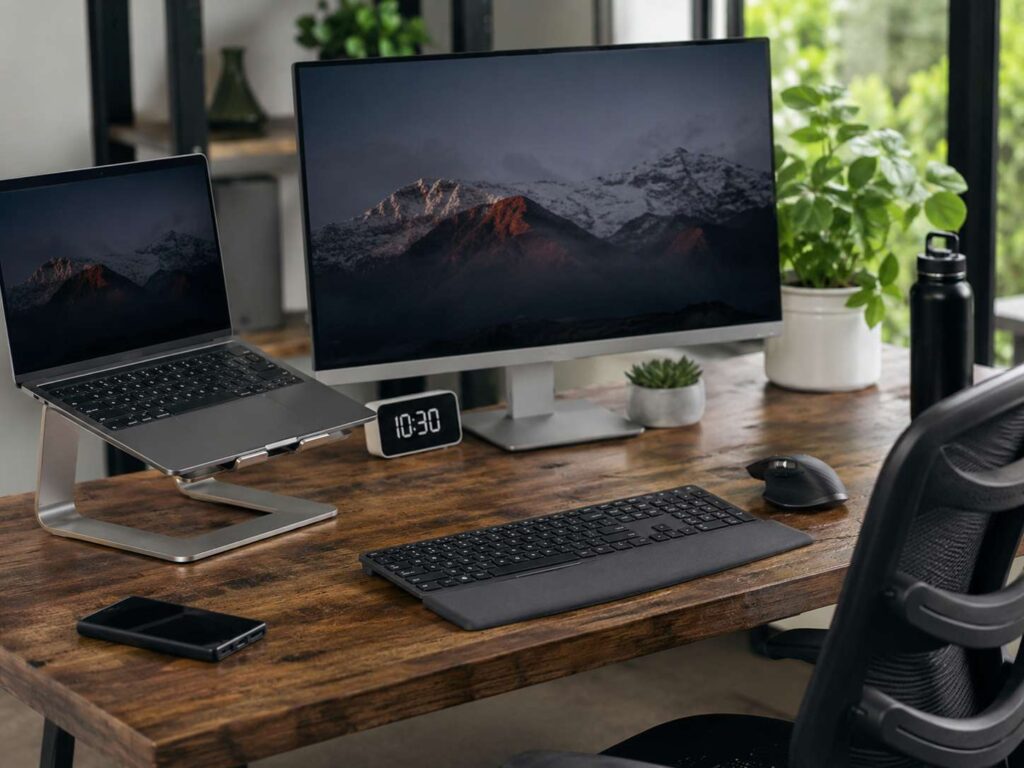
A separate keyboard fixes a lot of that. Place your laptop on a stand, raise the screen, then keep the keyboard and mouse at desk level. This gives your hands more room and helps your posture during long workdays.
Not every keyboard fits every person. A writer needs a soft and steady typing feel. A finance worker needs a number pad. A developer often wants better switches and shortcut access. A manager who spends hours on calls needs quiet keys. The right pick starts with your work style.
Best Overall Keyboard for Work From Home
The Logitech MX Keys S is the best overall pick for most home office users. It feels polished, quiet, and easy to learn. The low-profile keys have a slight curve, so your fingers land cleanly. This helps during emails, documents, spreadsheets, reports, and daily admin work.
It supports Bluetooth and a USB receiver, so you can connect it to more than one device. That helps if you switch between a work laptop, home desktop, tablet, or second computer. The full-size version includes a number pad, which makes it a strong choice for Excel, billing, finance work, and data entry.
The typing feel is smooth rather than deep. People who like laptop keyboards will feel at home right away. Mechanical keyboard fans may want more key travel, but office users will likely enjoy the quiet sound and clean design.
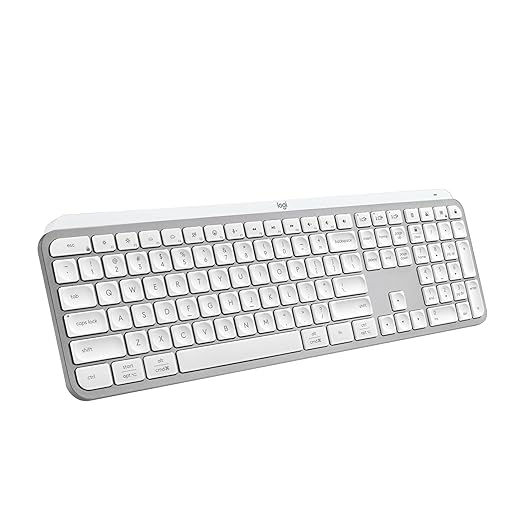
Choose it if you want one keyboard that fits almost every home office task.
Best Ergonomic Keyboard for Long Workdays
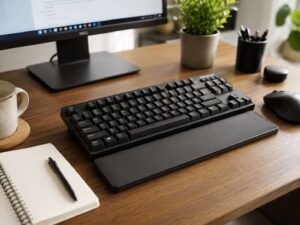
The Logitech Ergo K860 is the best choice for users who feel wrist or forearm strain. It has a split curved shape that places your hands in a more natural position. The padded wrist rest gives your palms a soft place to pause between tasks.
This keyboard takes a little time to learn. The split layout feels unusual at first, mainly if you have used flat keyboards for years. After a few days, the shape starts to feel more natural. It suits long writing sessions, support work, admin tasks, and heavy typing days.
It is large, so it needs a wide desk. It also works best in a fixed home office setup. If you move between rooms or travel with your gear, a smaller keyboard will suit you better.

Pick this model if comfort matters more than desk space.
Best Budget Keyboard for Home Office Comfort
The Logitech Wave Keys gives you a softer ergonomic feel without the full split shape. It uses a wavy key layout and a built-in cushioned palm rest. The design feels familiar, so it takes less getting used to than a split keyboard.
This is a smart pick for emails, browsing, school work, light spreadsheets, calendar tasks, and general office use. It does not feel as premium as the MX Keys S, but it offers comfort at a friendlier price.
The compact shape helps too. It still has a number pad, but it takes less desk room than many large office keyboards. That makes it useful for small home desks.
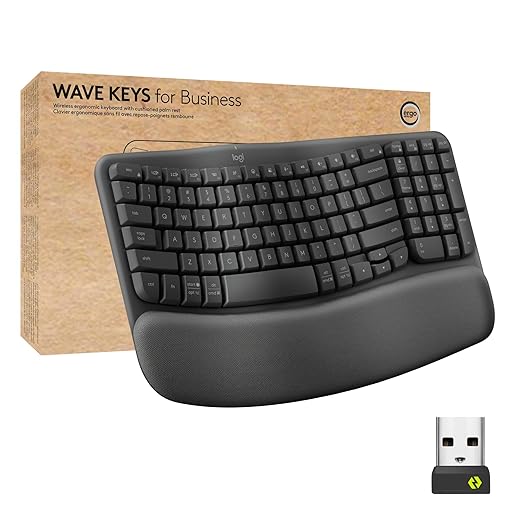
Go with this one if you want a comfortable keyboard and do not want to spend much.
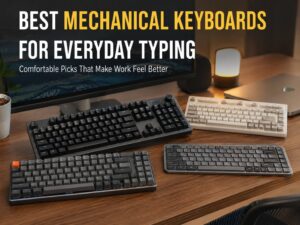
Best Mechanical Keyboard for Work From Home
The Keychron K2 HE is a strong choice for people who want a deeper, more tactile typing feel. It uses a compact 75% layout, so it keeps the function row and arrow keys but removes the number pad. This leaves more room for your mouse, notebook, phone stand, or coffee cup.
Mechanical keyboards often feel more satisfying than flat office boards. The K2 HE works well for developers, writers, editors, and anyone who types for hours. It can connect wirelessly, and it fits both Windows and Mac setups.
Noise depends on the switches and keycaps. Some mechanical keyboards sound too loud for shared spaces. If you take many video calls, pick a quieter switch option or place a desk mat under the keyboard to soften the sound.

This is a strong pick if you want a compact keyboard with a more premium typing feel.
Best Quiet Mechanical Keyboard for Office Calls
The Logitech MX Mechanical is a good fit for users who want mechanical keys in a cleaner office style. It has low-profile mechanical switches, wireless support, and a layout that works well for daily tasks.
It feels more precise than a slim membrane keyboard, but it does not look like a gaming board. That makes it easier to place in a professional home office. The sound level depends on the switch type, so silent or tactile options make more sense for work calls.

This model suits people who want a better typing feel but still need a work-friendly setup.
Best Compact Keyboard for Small Desks
The Logitech MX Keys Mini works well for small home offices, laptop stands, and clean desk setups. It removes the number pad, so your mouse can sit closer to your body. That small change can reduce shoulder reach during long days.
The keys feel quiet and stable. The compact layout still keeps the main keys most people use each day. It works well for writing, email, web tools, project management apps, and video meeting notes.
The main tradeoff is the missing number pad. If you work in spreadsheets all day, choose a full-size keyboard instead. For most writing and admin tasks, the smaller size feels more comfortable.
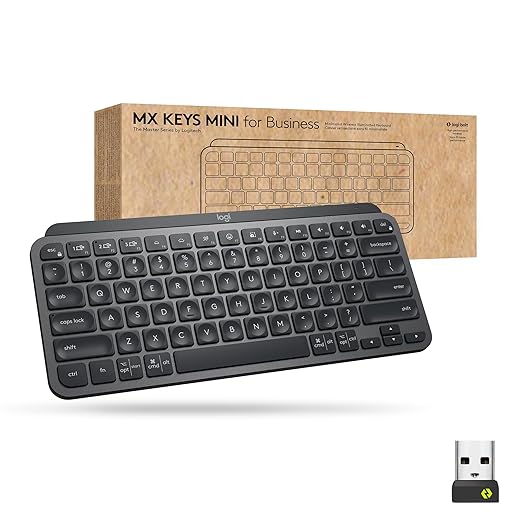
Choose this keyboard if your desk is tight or you prefer a clean setup.
Gaming Keyboard vs Office Keyboard for Remote Work
A gaming keyboard can work for home office tasks, but it is not always the best fit. Many gaming boards have loud switches, bright lights, tall keys, and extra features that do not help much during office work. Some people love the feel. Others find them distracting.
An office keyboard usually focuses on quiet typing, comfort, wireless support, and a clean layout. That matters more during calls, shared workspaces, and long typing sessions.
If you already own a gaming keyboard, test it during a real workday. Check the noise during meetings. Pay attention to your wrist angle. See if the layout slows you down in spreadsheets or documents. For a deeper comparison, read this guide on gaming keyboard vs office keyboard.
For most remote workers, a quiet office keyboard is the safer pick. For developers and heavy typists, a quieter mechanical keyboard can give the best mix of feel and focus.
What Makes a Keyboard Good for Typing All Day?
A keyboard for long typing days should feel stable, quiet, and easy on your hands. The keys should not wobble too much. They should not need heavy force. The layout should match your habits too.
Wrist angle matters a lot. A tall keyboard with raised back feet can bend your wrists upward. That can feel fine for a few minutes, then tiring after a full day. Try a flatter angle first. A keyboard that sits low and close to the desk keeps the wrists straighter.
Key travel matters too. Short key travel feels fast and clean. Deeper key travel gives more feedback. Neither one is perfect for everyone. Your hands will tell you what works after a few full work sessions.
A quiet sound helps too. Loud keys can become tiring, mainly during calls or shared workspaces. If typing comfort is your main goal, this guide on the best keyboard for typing all day gives more detail.
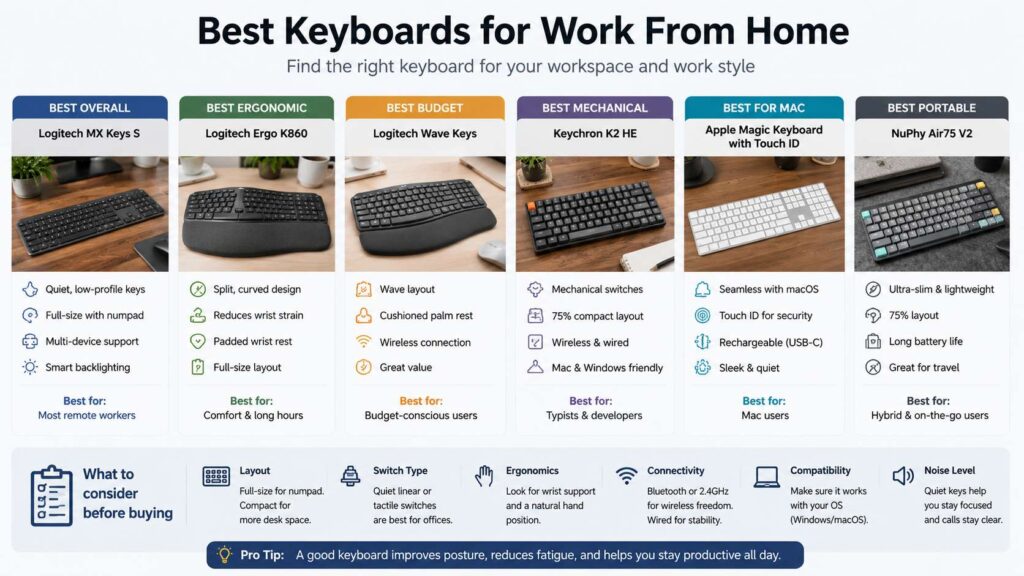
Full-Size, Tenkeyless, or Compact Layout?
A full-size keyboard includes the number pad, function row, arrows, and navigation keys. It works best for spreadsheets, finance tasks, accounting, reporting, admin work, and data entry. The downside is desk space. Your mouse sits farther away, and that can add shoulder strain.
A tenkeyless keyboard removes the number pad but keeps the main keys, arrows, and function row. This is a strong middle ground for many remote workers. It gives more mouse room but still feels familiar.
A 75% keyboard saves even more space. It keeps the most useful keys in a tighter layout. Writers, developers, and laptop users often like this format.
A 60% keyboard looks clean, but it can slow office work. You lose direct access to arrows, function keys, and other daily shortcuts. It works best for minimal setups, not heavy office tasks.
Wireless or Wired Keyboard?
Wireless keyboards keep your desk clean. They work well for most home offices, mainly if they support Bluetooth and a 2.4 GHz receiver. Multi-device switching is useful if you work across a laptop, desktop, and tablet.
Wired keyboards remove battery concerns. They also give a stable connection every time. Some mechanical keyboard fans prefer wired setups for simplicity.
For most remote work, wireless makes more sense. Keep a charging cable nearby, and you will not think about battery life often. If you dislike charging devices, choose a keyboard with long battery life or standard replaceable batteries.
Quiet Keys Matter During Meetings
A keyboard can sound louder on a microphone than it does in the room. Clicky mechanical switches can distract coworkers during calls. Tall keycaps can add extra sound too.
Low-profile office keyboards usually stay quieter. Scissor switches, silent mechanical switches, and dampened designs work better for remote meetings. A desk mat can reduce echo and soften key sound. A soft wrist rest can cut desk noise too.
If you share a room with family, roommates, or a partner, quiet keys become even more useful. A softer keyboard helps you work early, late, or during calls without drawing attention.
Quick Buying Checklist
Use this checklist before you buy:
- Choose full-size if you use numbers every day
- Choose compact if your desk feels crowded
- Pick quiet keys if you take many calls
- Look for multi-device support if you use more than one computer
- Pick an ergonomic shape if your wrists feel tired
- Check Mac and Windows key labels if you switch systems
- Choose backlighting if you work at night
- Look for USB-C charging if you prefer fewer cables
- Add a desk mat if your keyboard sounds too sharp
- Buy from a seller with easy returns if you try an ergonomic layout for the first time
Final Verdict
The best keyboards for work from home should match your desk, your hands, and your daily tasks. The Logitech MX Keys S is the best all-around choice for most people. It is quiet, comfortable, and easy to use. The Logitech Ergo K860 is the better pick for wrist comfort. The Logitech Wave Keys gives you a lower-cost ergonomic option. The Keychron K2 HE fits users who want a compact mechanical board. The Logitech MX Keys Mini works best for small desks and laptop stand setups.
A keyboard looks like a small upgrade, but you use it all day. Pick one that feels good after hour five, not just minute five. Your hands will thank you by Friday.