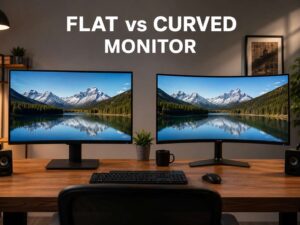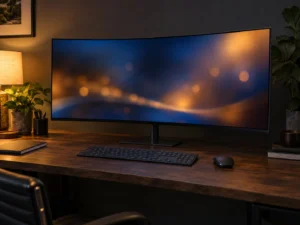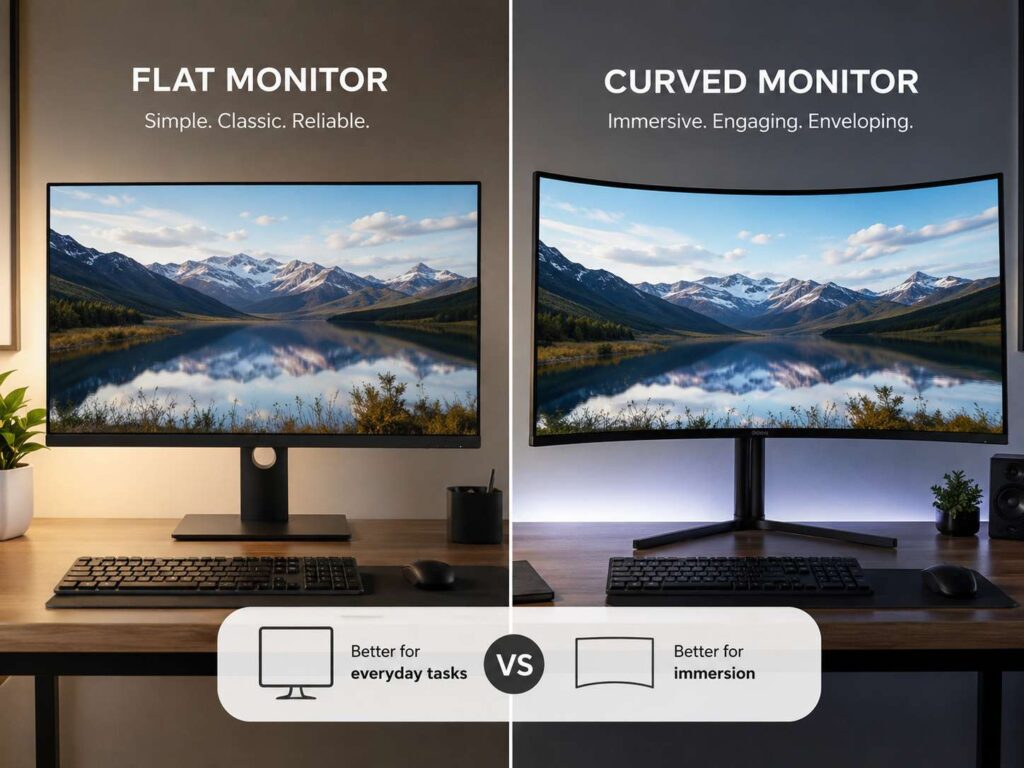
A curved monitor looks simple at first. The screen bends slightly toward you, so the left and right edges sit closer to your eyes than they do on a flat display. That small design change can make a real difference, mostly on wide screens.
The curve is usually shown with a number such as 1000R, 1500R, 1800R, or 3000R. The “R” stands for radius. A lower number means a stronger curve. So, a 1000R monitor has a deeper curve than a 1800R monitor. A 3000R curve feels much softer.
This matters most on large displays. A 24-inch monitor already keeps the edges close to the center of your view. So, the curve adds little in daily use. A 34-inch ultrawide, 38-inch ultrawide, or 49-inch super ultrawide is different. The sides stretch much farther away, so a curved panel can feel more natural from a normal desk position.
The real question is not “Are curved monitors good?” A better question is this: does the curve solve a real problem in your setup? In some cases, yes. In others, a flat monitor gives better value, easier placement, and fewer compromises.
Why Curved Monitors Exist
Curved monitors were made to solve a simple issue: wide flat screens can feel stretched at the sides.
On a large flat monitor, the center sits directly in front of you. The left and right edges sit farther away and at a sharper angle. So, you move your eyes more often. With a very wide screen, you may turn your head more than expected during long work sessions.
A curved screen pulls those side areas inward. This helps the image feel more even from edge to edge. It can also make a large monitor feel less like a flat wall on your desk.
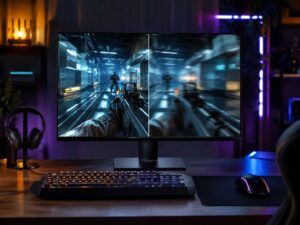
The curve can make games and movies feel more immersive too. In racing games, flight simulators, and open-world games, the screen wraps slightly around your vision. That makes the scene feel wider and more engaging.
Still, a curve does not turn a bad monitor into a good one. Resolution, panel type, brightness, color quality, refresh rate, response time, ports, stand quality, and price still matter. The curve is only one part of the buying decision.
When a Curved Monitor Makes Sense
A curved monitor makes the most sense once the screen gets wide enough to benefit from it. That starts around 32 inches. The benefit becomes clearer on 34-inch, 38-inch, 40-inch, and 49-inch displays.
A curved monitor is a smart fit for:
- Ultrawide productivity
- Immersive gaming
- Racing and flight simulators
- Large spreadsheets
- Video editing timelines
- Side-by-side browser windows
- Coding with several panels
- Trading dashboards
- Remote work setups with many apps open
A 34-inch 21:9 curved monitor can replace two smaller screens. You get one wide workspace, no center bezel, and a cleaner desk. For writers, developers, analysts, editors, and researchers, that can feel easier than switching between two separate displays.
A 49-inch super ultrawide curved monitor makes even more sense for users who need several windows open at the same time. You can place your main work in the center, notes on one side, and email or chat on the other. The curve helps keep those far edges easier to see.
If you want a deeper comparison before buying, this flat or curved monitor guide can help you match the screen type to your desk, work style, and budget.
Curved Monitors for Work and Productivity
A curved monitor can work very well for office tasks, but size matters a lot.
For normal office work, a 27-inch flat monitor still feels simple and practical. It gives enough room for documents, browser tabs, email, and video calls. It usually costs less too. If your desk is small, that type of screen often makes more sense.
For heavier multitasking, a curved ultrawide becomes more useful. A 34-inch 3440 x 1440 monitor gives you more horizontal space than a standard 16:9 display. This helps with split-screen work, research, editing, long documents, and dashboards.
For example, you can keep a document in the center, a browser on the left, and a messaging app on the right. That layout feels natural on a curved ultrawide. On a flat ultrawide, the far edges can feel more distant, mainly if the monitor sits close to you.
A curved ultrawide can also reduce the need for a dual-monitor setup. This matters if you dislike bezels in the middle of your desk. It also helps if you want fewer cables and a cleaner workspace.
Still, the screen will not fix a poor desk setup. You still need the right height, distance, brightness, text scaling, and chair position. If you lean forward all day, any monitor can feel uncomfortable.
When a Curved Monitor Is Better for Gaming
A curved monitor makes the most sense for games that benefit from a wide view.
Racing games, flight simulators, open-world games, RPGs, and cinematic single-player games often feel better on a curved ultrawide. The wider view can make the game feel more natural and less boxed in.
A 34-inch curved gaming monitor with a 21:9 aspect ratio can feel much more immersive than a 27-inch flat screen. A 49-inch curved monitor can feel even wider, but it needs a large desk, a strong graphics card, and enough viewing distance.
For competitive shooters, the answer changes. A 24-inch or 27-inch flat monitor is the better fit. Smaller screens make it easier to see the full image without moving your eyes too much. These screens also come with very high refresh rates, such as 240Hz, 360Hz, or more.
So, curved works best for immersion. Flat often works better for esports, fast aim, and strict focus. Neither choice is wrong. They simply serve different types of gaming.
When a Curved Monitor Does Not Make Sense
A curved monitor does not make much sense for small screens. A 24-inch curved monitor rarely adds real value. At that size, the screen is already narrow enough for easy viewing. A flat panel is usually cheaper, simpler, and easier to place.
A curved monitor can also feel awkward for design work that needs careful line judgment. This includes CAD, architecture, product design, page layout, and some photo editing tasks. Straight lines can feel a little different on a curved panel, mainly during the first few days.
Shared viewing is another weak point. The best seat is directly in front of the screen. Someone sitting off to the side may get a weaker view. That matters for meetings, client reviews, classroom use, or watching video with another person.
A flat monitor is often better for:
- Small desks
- Tight budgets
- Wall mounting
- Shared viewing
- Console gaming from a couch
- Graphic design with strict alignment needs
- Dual-monitor setups with angled arms
- Small 24-inch and 27-inch displays
Desk depth matters too. A curved ultrawide takes more room than a normal screen. You need enough space to sit back, keep the screen centered, and avoid feeling crowded.
Best Curvature: 1000R, 1500R, 1800R, or 3000R?
The best curvature depends on screen size, desk depth, and how close you sit.
A 1000R curve is strong. It can feel very immersive on gaming monitors, especially larger ones. It also needs a centered seating position. If you move around often or sit far back, it may feel too aggressive.
A 1500R curve is a good middle ground. It gives a clear curve without feeling extreme. Many 32-inch and 34-inch gaming monitors use this style.
A 1800R curve feels gentler. It works well for ultrawide productivity screens and mixed-use setups. It still brings the edges inward, but it does not feel as wrapped around your face.
A 3000R or 3800R curve is very soft. It suits large professional ultrawides where comfort matters more than gaming immersion.
Here is a simple way to compare them:
- 1000R: strongest curve, best for immersive gaming
- 1500R: balanced curve for gaming and work
- 1800R: gentle curve for ultrawide office use
- 3000R or higher: subtle curve for large professional displays
For most people buying a first curved monitor, 1500R or 1800R feels safer than 1000R.
Screen Size Matters More Than the Curve
Screen size matters more than the curve number.
A 27-inch curved monitor with a strong curve can feel unnecessary. A 34-inch ultrawide with a moderate curve can feel much more useful. A 49-inch super ultrawide almost needs a curve, since the edges sit far away on a flat panel.
Resolution matters too. A big screen with low resolution can look soft. For a 34-inch ultrawide, 3440 x 1440 is a strong match. For a 38-inch ultrawide, 3840 x 1600 gives more vertical room. For a 49-inch super ultrawide, 5120 x 1440 is common and gives a dual-QHD style workspace.
Refresh rate matters for gaming. Color accuracy matters for editing. USB-C, power delivery, and built-in KVM support matter for work setups. Do not buy a curved monitor only for the curve. Buy it if the full package fits your use.
Curved Monitor Pros
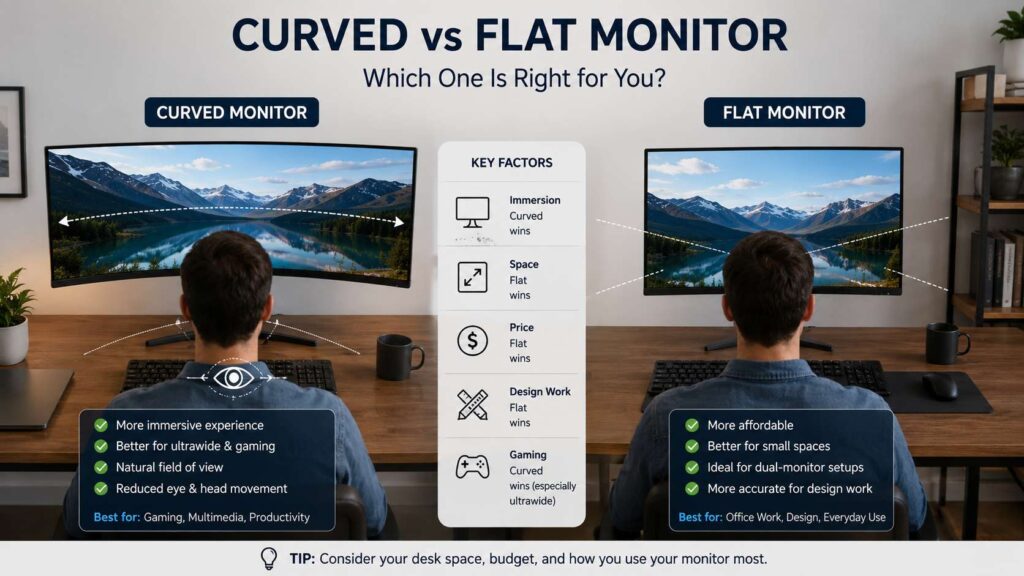
A curved monitor has clear strengths in the right setup.
Key benefits include:
- Better edge visibility on wide screens
- More immersive gaming and video
- Cleaner alternative to dual monitors
- Comfortable wide workspace for multitasking
- Strong fit for ultrawide and super ultrawide formats
- Less need to turn your head on very wide displays
- More natural feel from a centered desk position
The biggest benefit is the mix of curve, size, aspect ratio, resolution, and viewing distance. A good curved ultrawide can make work feel smoother and games feel more engaging.
Curved Monitor Cons
A curved monitor also has real downsides.
Common drawbacks include:
- Higher price than many flat monitors
- Less useful on small screens
- Weaker for shared viewing
- Harder to wall mount neatly
- More desk depth needed
- Possible line perception issues for design work
- Strong curves can feel strange at first
- Not ideal for people who sit off-center
The curve can feel great for one person and annoying for another. That is normal. Curved monitors are more personal than flat monitors.
Curved Monitor vs Dual Monitors
A curved ultrawide can replace dual monitors, but it does not suit every workflow.
A single ultrawide gives you one clean surface. There is no bezel gap, and window movement feels smoother. This helps with video editing timelines, spreadsheets, research, and writing.
Dual monitors give you more physical separation. That can help if you like keeping one screen for meetings and one for work. It also gives you more flexibility with portrait mode. For coding, a vertical second monitor can be very useful.
Choose a curved ultrawide if you want one clean workspace. Choose dual flat monitors if you want separate zones, mixed orientations, or a lower total cost.
Best Setup Tips for a Curved Monitor
A curved monitor works best when the setup is centered and stable.
Use these tips:
- Place the center of the monitor directly in front of you.
- Keep your chair aligned with the screen.
- Sit far enough back to read text without leaning forward.
- Set the top of the screen at eye level or slightly below.
- Use text scaling if small text causes strain.
- Keep brightness close to the light level in your room.
- Avoid placing bright windows behind or in front of the screen.
- Use a monitor arm if the stand takes too much desk space.
For ultrawide monitors, do not push the screen too close. If the curve feels intense, move the monitor back a little and adjust text size. Small setup changes can make a big difference.
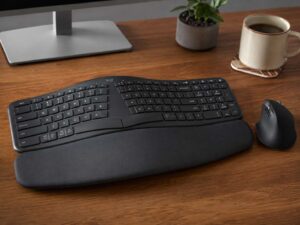
The same idea applies to keyboards and mice. Comfort comes from the full desk setup, not one product alone. If wrist comfort is part of your setup problem, this guide on when an ergonomic keyboard is actually worth buying is a useful next read.
Who Should Buy a Curved Monitor?
Buy a curved monitor if you use a wide screen every day and sit centered in front of it.
It makes sense for:
- Home office users who multitask
- Gamers who play immersive titles
- Editors working with timelines
- Developers using many panels
- Finance users with dashboards
- Writers and researchers with side-by-side windows
- Users replacing two monitors with one ultrawide
A curved monitor is also a good choice if you want a cleaner desk and a wider workspace without a center bezel.
Who Should Stick With a Flat Monitor?
Stick with a flat monitor if you want the safest, simplest choice.
A flat monitor makes sense for:
- 24-inch and 27-inch screens
- Budget setups
- Design work with straight-line accuracy
- Shared screens
- Wall-mounted setups
- Competitive gaming
- Dual-monitor layouts
- Small desks
Flat monitors are easier to compare, cheaper in many sizes, and more flexible for mixed use. A good 27-inch flat 1440p monitor gives better value than a cheap curved display.
Final Verdict: Curved Monitor or Flat Monitor?
A curved monitor makes sense when the screen is wide, the desk is deep enough, and you sit centered in front of it. It works best for ultrawide productivity, immersive gaming, and large single-monitor setups.
A curved monitor does not make sense when the screen is small, the budget is tight, or the work needs exact line judgment. It also loses value in shared viewing setups and rooms where people watch from different angles.
For most buyers, the best rule is simple: choose flat for 24-inch and 27-inch monitors, consider curved for 32-inch screens, and strongly consider curved for 34-inch ultrawide and larger displays.