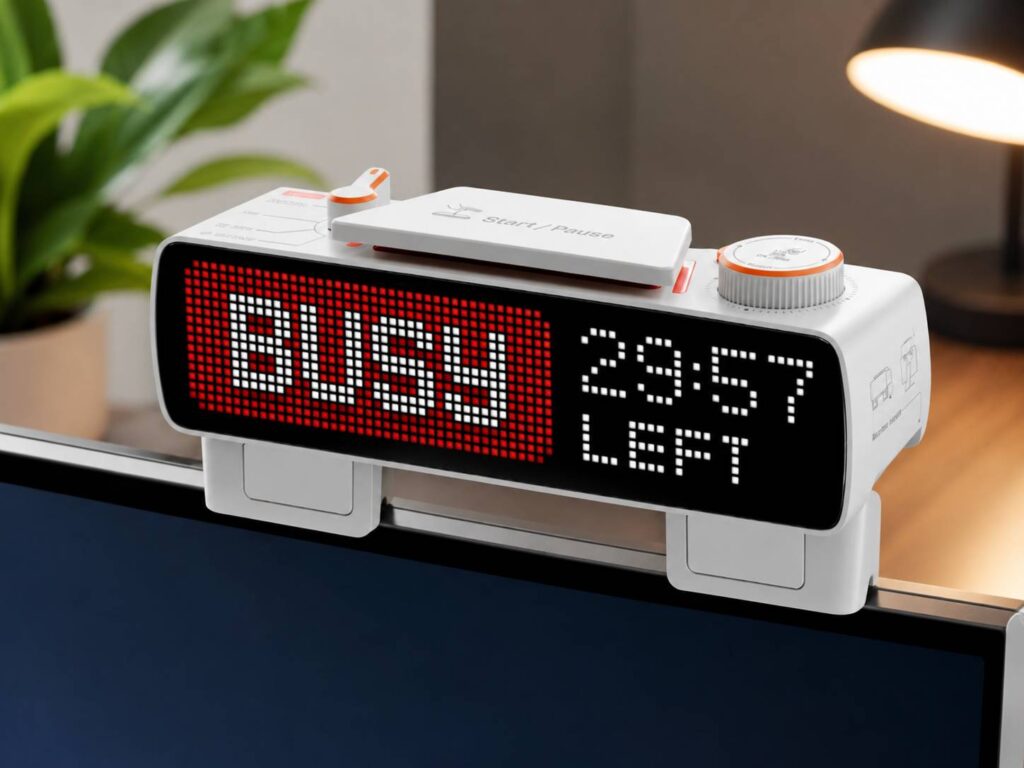
The Flipper Busy Bar is a 72 by 16 pixel LED sign that clips onto the top of a monitor and tells the people behind you that you are on a call, in a focus block, or free in 18 minutes. It is a companion display turned around. A desk screen such as Corsair's Xeneon Edge faces you and fills with widgets, and this one faces the room with a single message. Flipper Devices, the company behind Flipper Zero, sells it from its own store, where it was listed at $199 on October 2 with $249 shown as the regular price. Whether it suits your desk depends on two things, the thickness of your monitor's top edge and whether your computer is a Mac.
A companion display that faces the room
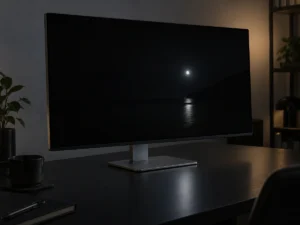
The Corsair Xeneon Edge is a fair yardstick for what a companion display usually is: a 14.5-inch touchscreen at 2560 by 720 that shows CPU readouts, chat or a virtual Stream Deck to the person sitting at the desk. That panel has 1,843,200 pixels. The Busy Bar has 1,152, one sixteen-hundredth as many, spread across a 158.4 by 35.2 mm face at a 2.2 mm pitch. It cannot show a window from your computer the way a portable monitor or a laptop screen extender does, and is not meant to. Its job is a word or two and a countdown, readable across a room.
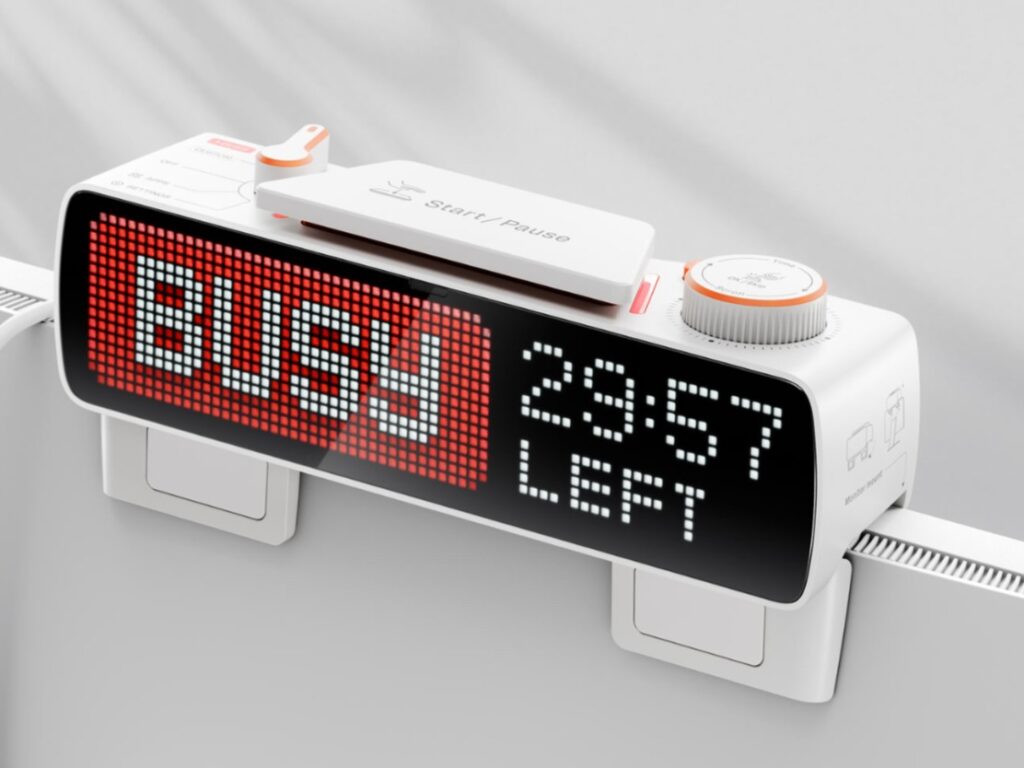
Flipper rates the RGB matrix at 400 nits, with a 60 Hz refresh rate and a light sensor that sets brightness on its own. The back carries a second screen, a 1.54-inch monochrome OLED at 160 by 80 pixels, which mirrors the front so you can see what the room sees. It also shows battery level, Wi-Fi, Bluetooth and sound status.
The controls are physical: a large start and pause button, a mode selector, a scroll wheel that sets the timer, and a back button. Flipper says the busy status works offline with no software at all, so the simplest use is to press the button, roll the wheel to the end of your call, and leave it.
The 21 mm rule for the monitor mount
The mount is built into the body. You pull it out, set the bar on the monitor, and push the mount back until it presses against the rear of the screen. Flipper's documentation gives the limit as monitors up to 21 mm thick at the top edge, with a different cable route for screens under 15 mm, and it warns that the bar can fall if the mount does not touch the back of the monitor.
Monitor spec sheets give an overall depth, which describes the thickest part of the body, so a ruler across the top of your screen is the quicker check. Thicker monitors need Flipper's $15 wall mount, which also puts the bar on a wall or a door.
The bar is 168.6 mm wide, 55.2 mm tall, 40.8 mm deep and 250 g. On a 27-inch 16:9 monitor, about 600 mm across, it leaves room for a clip-on webcam beside it, but only one of them can sit at the center. Pick the webcam's spot first, since the camera has to frame your face and the sign only has to be seen.
What switches it on by itself
The automatic ON CALL status runs through the Busy App on a Mac. Flipper's documentation says the app watches whether any program is using the microphone, switches the bar to ON CALL when a call starts and clears it when the call ends, and that it cannot listen to the microphone itself. No setup is needed in Slack or Microsoft Teams. The same page says the feature works only on macOS for now. A streaming mode switches the bar on when broadcasting software such as OBS is live.
The Google Calendar link shows a reminder with a countdown before each event, then the event title and the time left while it runs. That title appears on a sign facing everyone in the room, so a meeting named after a client or a medical appointment is on display unless you replace it with a custom message, which the documentation says you can set. All-day events are not shown.
The Busy App can also mute notifications and block chosen apps on your phone and computer while the bar is in focus mode, similar in spirit to Focus modes on an iPhone but started from a button on the desk. The interval timer is modeled on the Pomodoro pattern of 25 minutes of work and a 5-minute break.
Battery, connections and the developer side
A 3,250 mAh 18650 cell gives up to 8 hours of active status, enough for a working day away from a cable. Flipper's FAQ puts a full charge at 2.5 hours from an 18 W or faster Power Delivery charger and 7 to 8 hours from anything else, including a computer port. USB-C handles both charging and the computer link. Wireless is Wi-Fi 6 on the 2.4 GHz band only, plus Bluetooth LE 5.4.
Flipper publishes the firmware under GPLv2, and the bar has an HTTP API that works on the local network without internet, Python and TypeScript libraries, MQTT for connecting to any cloud, and a virtual network link over the USB cable. Home Assistant can use it as a trigger or as a display. Flipper also lists Matter support for Apple Home and Google Home.
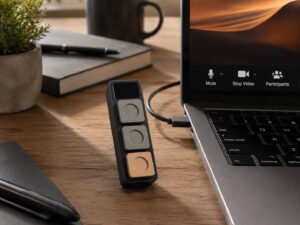
The Dune keypad put mute and camera keys beside a MacBook, and the Busy Bar covers the other side of a call by telling the room that the microphone is on. Flipper offers 30-day returns, and orders in the US ship from Los Angeles.
What Flipper has yet to deliver
- Automatic ON CALL on Windows, which Flipper lists as coming soon with no date.
- Matter certification, which it describes as in progress.
- Hardcore mode, which locks blocked phone apps for a whole focus session and is marked coming soon.