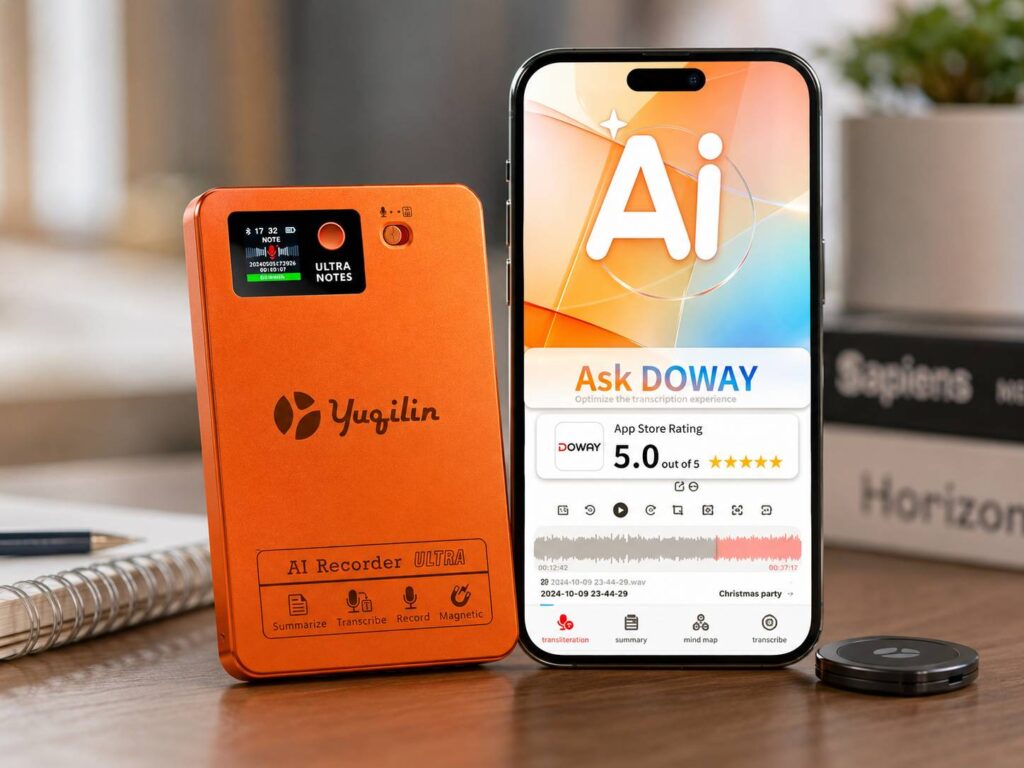
The Pocket AI note-taking device is a small phone-mounted recorder made for people who want cleaner notes without typing through every meeting. It sticks to the back of your phone, records with one press, then sends the audio to the Pocket app for transcripts, summaries, action items, mind maps, and searchable notes.
That sounds simple, and honestly, that is what makes it interesting. Plenty of AI note-taking apps work well during Zoom calls, Google Meet sessions, or laptop-heavy workdays. Pocket feels built for the messier moments: client meetings, quick calls, lectures, interviews, site visits, coffee chats, or those half-random ideas you say out loud before forgetting them.
At $129, Pocket is trying to sit in a sweet spot. It costs more than a basic voice memo app, of course, but it is cheaper and more focused than many AI gadgets. It does not try to replace your phone. It gives your phone a dedicated note-taking button that stays ready.
What Is the Pocket AI Note-Taking Device?
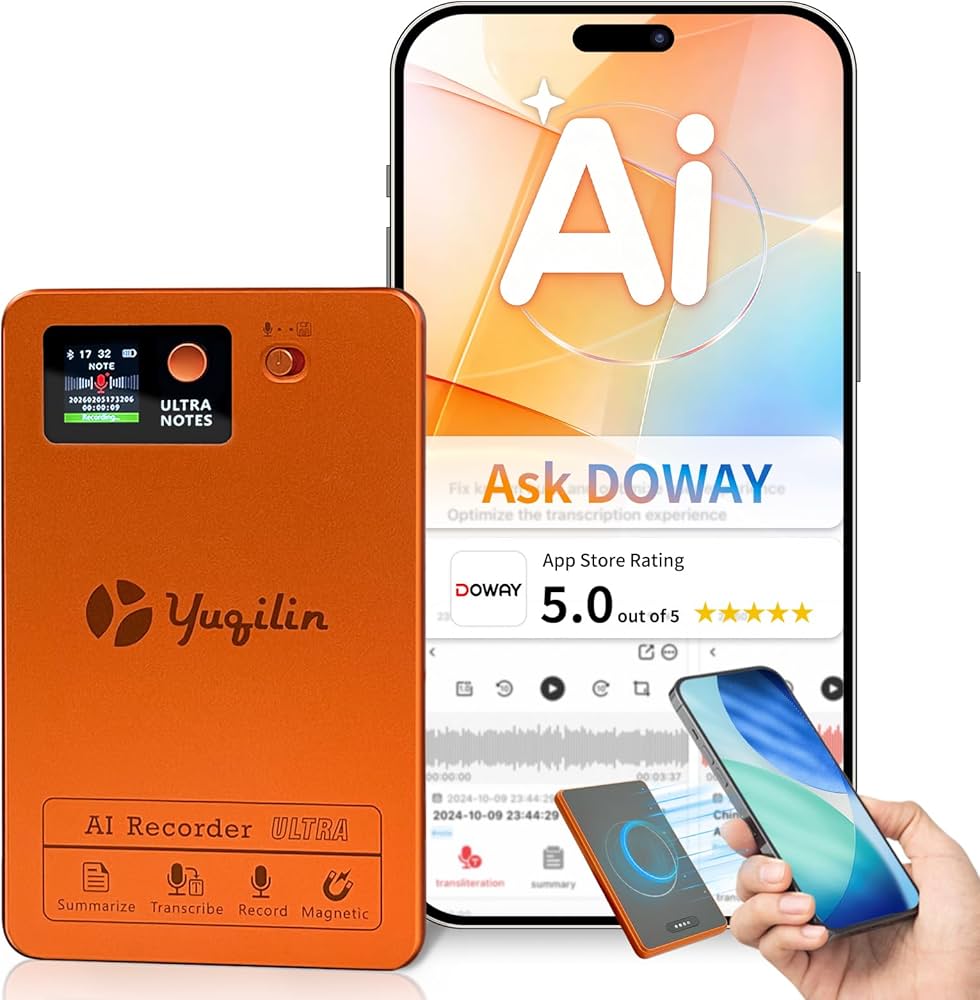
Pocket is a small AI recorder that attaches to the back of a phone with MagSafe. People without a MagSafe phone can use the adhesive mount, so it is not locked to newer iPhones only.
Once it is attached, the workflow is very direct. Press the side button, start talking, and Pocket records. Press again, and it stops. You do not need to unlock your phone, open an app, or scroll around looking for the right button.
After recording, the Pocket app turns the audio into useful notes. It can create:
- Full transcripts
- Short summaries
- Action items
- Mind maps
- Searchable notes
- Exportable text
- Follow-up tasks
That is the real difference between Pocket and a normal voice recorder. A basic recorder saves sound. Pocket tries to turn that sound into something you can read, search, and use later.
Why a Phone-Mounted Recorder Makes Sense
At first, a separate AI note-taking puck can feel a little unnecessary. Phones already have microphones, voice memo apps, and plenty of AI tools. The benefit here is not just recording. It is speed.
A phone app still adds friction. You unlock the phone, find the app, start the recording, and hope nothing interrupts the process. Pocket removes most of those steps. It has its own microphones, its own battery, and onboard storage.
That matters in real conversations. People do not always pause so you can prepare your notes. Good ideas often show up during a walk, a phone call, a quick work chat, or a meeting that was not supposed to turn serious. Pocket gives you a quick way to capture those moments before they disappear.
This is where the product makes the most sense to me. The hardware is useful only if it changes your habits. A recorder that lives on the back of your phone has a better chance of becoming part of your daily routine than another app buried on your home screen.
Key Specs and Features
Pocket is small, but it includes a solid mix of hardware and software features. It is more capable than a basic mini recorder, and it feels more practical than a lot of AI-first gadgets.
The main details include:
- 64GB onboard storage
- MagSafe-compatible mounting
- Adhesive mount option for non-MagSafe phones
- Claimed 4-day battery life
- USB-C charging
- Bluetooth Low Energy, Wi-Fi, and USB-C support
- 2 studio microphones
- 1 contact microphone for phone calls
- Recording range up to about 15 meters
- Offline recording
- iOS, Android, and web access
- Support for more than 120 languages
- AI summaries, action items, and mind maps
The contact microphone is one of the more useful details. Pocket says it can record phone calls without needing speaker mode. That makes it more practical for client calls, interviews, support calls, and professional conversations where speakerphone feels awkward.
Offline recording helps too. A product like this should not become useless just because the signal is weak. Pocket records locally, then syncs later through the app.
Free Core Features and Pocket Pro
Pocket promotes core use without a required subscription. That makes the $129 price easier to accept, especially for people who dislike buying hardware that later pushes them into a monthly plan.
The free tier includes unlimited transcription at standard accuracy, summaries, to-dos, mind maps, and plain text exports. For many users, that covers the basics.
Pocket Pro is aimed at heavier users. It adds higher accuracy transcription, unlimited Ask Pocket, advanced AI models, speaker labels, custom templates, file attachments, richer exports, full cloud history, and more advanced mind maps.
My honest view: the free plan looks good for casual users, students, and anyone who mainly wants quick transcripts and clean summaries. Pro makes more sense for sales teams, founders, consultants, lawyers, doctors, real estate agents, and people who record several work conversations every week.
Who Pocket Is Really For
Pocket is not only a meeting gadget. Its design fits people who collect ideas and details away from a desk.
It seems most useful for:
- Students recording lectures and study sessions
- Founders capturing investor calls and planning talks
- Sales reps turning client calls into follow-ups
- Coaches or therapists taking session notes with consent
- Journalists recording interviews
- Realtors saving buyer notes during property visits
- Medical workers summarizing patient discussions with proper consent
- Creators saving scripts, ideas, and voice notes
- Project managers turning team chats into tasks
The best use case is simple: Pocket lets you stay present. Typing notes during a conversation can make you miss tone, context, and small details. A dedicated AI recorder lets you listen first, then review the structured notes later.
Creators who already work with compact recording gear, action cameras, and portable production tools, like the Insta360 Luna Ultra 8K, will probably understand the appeal faster. Pocket follows the same basic idea: carry a small tool that captures the moment without slowing you down.
Privacy and Consent Still Matter
AI note-taking devices come with real privacy concerns. Recording a conversation is different from writing private notes for yourself.
Pocket says recordings use encrypted storage, secure cloud syncing, and privacy-focused systems. That is good, but users still need to follow local laws and workplace rules. In many places, call or meeting recording requires consent from one or more people in the conversation.
For work use, the safest habit is simple: tell people the recording is active. That avoids awkward situations and protects trust. Secret recording can damage relationships, break company policy, and create legal trouble.
How Pocket Compares to AI Note-Taking Apps
AI note-taking apps such as Otter, Fireflies, Granola, Read AI, and built-in meeting tools can work very well for online calls. They make sense for calendar-based meetings, shared meeting rooms, and desktop workflows.
Pocket takes a different route. It focuses on physical conversations, phone calls, field work, and quick capture. That gives it a real place in the market.
The choice is fairly clear. People who spend most of their day in online meetings will probably get more value from a software note-taker. People who take notes during in-person meetings, travel, lectures, client visits, interviews, or quick calls will find Pocket more practical.
Is the $129 Price Fair?
The $129 price helps Pocket stand out. Many AI hardware products have struggled with high prices, unclear use cases, or subscriptions that make the hardware feel incomplete. Pocket feels more grounded. It has one main job, a familiar phone-mounted design, and a price that productivity-focused users can understand.
The device still has to prove itself over time. AI summaries need to be accurate. Transcripts need to handle accents, noise, and overlapping voices. The app needs to stay fast. Exports, cloud history, and search need to feel reliable.
The hardware gets people interested. The software keeps them using it.
My Honest Take
Pocket is one of the more practical AI gadgets I have seen recently. It does not promise to replace your phone, act like a personal robot, or manage your whole life. It records conversations and turns them into notes. That is a narrow job, but a useful one.
The best part is the form factor. A phone-mounted recorder is easier to carry than a separate voice recorder and faster than opening another app. The price helps too, mainly since the core features do not require a paid plan.
The main concern is the subscription split. Pocket can fairly say that no subscription is required for core use. Still, power users will probably want Pro. Buyers should check the feature list before treating Pocket as a one-time purchase that includes everything forever.
For people who regularly lose ideas, forget meeting details, or spend too much time rewriting notes, Pocket makes a lot of sense. For people who only need online meeting transcripts, an app-based tool is probably enough.
Final Thoughts
The Pocket AI note-taking device shows a practical side of AI hardware. The best tools do not always need screens, assistants, or flashy promises. Sometimes, they just need to do one job well.
Pocket keeps the idea simple: attach it to your phone, press a button, record the moment, and let AI clean up the notes after. That simplicity gives it a real chance.
At $129, Pocket is not a must-buy for everyone. For students, creators, sales reps, consultants, journalists, and anyone who captures lots of real-world conversations, it can become a small daily tool that actually earns its place.