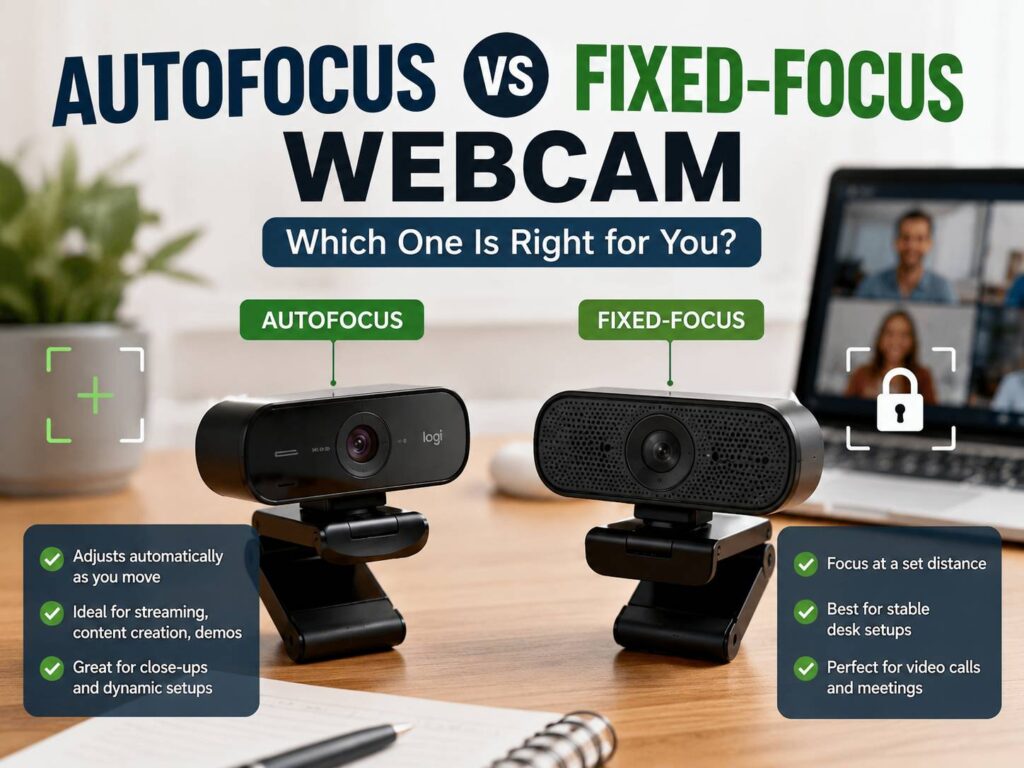
A webcam can promise sharp video and still make your face look soft. It is tempting to compare 1080p, 2K, and 4K and pick the model with the biggest number. That works sometimes, but focus often matters more in daily use.
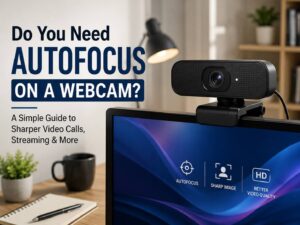
Focus controls how sharp your face looks at your real desk distance. It affects close-up shots, product demos, work calls, online classes, and streaming. So, the autofocus vs fixed-focus webcam choice deserves more attention than it usually gets.
A fixed-focus webcam can look clean in a simple meeting setup. An autofocus webcam can handle more movement and close-up objects. Still, each one has problems. Fixed focus can look blurry up close. Autofocus can hunt, pulse, or lock onto the wrong thing.
This guide breaks down the difference in plain language. It will help you choose the right webcam for Zoom, Microsoft Teams, Google Meet, YouTube, Twitch, online teaching, remote work, and home office calls.
What Is an Autofocus Webcam?
An autofocus webcam changes focus on its own. The camera tries to keep the main subject sharp as the distance changes. In most cases, that subject is your face.
For example, you sit close to your monitor during a call. Then you lean back. After that, you hold a product box, notebook, keyboard, or small device near the lens. A good autofocus webcam adjusts the image so the subject stays clear.
That sounds ideal, and for many people it is. Autofocus gives you more freedom. You do not need to sit perfectly still. You can move, present, teach, or show objects without losing sharpness right away.
Still, autofocus quality varies a lot. A strong model locks onto your face fast and stays steady. A weaker model keeps searching. The image goes sharp, then soft, then sharp again. This is called focus hunting, and it can make video calls look messy.
Autofocus webcams work best for:
- YouTube videos
- Product demos
- Twitch streaming
- Online lessons
- Remote presentations
- Desk setup videos
- Tutorials and repair clips
- Makeup, craft, and cooking content
- Calls where you move closer and farther from the camera
For content creators, autofocus often makes more sense than fixed focus. It gives the camera room to adjust as the scene changes.
What Is a Fixed-Focus Webcam?
A fixed-focus webcam has a lens set to a fixed focus range. It does not change focus during your call. Instead, the camera is designed to keep a normal desk distance acceptably sharp.
This type suits simple setups. Picture a webcam on top of a monitor, with the user sitting about an arm’s length away. In that position, a fixed-focus webcam can look stable and clear enough for daily video calls.
The main benefit is consistency. Fixed focus does not pulse. It does not shift focus to your hand, microphone, chair, or background. The image stays steady from start to finish.
Fixed-focus webcams work well for:
- Work meetings
- School calls
- Family video chats
- Reception desks
- Shared office rooms
- Basic home office setups
- Users who sit in one position
- Buyers who want a lower price
The weakness appears once you move outside the lens range. Hold a receipt, product label, or small gadget close to the camera, and it can look soft. The webcam cannot refocus on that object.
Autofocus vs Fixed Focus: The Real Difference
The real difference is distance control.
Autofocus adapts as the subject moves. Fixed focus stays set to one range.
This small detail changes the whole experience. An autofocus webcam gives you more flexibility. You can lean in, lean back, or show items near the lens. A fixed-focus webcam works best at a steady distance, so it rewards a clean and simple setup.
For most home office users, both can work. The better choice comes down to how you use the camera.
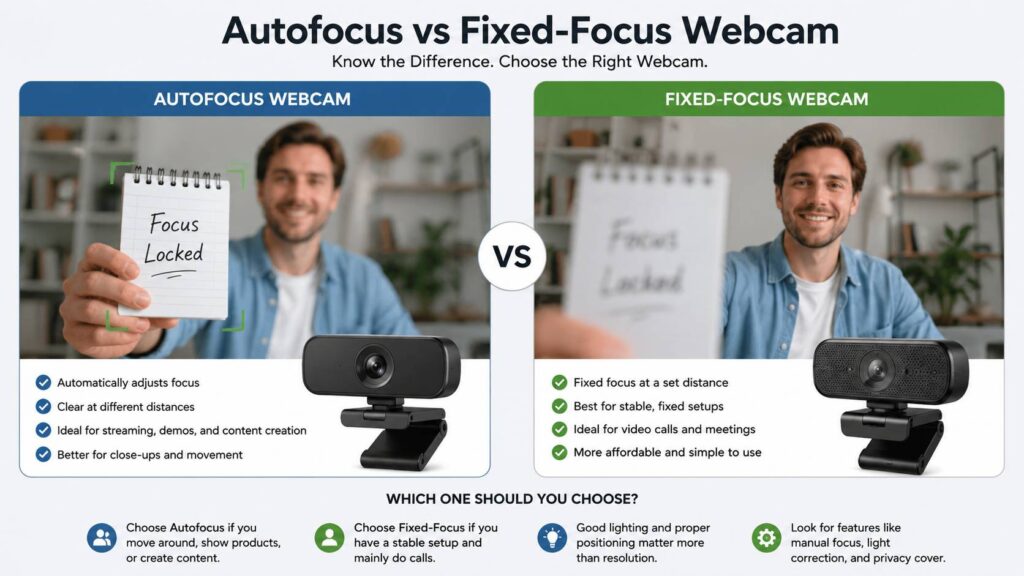
Choose autofocus for movement, close-ups, content, teaching, and streaming. Pick fixed focus for stable meetings, simple calls, and a lower price.
A higher price does not always mean better results. A cheap autofocus webcam can hunt all day in poor light. A well-made fixed-focus webcam can look calmer during a long meeting. So, focus type matters, but camera quality matters too.
Why Webcam Focus Matters More Than People Expect
Blurry video is not always a resolution problem. A 1080p webcam can look crisp with good focus and light. A 4K webcam can look poor with weak focus or a dirty lens.
Before buying a high-resolution model, it helps to understand how resolution affects real video quality. This 1080p vs 4K webcam guide explains the difference in more detail.
Focus matters first. Resolution only helps after the image is sharp.
Think of it this way. A soft 4K image gives you more pixels of blur. A sharp 1080p image often looks better in a normal video call. Lighting, lens quality, exposure, and focus all shape the final image.
For Zoom, Teams, and Meet, you probably do not need 4K. You need a webcam that keeps your face clear at the right distance. That is where the focus type makes a real difference.
Common Autofocus Webcam Problems
Autofocus can be great, but it is not perfect.
The most common issue is focus hunting. The webcam keeps searching for the subject. Your face looks sharp for a second, then soft, then sharp again. This can happen in dim rooms, with busy backgrounds, or with reflective glasses.
Another issue is wrong-subject focus. The webcam may lock onto your microphone, chair, wall shelf, or hand instead of your face. Wide-angle webcams can do this more often, as they capture more of the room.
Low light creates another problem. Autofocus needs enough detail to work well. In a dark room, the camera can struggle to find a clean edge. Then the picture looks noisy and unstable.
Some autofocus webcams react too much. You move your hand, and the camera shifts. You lean forward, and it shifts again. During a work call, that can distract people on the other side.
A better autofocus webcam gives you software controls. Manual focus lock is very useful. You can set the focus once, then stop the camera from changing it during a meeting or stream.
Common Fixed-Focus Webcam Problems
Fixed focus has its own limits.
The biggest problem is close-up blur. It appears when you hold up a document, small product, handwritten note, or gadget label during a call. The camera keeps the background sharp, but the item near the lens looks blurry.
Desk distance can create problems too. A fixed-focus webcam has a sweet spot. Sit too close, and your face can look soft. Sit too far back, and fine details can fade. This matters more with large monitors, deep desks, and monitor arms.
Another issue is flexibility. A fixed-focus webcam can work well for one setup, then feel limited in another. Move it from a laptop to a large monitor, and the distance changes. The image may not look as sharp.
Still, fixed focus has one big strength. It stays calm. For long calls, that steady image can feel better than a cheap autofocus camera that keeps shifting.
Which One Is Better for Zoom, Teams, and Google Meet?
For normal video calls, fixed focus can be enough. On a typical call you sit in one place, talk, listen, and leave. The camera does not need to track much movement.
Still, autofocus gives more room for real life. You may use a standing desk. You may lean forward to read something. You may move your chair back. You may show a product or paper during a call. In those moments, autofocus helps.
A good choice for office calls is a 1080p autofocus webcam with focus lock. You get flexibility, but you can stop focus shifts once the camera looks right.
Fixed focus makes more sense for shared meeting spaces, front desks, and simple home setups. It keeps the image steady, and it costs less in many cases.
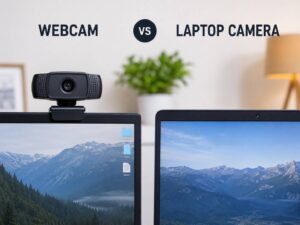
For people who still use a built-in laptop camera, an external webcam can be a clear upgrade. This webcam vs laptop camera comparison explains why external cameras often give better framing, sharper video, and better control.
Which One Is Better for Streaming and YouTube?
Autofocus is the safer pick for streaming and YouTube.
Creators move more than office users. They adjust posture, show items, change scenes, and record different angles. Fixed focus can handle a talking-head setup, but it becomes limiting once the content grows.
For streaming, look for these features:
- 1080p at 60 fps or 4K at 30 fps
- Autofocus with manual focus lock
- Good low-light handling
- Adjustable field of view
- Clean software controls
- Natural skin tones
- Stable exposure
- A sharp lens
Manual focus lock matters a lot for live content. Set the focus on your face, lock it, then start the stream. That gives you a stable image with fewer focus jumps.
For product videos, autofocus helps more. You can hold an item near the camera and let the lens adjust. Fixed focus will often fail here, mainly with small text and product labels.
Which One Works Better in Low Light?
Low light hurts both focus types, but autofocus usually suffers more.
An autofocus webcam needs contrast to detect the subject. In a dim room, the camera struggles. It may hunt, pulse, or focus on the wrong object. The image can look soft and grainy at the same time.
Fixed focus does not hunt, so it can look steadier. Still, the picture can remain noisy and dull. Focus stability does not fix poor lighting.
A small desk lamp can improve both camera types. Place the light in front of you, not behind you. Avoid strong light from a window behind your head. Clean the lens too. A fingerprint can make a good webcam look cheap.
For night calls, a webcam with a larger sensor and better exposure control usually looks better than a basic model with a higher resolution number.
How to Choose the Right Focus Type
The easiest way to choose is to match the webcam to your real use.
Pick autofocus if you:
- Move often during calls
- Use a standing desk
- Create videos
- Stream games or tutorials
- Teach online
- Show products or documents
- Want more flexibility
- Plan to keep the webcam for years
Pick fixed focus if you:
- Sit in the same position
- Join basic work calls
- Need a simple plug-and-play camera
- Want a lower price
- Hate focus pulsing
- Use the webcam in a shared room
- Rarely show objects near the lens
A mixed setup covers both cases. Buy an autofocus webcam with manual focus control. Then lock focus during work calls and unlock it for demos or videos.
Practical Buying Tips
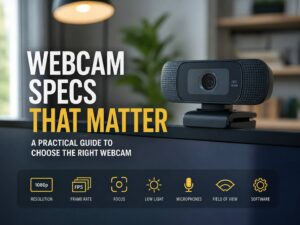
Do not buy based on resolution alone. Read the focus type first. Then check the field of view, frame rate, software controls, and low-light performance.
A 78-degree field of view works well for one person at a desk. A wider lens can show more of the room, but it can make the background busy. It can also increase the chance of wrong-subject autofocus.
For remote work, 1080p is still enough for most people. For content creation, 4K can help with cropping and sharper recordings. Still, a clean 1080p image beats a soft 4K image every time.
Look for a privacy cover if the camera stays on your monitor. Check the mount too. A poor mount can shake during typing, and that can make the image feel less stable.
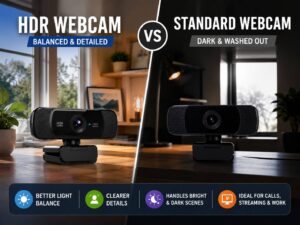
Check the software controls as well. Exposure, white balance, field of view, and focus settings can turn an average camera into a much better daily tool.
My Honest Pick
For most people, I would choose autofocus with manual focus lock. It gives the best balance. You get sharp video for normal calls, plus the option to show items or move around.
For a tight budget, fixed focus still makes sense. It works well for a steady desk setup and avoids the annoying focus shifts found on some cheaper autofocus webcams.
The worst choice is not fixed focus or autofocus. The worst choice is buying a webcam without thinking about distance. Measure your setup first. Check how far your face sits from the camera. Then choose the focus type that fits that distance.
Final Verdict
Autofocus and fixed-focus webcams both work well in the right setup. Autofocus gives you more flexibility for movement, content, close-ups, teaching, and streaming. Fixed focus gives you a steady image for simple calls and fixed desk setups.
For Zoom, Teams, and Google Meet, fixed focus can be enough. For YouTube, Twitch, online teaching, and product demos, autofocus is the stronger choice.
Do not let 4K marketing make the decision for you. A sharp, stable image matters more than a big resolution number. Choose the focus type first, then look at resolution, lighting, frame rate, and software controls.