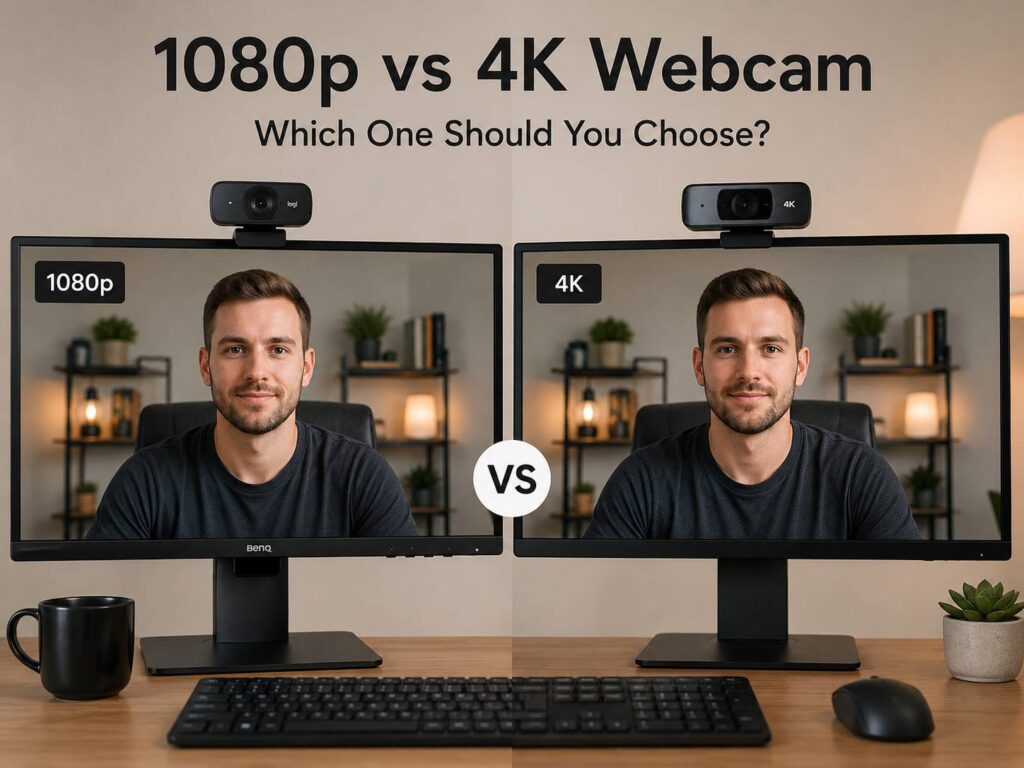
A webcam upgrade sounds simple at first. You see 1080p, then you see 4K, and the higher number looks like the obvious winner. In real use, the choice is not always that clean.
A good 1080p webcam can look sharp, natural, and professional in daily video calls. A 4K webcam can look cleaner and more detailed, but only in the right setup. Light, autofocus, lens quality, frame rate, software, and internet speed all shape the final image.
So, should you buy a 1080p webcam or a 4K webcam? For most people, 1080p is still the smarter value pick. For creators, streamers, online teachers, consultants, and anyone who records video, 4K can make more sense.
What 1080p Means on a Webcam
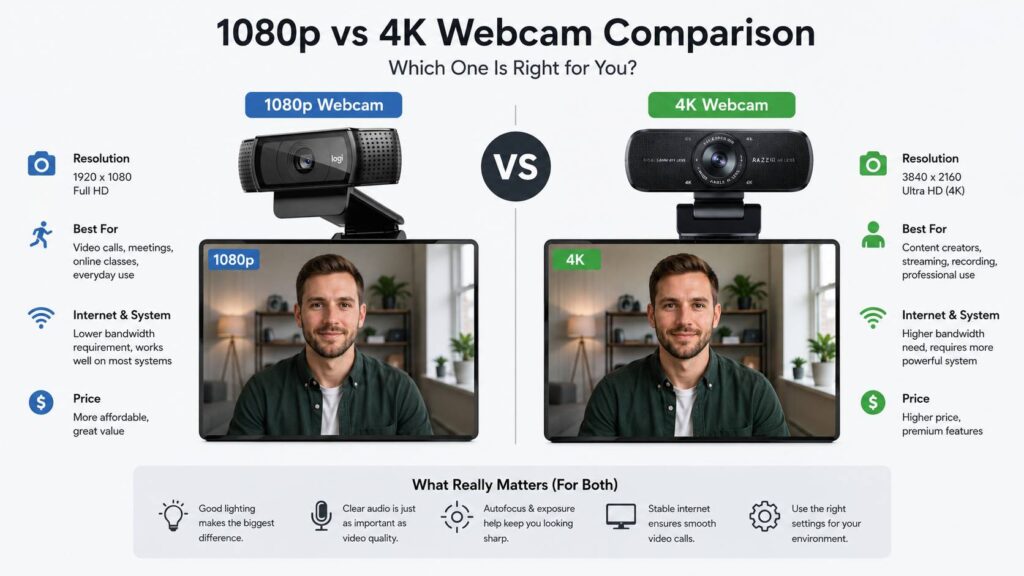
A 1080p webcam records video at 1920 x 1080 pixels. People often call this Full HD. It gives a clear image for meetings, online classes, interviews, webinars, and normal work calls.
In practice, 1080p is sharp enough for most video-call windows. Your face looks cleaner than it does on many built-in laptop cameras. Textures look more defined, and the image usually feels more professional.
A 1080p webcam is a good fit for:
- Zoom meetings
- Microsoft Teams calls
- Google Meet sessions
- Remote job interviews
- Online classes
- Basic live streaming
- Family calls
- Webinars
- Daily work-from-home use
The biggest advantage is balance. A good 1080p webcam costs less than most 4K models, needs less bandwidth, and works well on older laptops too. For that reason, it remains the safest pick for everyday use.
What 4K Means on a Webcam
A 4K webcam records video at up to 3840 x 2160 pixels. That is four times the pixel count of 1080p. More pixels mean more detail, sharper edges, and better room for cropping.
This matters most when you record video rather than just join a call. For example, a 4K webcam lets you zoom into your face, crop the frame, or reframe the shot in editing without losing as much sharpness. That helps a lot for YouTube videos, online courses, product demos, and professional presentations.
A 4K webcam is a good fit for:
- YouTube videos
- Product reviews
- Online courses
- Sales demos
- Coaching calls
- Live streams
- Webinars
- Desk setup videos
- Product close-ups
- Recorded tutorials
That said, 4K does not automatically mean a better image. A poor 4K webcam can still look grainy, washed out, or overprocessed. Lens quality and sensor quality matter just as much as resolution.
1080p vs 4K Webcam for Video Calls
For normal video calls, 1080p is usually enough. On a typical call, others see you in a small meeting window next to other people, shared screens, chat panels, and call controls.
Plus, video-call apps often compress the image. They adjust quality based on internet speed, device performance, meeting size, and app settings. So, even if your webcam captures 4K, other people may not see a true 4K image.
This is one of the most common buyer surprises. Someone buys a 4K webcam, joins a meeting, and expects a huge difference. Then the image looks only slightly better than before. The camera is not always the problem. The app may reduce quality to keep the call stable.
Still, a 4K webcam can help in calls if it has a better sensor, better exposure, stronger autofocus, and better color handling. Many premium 4K webcams include those upgrades. So the improvement may come from the full camera system, not only from the 4K resolution.
For regular office calls, a strong 1080p webcam with good lighting looks more than good enough. For client calls, presentations, and recorded meetings, 4K can give you a more polished look.
1080p vs 4K Webcam for Streaming
Streaming changes the decision. A 1080p webcam works well for many streamers, mainly if the stream itself goes out at 1080p. It keeps the video smooth, uses less bandwidth, and puts less stress on the computer.
A 4K webcam gives you more freedom. You can crop your face cam, zoom in, or resize the frame inside streaming software without making the image look too soft. This is useful if you use OBS, split-screen layouts, overlays, or picture-in-picture views.
Frame rate matters too. A 1080p webcam at 60 fps can look smoother than a 4K webcam at 30 fps, mainly if you move your hands, show products, or react during gaming streams. For talking-head content, 4K at 30 fps can look clean and detailed. For fast movement, 60 fps often feels better.
Here is the simple version:
- Pick 1080p at 60 fps for smoother streams.
- Pick 4K at 30 fps for sharper recorded content.
- Pick 4K if you crop or edit your camera feed.
- Pick 1080p if you want simple setup and steady performance.
For many streamers, the best value sits in a high-quality 1080p webcam with good lighting. The 4K option becomes more useful once you record content for other platforms too.
Low Light Can Ruin Any Webcam
Light matters more than resolution. A 1080p webcam in good light can look better than a 4K webcam in a dark room.
In low light, the webcam raises image gain to brighten your face. Then the picture gets noisy, soft, and less natural. Skin tones may shift. Backgrounds can look messy. Autofocus can struggle too.
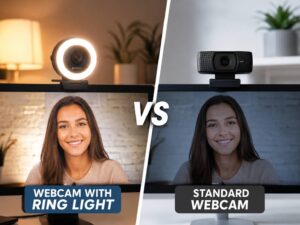
For a cleaner image, place a soft light in front of you. A window works well during the day. A small LED panel or desk lamp can help at night. Avoid strong light behind your head, since it can turn your face dark and make the background too bright.
This is one of the easiest fixes. Before spending more on a 4K webcam, improve your lighting first. The image may look sharper, cleaner, and more natural right away.
Frame Rate: 30 fps vs 60 fps
Resolution controls detail. Frame rate controls motion. Both matter.
Most video calls look fine at 30 fps. You sit still, talk, and move only a little. For that use, 1080p at 30 fps is enough.
For streaming, teaching, and product demos, 60 fps can look smoother. Hand movement feels more natural. Gestures look less choppy. Fast changes in the frame feel easier to watch.
A webcam spec sheet can be misleading here. Some models support 4K only at 30 fps, then 1080p at 60 fps. Others support only 30 fps across all modes. So, check the exact resolution and frame rate combination before buying.
A practical rule works well:
- 1080p at 30 fps: good for calls.
- 1080p at 60 fps: better for motion and streaming.
- 4K at 30 fps: better for sharpness and recording.
- 4K at 60 fps: best for detail and motion, but it costs more.
If your setup feels choppy, dropping from 4K to 1080p can actually improve the experience. Smooth video often looks more professional than ultra-sharp video that stutters.
Autofocus, HDR, and Field of View
A webcam is not just a resolution number. The features around the sensor affect the final result every day.
Autofocus keeps your face sharp if you move closer or farther from the camera. It also helps when you hold up a product, notebook, keyboard, or small object. Poor autofocus can pulse during a call, which looks distracting.
HDR helps with difficult lighting. For example, it can reduce blown-out windows and help keep your face visible in bright rooms. It will not fix every lighting problem, but it can make the image more balanced.
Field of view controls how wide the camera sees. A narrow field of view is better for solo calls. A wider field of view works better for group calls, whiteboards, and room views. For home offices, adjustable field of view is very useful, since you may not want to show your whole room.
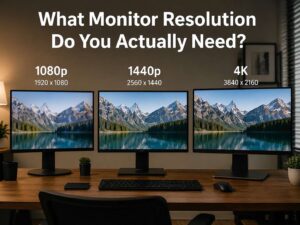
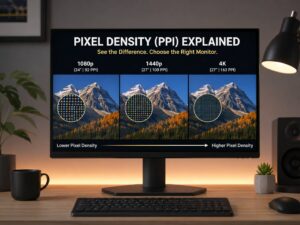
This is similar to monitor buying. The highest number is not always the best fit for your desk. If you are comparing display clarity too, this guide on the best monitor resolution for your desk explains why size, distance, and use case matter.
Internet Speed and App Compression
A 4K webcam needs more data than a 1080p webcam. That does not mean every call sends more data, since the app controls the final stream. Still, higher-quality video can put more load on your computer and connection.
If your upload speed drops, the meeting app lowers video quality. Wi-Fi congestion, VPN use, background uploads, and old routers can all affect the image. The result can look soft or blocky, even with a good camera.
For better video calls:
- Use Ethernet if you can.
- Sit closer to the router if you use Wi-Fi.
- Close cloud backup apps during calls.
- Stop large uploads.
- Restart the meeting app after changing camera settings.
- Use good lighting before raising camera resolution.
A sharp preview on your screen does not guarantee that everyone else sees the same quality. The app still compresses the outgoing feed.
Webcam Audio Still Matters
Many webcam buyers focus only on image quality. Then they sound thin, echoey, or distant. That hurts the call more than a small drop in sharpness.
Built-in webcam microphones are fine for quick calls, but they often pick up keyboard noise, room echo, and fan noise. A headset, USB microphone, or good earbuds usually sound better.
For work calls, clear audio makes you easier to understand. For streaming and content creation, audio quality matters even more. Viewers can tolerate a slightly soft image, but poor sound gets annoying fast.
If your budget is limited, a good 1080p webcam plus a decent microphone can be better than a 4K webcam with weak audio.
Real Issues People Notice After Buying
The most common issue is simple: the image does not look as good as expected. Often, the room is too dark, the camera sits too low, or the app compresses the feed.
Another common problem is wide-angle distortion. Some webcams show too much of the room and make your face look odd at close range. A narrower field of view usually looks better for solo calls.
Autofocus can create problems too. If it hunts during a meeting, the image shifts in and out of sharpness. This feels distracting, mainly during presentations. Fixed focus can avoid that issue, but it gives you less flexibility.
Color can be another weak point. Some webcams make skin look too red, too pale, or too smooth. Better camera software helps here. Manual exposure, white balance, sharpness, and field-of-view controls can make a big difference.
Who Should Buy a 1080p Webcam?
A 1080p webcam is the best choice for everyday calls. It gives a clear image, works well with common meeting apps, and costs less than a 4K model.
Buy a 1080p webcam if you mainly use it for:
- Work meetings
- Remote interviews
- Online classes
- Casual streaming
- Family calls
- Webinars
- Basic content
- Daily laptop upgrades
Look for good autofocus, a clean image in normal indoor light, a stable mount, and useful camera software. A privacy cover is a nice bonus too.
For most desk setups, 1080p gives the right mix of image quality and simplicity. It is similar to choosing between display resolutions. More pixels help, but only if the screen size, viewing distance, and use case support them. This same logic applies in this guide to 1080p vs 1440p on a 27-inch monitor.
Who Should Buy a 4K Webcam?
A 4K webcam makes sense if video quality directly supports your work or content. The extra detail helps with recording, cropping, zooming, and product shots.
Buy a 4K webcam if you create:
- YouTube videos
- Product demos
- Online courses
- Sales videos
- Coaching sessions
- Webinars
- Live streams
- Tutorial videos
- Professional presentations
It also helps if you want your setup to last longer. A 4K camera gives you more room for editing and future recording needs. Still, do not buy the cheapest 4K model only for the label. A strong sensor, clean lens, good color, and reliable autofocus matter more.
What to Check Before Buying
Before choosing between 1080p and 4K, check the full spec list. A camera with a bigger resolution number is not always better.
Look for:
- Resolution and frame rate options
- 1080p at 60 fps support
- Autofocus quality
- HDR support
- Field-of-view options
- Low-light performance
- USB type
- Mount design
- Tripod support
- Privacy cover
- Software controls
- Microphone quality
- Compatibility with Zoom, Teams, Google Meet, OBS, and other apps
Reviews can help, but real user issues matter too. Search for complaints about autofocus, overheating, software bugs, washed-out color, or weak mounts. These problems affect daily use more than a small difference in sharpness.
Best Choice for Most People
If you mainly join video calls, a good 1080p webcam is the better buy. It looks clean in video calls, costs less, and works well on typical home internet. Add soft lighting and a decent microphone, and the result can look very professional.
A 4K webcam is better for content creators, streamers, teachers, coaches, and people who record video. It gives more detail and more editing room. It also looks more polished in the right setup.
So, the best choice depends on the job. For meetings, choose 1080p. For recording and content, choose 4K. For the best upgrade, improve lighting no matter which webcam you buy.
Final Verdict: 1080p vs 4K Webcam
A 1080p webcam gives the best value for everyday video calls. It is clear, simple, and reliable. For Zoom, Teams, or Google Meet, you do not need more.
A 4K webcam is the premium choice for people who record, stream, crop video, or present on camera often. It can look much sharper, but it needs good lighting, a strong connection, and the right software settings.
Do not buy based on resolution alone. Buy based on how you actually use the camera. A great 1080p webcam can beat a weak 4K webcam, and a well-lit setup can make either one look better.