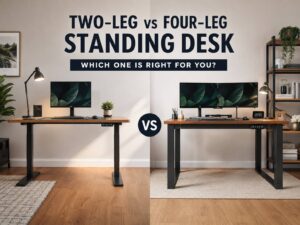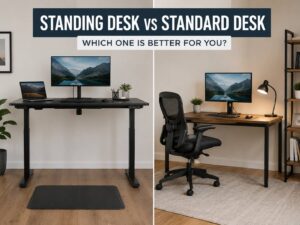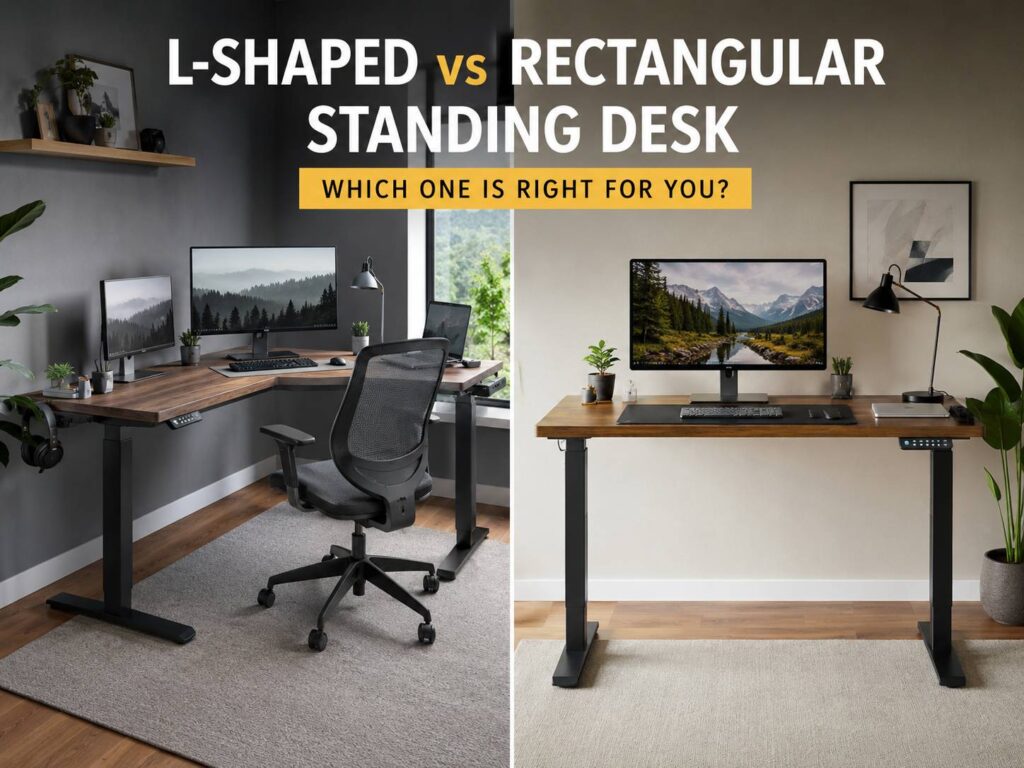
Choosing between an L-shaped vs rectangular standing desk can feel simple at first. One gives you a big corner workstation. The other keeps your setup clean, straight, and easier to place. After a few days of real use, though, the difference becomes more obvious.
A standing desk is not just a table that moves up and down. It needs to fit your room, support your monitors, handle your cables, leave enough space for your chair, and help you switch between sitting and standing without turning your office into a mess.
For many people, a rectangular standing desk is the safer choice. It costs less, fits more rooms, and keeps your body aligned more easily. Still, an L-shaped standing desk can make a lot of sense for larger setups, creative work, paperwork, gaming, streaming, or anyone who needs separate work zones.
This guide explains the real differences, the common issues people run into, and the desk shape that makes more sense for your space.
What Is an L-Shaped Standing Desk?
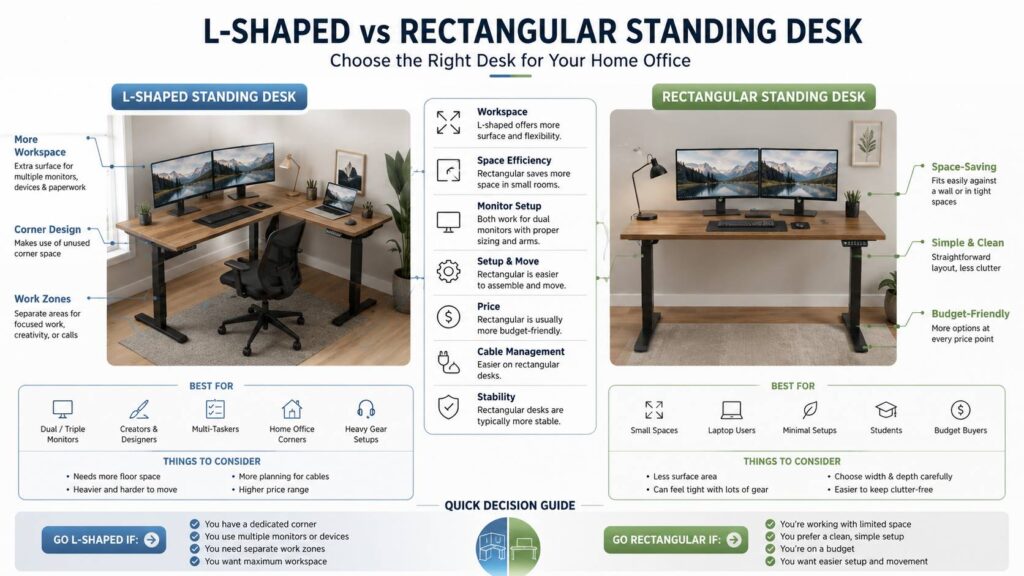
An L-shaped standing desk has two connected desktop sections that form a corner shape. One side usually acts as the main work surface, and the second side works as extra space for accessories, papers, a second laptop, a printer, or creative gear.
The biggest benefit is room. You can spread things out without stacking items on top of each other. A wide monitor setup, docking station, speakers, notebook, desk lamp, and keyboard can all sit on the desk without making it feel packed.
This style works well for people who use their desk for more than typing. For example, a designer can keep a drawing tablet on one side and monitors on the other. A developer can run a laptop, two screens, and a test device without constantly moving things around. A remote worker can keep one area for calls and another for deep work.
Still, the extra space comes with a tradeoff. L-shaped standing desks are bigger, heavier, harder to move, and more demanding during setup. They need a proper corner, clear wall space, and better cable planning.
What Is a Rectangular Standing Desk?
A rectangular standing desk uses one straight desktop. It is the classic sit-stand desk shape, and it works in most rooms. You can place it against a wall, near a window, or even in the middle of an office.
This type of desk is easier to buy, easier to assemble, and easier to match with accessories. Monitor arms, cable trays, under-desk drawers, desk mats, and CPU holders usually fit without much trouble.
Rectangular standing desks come in many sizes. A compact model can work for a laptop and one monitor. A wider 60-inch or 72-inch version can handle two monitors, a keyboard, mouse, speakers, and a few extras.
The downside is surface space. A straight desk can feel tight once you add more equipment. That becomes more noticeable with dual monitors, a laptop stand, microphone arm, camera light, notebooks, and charging cables.
Main Difference Between L-Shaped and Rectangular Standing Desks
The main difference is how each desk shapes your workflow.
A rectangular standing desk keeps everything in front of you. Your monitor, keyboard, and mouse stay in a straight line. That makes posture easier to control. It also reduces twisting, which matters during long work sessions.
An L-shaped standing desk creates zones. One side can hold your main computer setup. The other side can hold paperwork, tools, accessories, or a second device. This layout feels more flexible, but it can also create bad habits.
For example, it is easy to place the main monitor too far into the corner or too far to one side. Then you twist your neck all day without noticing. Over time, that setup can feel uncomfortable.
My opinion is simple: rectangular desks are better for clean, focused work. L-shaped desks are better for people who truly need more surface area.
Which Desk Saves More Space?
A rectangular standing desk usually saves more space in a small room. It sits flat against a wall and leaves more open floor area. That makes it a good fit for bedrooms, apartments, shared rooms, and compact home offices.
An L-shaped standing desk can save space only in the right layout. A free corner can become a strong workstation, especially in a square room. The desk fills an area that might otherwise stay unused.
Still, measure the room first, because the footprint is easy to underestimate. Product photos often make L-shaped desks look cleaner and smaller than they feel at home. Once you add a chair, standing mat, side cabinet, and walking space, the setup can dominate the room.
A simple test helps. Mark the desk size on the floor with tape before buying. Then place your chair inside the outline. This shows how much space the desk will really take.
Which Desk Works Better for Dual Monitors?
Both desk shapes can work well with dual monitors. The better option depends on screen size, monitor arms, and how much extra gear you keep nearby.
A wide rectangular standing desk can handle two monitors without trouble. A 60-inch model is usually enough for two normal-sized screens. A 72-inch model feels better for larger monitors, speakers, and a laptop stand.
An L-shaped standing desk gives more freedom. You can run dual monitors, a laptop, a dock, a microphone, a camera light, and note-taking space without making the desk feel crowded.
Even so, monitor placement matters more than desk shape. Your main screen needs to sit directly in front of your body. The second screen can sit slightly to the side. A bad monitor angle can ruin a great desk.
For most dual monitor setups, a large rectangular desk is enough. For two monitors plus lots of extra gear, an L-shaped standing desk feels more comfortable.
Comfort and Ergonomics
Comfort depends on height, screen placement, keyboard position, and how often you change posture. Desk shape matters, but setup matters more.
A good standing desk should let your arms rest naturally. Your shoulders should stay relaxed. Your keyboard and mouse should sit at a height that keeps your wrists neutral. Your monitor should sit high enough so you do not keep looking down.
Rectangular desks make this easier. You face one direction, and all main tools sit in a straight line. That helps with posture and keeps your setup simple.
L-shaped desks need more planning. The main work area should stay centered with your chair. The side section should hold secondary items, not tools you use every minute. Otherwise, you may twist too often.
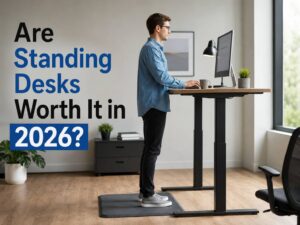
For a broader look at sit-stand value, comfort, and daily use, this guide on are standing desks worth it in 2026 covers the bigger picture.
Stability and Build Quality
Rectangular standing desks often feel more stable at the same price. They use simpler frames, fewer desktop pieces, and fewer connection points. That helps reduce wobble at standing height.
L-shaped standing desks usually need a stronger frame. Larger models often use three lifting columns instead of two. That adds support, but it also raises the price.
Cheap L-shaped desks can feel shaky, especially with heavy monitors or monitor arms. Wobble becomes more obvious at higher desk positions. Tall users notice this faster.
Look for these details before buying:
- Strong weight capacity
- Three-leg frame on larger L-shaped models
- Thick desktop panels
- Stable feet
- Smooth motor movement
- Anti-collision feature
- Good warranty
- Solid support at the corner joint
A good rectangular desk is better than a weak L-shaped one. A high-quality L-shaped desk can feel excellent, but it usually costs more.
Cable Management
Cable management is easier on a rectangular standing desk. A cable tray can run across the back. A power strip can mount under the desktop. Monitor cables, charger cables, and dock cables have a shorter, cleaner path.
An L-shaped standing desk needs more planning. Cables may need to travel across two sides. A power strip mounted in the wrong place can leave some devices too far away. The desk also needs enough cable slack for its highest standing position.
Common issues include:
- Cables pulling during height adjustment
- Power bricks hanging behind the desk
- Cable trays that do not fit the corner
- Monitor arm clamps blocked by desktop seams
- Too many wires crossing from one side to the other
The best fix is planning before assembly. Decide where the monitor arm, computer, dock, cable tray, and power strip will go before you tighten the frame.
Price and Value
Rectangular standing desks usually offer better value. There are more models, more sizes, and more price options. Accessories are easier to find too.
A budget rectangular standing desk can work well for a laptop, one monitor, and normal office tasks. It may not feel premium, but it can still do the job.
A budget L-shaped standing desk is riskier. Some cheaper models cut costs on the frame, motors, desktop thickness, or corner support. That can lead to wobble, uneven movement, or poor long-term durability.
For tighter budgets, I would choose a better rectangular desk over a cheap L-shaped desk. The extra surface area is not worth much if the desk shakes every time you type.
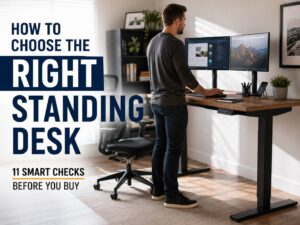
For buyers still comparing frame types, sizes, motors, and desktop depth, this guide on how to choose the right standing desk can help narrow the options.
Common Problems People Notice After Buying
The most common rectangular desk problem is lack of depth. A narrow desktop can place the monitor too close to your face. It can also leave little room for your keyboard, mouse, and forearms.
Another issue is clutter. A smaller straight desk fills up fast. Once the surface is full, the clean look disappears.
L-shaped desks bring different problems. They are harder to move, harder to assemble, and less flexible after a room change. A desk that fits one corner may not work in another room.
Check outlets, windows, radiators, door swings, and cabinets too. The return side of the desk can block things that seemed harmless during planning.
The biggest issue, though, is overbuying. A large desk feels exciting at first. Then it becomes a place to store everything. More space can help productivity, but it can also invite more clutter.
Who Should Buy an L-Shaped Standing Desk?
An L-shaped standing desk is a strong choice for people who need a large workstation and have the room for it.
It fits:
- Dual or triple monitor setups
- Designers and editors
- Streamers and creators
- Developers with multiple devices
- People who handle paperwork daily
- Home offices with a free corner
- Users who want separate work zones
- Gaming and work setups in one space
This desk type makes sense if your desk is the main part of your office. It gives you breathing room and lets you keep more tools within reach.
Who Should Buy a Rectangular Standing Desk?
A rectangular standing desk is the better choice for most people. It is easier to place, easier to manage, and easier to keep ergonomic.
It fits:
- Laptop users
- Single monitor setups
- Simple dual monitor setups
- Small home offices
- Bedrooms and shared spaces
- Minimal desk setups
- Students
- Remote workers who want a clean workstation
This desk type works best for people who want a reliable sit-stand setup without turning the whole room into an office.
Best Sizes to Consider
For a rectangular standing desk, 48 inches works for a laptop and one monitor. A 55-inch or 60-inch desk feels better for most people. A 72-inch desk gives more space for dual monitors and accessories.
Depth matters too. A deeper desktop gives your monitor more distance from your eyes and leaves room for your arms. A very shallow desk can feel cramped, even if it is wide.
For an L-shaped standing desk, check both sides carefully. The main side should hold your daily setup. The return side should support extra tasks without blocking movement.
Measure the room before buying. Include the chair, standing mat, cables, drawers, and walking space. This step prevents most regrets.
Final Verdict: L-Shaped vs Rectangular Standing Desk
A rectangular standing desk is the smarter choice for most home offices. It costs less, fits more rooms, and makes ergonomic setup easier. It also works well for laptops, one monitor, and many dual monitor setups.
An L-shaped standing desk is better for users with more gear, more room, and a clear need for separate work zones. It gives you a larger work surface and a more complete command center feel.
My honest pick for a typical remote worker would be a 60-inch rectangular standing desk with a good monitor arm, cable tray, and standing mat. For a heavier setup with two monitors, a laptop, paperwork, and creative gear, I would choose a quality L-shaped standing desk with a strong three-leg frame.
The best choice is not the desk with the most surface area. It is the desk that fits your room, supports your equipment, and keeps your workday comfortable.