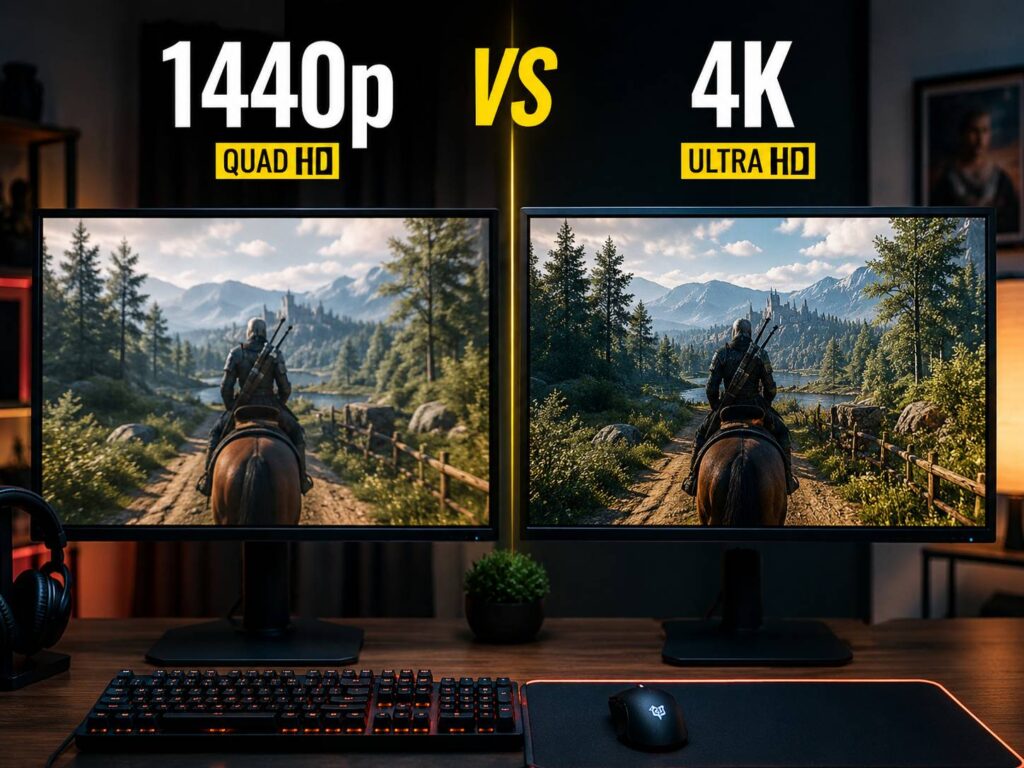
1440p vs 4K for Gaming: The Real Choice
Choosing between 1440p and 4K for gaming can feel harder than it should. Both resolutions look good, both have clear strengths, and both can be the right choice with the right setup. Still, they serve different types of gamers.
1440p is the safer pick for most PC players. It looks much sharper than 1080p, runs well on more graphics cards, and works beautifully with high refresh rate monitors. You get a clean image, strong FPS, and less pressure on your system.
4K is the premium option. It gives you sharper textures, cleaner edges, and better detail on larger screens. Yet it needs a stronger GPU, more VRAM, and often some help from upscaling in demanding games.
So, which one should you buy? For most gaming desks, 1440p still offers the best mix of image quality, speed, and price. For high-end gaming rigs, cinematic games, and larger screens, 4K can look fantastic.
If you are comparing a 1440p vs 4K monitor, the real question is not just which one looks sharper. The better question is which one your PC can run smoothly every day.
What 1440p and 4K Actually Mean
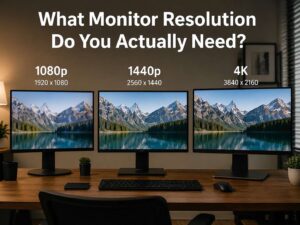
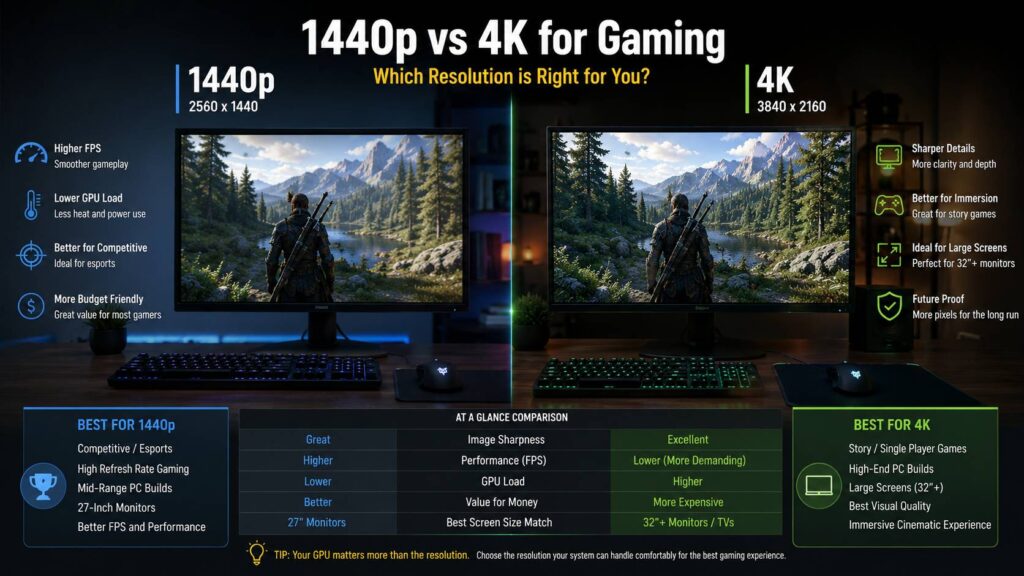
1440p usually means 2560 x 1440 pixels. That gives you about 3.7 million pixels on the screen.
4K usually means 3840 x 2160 pixels. That gives you about 8.3 million pixels.
That means 4K has about 2.25 times more pixels than 1440p. Your graphics card has to work much harder to render that extra detail. This affects frame rate, fan noise, heat, power use, and long-term GPU value.
That pixel jump is the main reason 4K gaming feels more demanding. A game that runs smoothly at 1440p can feel much heavier at native 4K, especially with ultra settings or ray tracing turned on.
1440p sits in a sweet spot. It gives a big visual upgrade over 1080p, but it does not push your system as hard as 4K.
Image Quality: 4K Looks Sharper, but 1440p Still Holds Up
4K wins in pure sharpness. Text looks cleaner, distant objects look more defined, and fine details stand out more clearly. You notice this in open-world games, racing games, flight simulators, and story-driven titles.
Games like Cyberpunk 2077, Red Dead Redemption 2, Alan Wake 2, Forza Motorsport, Microsoft Flight Simulator, and similar visual-heavy titles can look stunning at 4K. The image feels denser, cleaner, and more polished.
That said, 1440p still looks great on the right screen. On a 27-inch monitor, 1440p gives you a crisp image without the heavy GPU load of 4K. It looks much better than 1080p, especially for modern games with detailed textures.
4K becomes more useful on 32-inch monitors and larger screens. At that size, the extra pixels help keep the image clean. On a 27-inch screen, the jump from 1440p to 4K is visible, but it may not feel worth the performance loss for every gamer.
My honest opinion: 1440p looks good enough for most people. 4K looks better, but only if the rest of your setup can support it properly.
Performance: 1440p Gives You More FPS
Frame rate changes how a game feels. A sharper image is nice, but low FPS can make aiming, camera movement, and fast action feel sluggish.
At 1440p, many modern GPUs can reach 100 FPS, 144 FPS, or more in a wide range of games. This makes 1440p a great match for 144Hz, 165Hz, 240Hz, and even faster monitors.
At 4K, the same graphics card has to work much harder. Some games will still run well, but demanding titles can drop fast. Ray tracing makes this even more obvious. You may need to lower settings, use upscaling, or accept lower FPS.
This is why 1440p can still be the better pick, even after seeing 4K in person. Smooth gameplay often matters more than extra sharpness, especially in shooters, racing games, and action titles.
If you care about speed, responsiveness, and steady frame pacing, 1440p is the better choice.
GPU Requirements: Match the Monitor to Your Graphics Card
A 1440p monitor works well with a much wider range of graphics cards. Strong mid-range and upper-mid-range GPUs can handle 1440p gaming nicely, especially with smart settings choices.
A 4K gaming monitor needs more power. To enjoy 4K properly, you should have a high-end graphics card. This matters even more if you want high refresh rates, ray tracing, or ultra textures.
A weaker GPU can still output 4K, but that does not mean it will deliver a great gaming experience. You may end up lowering settings so much that the visual gain starts to feel less impressive.
VRAM matters too. Higher resolutions need more memory, especially with high-resolution texture packs. Many recent games already use a lot of VRAM at 4K, so cards with limited memory can struggle.
A simple rule works well here: buy the monitor your GPU can feed, not the monitor with the biggest number on the box.
1440p Is Better for Competitive Gaming
Competitive games reward smooth motion, low input delay, and stable FPS. For that reason, 1440p is usually the better choice for esports and ranked play.
Games like Counter-Strike 2, Valorant, Fortnite, Apex Legends, Overwatch 2, Call of Duty, and The Finals feel better when frame rates stay high. A 1440p high-refresh monitor gives you sharp visuals without making your GPU fight too hard.
4K can work for competitive gaming, but it often feels like overkill. You get more detail, but you may lose FPS. That trade is not ideal if you care about reaction time and consistency.
Many competitive players still choose lower resolutions or lower settings to keep frame rates high. So, a fast 1440p monitor often gives the better real-world experience.
If ranked games are your main focus, choose 1440p and spend the saved money on a better refresh rate.
4K Is Better for Cinematic Single-Player Games
4K makes the most sense in slower, more visual games. Story games, RPGs, strategy games, open-world adventures, racing games, and flight simulators benefit from the extra clarity.
You can see finer textures, cleaner signs, sharper foliage, and better distant detail. This helps a lot in games where you stop, look around, and enjoy the scene.
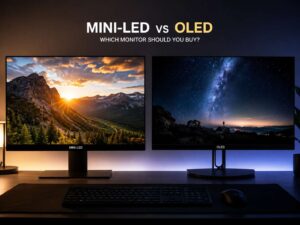
A 4K OLED monitor or 4K TV can look excellent with HDR. Deep blacks, strong contrast, and high pixel density can make single-player games feel more premium.
The issue is cost. A great 4K gaming setup needs a good monitor, a powerful GPU, and often a stronger power supply or better cooling. That makes 4K more expensive than it first appears.
For players who mostly enjoy cinematic games and already own a high-end PC, 4K is worth considering. For everyone else, 1440p still gives better value.
Upscaling Makes 4K Easier, but It Is Not Perfect
Modern upscaling has changed the 1440p vs 4K debate. DLSS, FSR, and XeSS can render a game at a lower internal resolution, then rebuild the image for a higher output resolution.
This helps 4K gaming a lot. Instead of rendering every frame at native 4K, your GPU can use upscaling to gain FPS. In many games, Quality mode looks very good. In some titles, it can look close to native resolution.
Frame generation can help too, especially in single-player games. It can make motion look smoother when base FPS is already decent.
Still, upscaling has issues. Some games show ghosting, shimmer, soft detail, or weird motion around thin objects. Fast movement, particles, fences, hair, and foliage can reveal these flaws.
So, upscaling is useful, but it should not be the only reason you buy a 4K monitor. Native 1440p with high FPS can still feel cleaner than a poorly upscaled 4K image.
Monitor Size: 27-Inch and 32-Inch Change the Answer
Monitor size matters a lot in this decision.
For a 27-inch gaming monitor, 1440p is the best match. It looks sharp, keeps text readable, and works well with high refresh rates. It also avoids the heavy GPU load of 4K.
For a 32-inch monitor, 4K starts to make more sense. The larger screen benefits from the extra pixel density. Text, UI elements, and fine game details look cleaner.
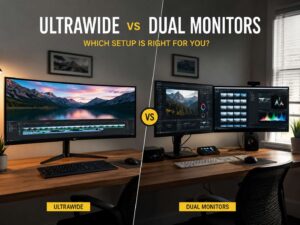
For ultrawide monitors, the choice gets more complex. Many ultrawide gaming monitors use 3440 x 1440, which sits between 1440p and 4K in GPU load. That can be a great option for immersive gaming without the full pressure of 4K.
For TVs, 4K is the natural pick. Most modern gaming TVs are 4K, and consoles are built around 4K output. If you play from a couch, a 4K screen usually makes sense.
If you are still unsure, this guide to the best monitor resolution for your desk can help you match resolution with screen size, desk depth, and daily use.
Refresh Rate: Smoothness Can Matter More Than Sharpness
A 4K 60Hz monitor can look sharp, but it may not feel as good as a 1440p 144Hz monitor. For gaming, refresh rate plays a huge role in how responsive everything feels.
A higher refresh rate makes camera movement smoother. It helps aiming feel more direct. It can make fast games easier to read.
Here is a practical breakdown:
- 1440p 144Hz: best value for most gamers
- 1440p 165Hz: a strong everyday gaming choice
- 1440p 240Hz: great for competitive players
- 4K 144Hz: excellent for high-end gaming
- 4K 240Hz: premium, expensive, and very demanding
- 4K 60Hz: fine for slower games, weaker for fast action
If you must choose between 1440p with a high refresh rate and 4K with a low refresh rate, 1440p is usually the better gaming choice.
Hidden Problems With 4K Gaming
4K gaming can look amazing, but it brings a few problems that buyers often forget.
The first problem is heat and noise. Your GPU works harder at 4K, so fans spin faster. Your PC may run hotter and louder during long gaming sessions.
The second problem is inconsistent FPS. A game may look great in quiet areas, then drop hard during combat, crowded scenes, or heavy weather effects.
The third problem is VRAM. 4K textures can use a lot of memory. If your graphics card does not have enough VRAM, you may see stutter, texture pop-in, or sudden frame drops.
The fourth problem is desktop scaling. On smaller 4K monitors, text can look tiny without scaling. Some older apps still do not handle scaling perfectly.
The fifth problem is cable support. High refresh 4K gaming needs the right HDMI or DisplayPort setup. A weak cable can limit refresh rate or cause black screens.
1440p avoids many of these problems. It is easier to run, easier to connect, and easier to keep smooth.
Price and Value: 1440p Wins for Most Builds
1440p monitors offer the best value for most gaming setups. You can find strong IPS, OLED, mini-LED, curved, flat, fast, and ultrawide options across many price ranges.
A good 1440p monitor can feel like a major upgrade from 1080p. It gives you sharper games, more desktop space, and better long-term comfort.
4K monitors have improved a lot, but good 4K gaming still costs more. Cheap 4K displays can come with weak refresh rates, poor HDR, slow response times, or limited gaming features.
That matters. A great 1440p monitor is often better than a basic 4K monitor for actual gaming.
The smarter move is to buy a quality 1440p high-refresh monitor, then upgrade to 4K later when your GPU and budget make more sense.
Best Choice by Gamer Type
Choose 1440p if:
- You play competitive games
- You want high FPS
- You use a mid-range or upper-mid-range GPU
- You want a 27-inch monitor
- You care about value
- You want fewer frame drops
- You plan to keep your GPU longer
- You want high refresh rate gaming without spending too much
Choose 4K if:
- You play mostly single-player games
- You own a high-end GPU
- You want a 32-inch monitor or large TV
- You care most about image clarity
- You use HDR or OLED
- You are comfortable using upscaling
- You want a premium visual setup
- You do not mind paying more for the full experience
Final Verdict: 1440p Is the Smarter Pick for Most Gamers
1440p is still the best all-round gaming resolution. It gives you a sharp image, strong FPS, lower GPU stress, and better value. It works especially well on 27-inch monitors, which remain one of the most practical sizes for PC gaming.
4K is the better choice for players who want maximum detail and already own a powerful setup. It works best on 32-inch monitors, large TVs, OLED panels, and cinematic games. It can look beautiful, but it costs more and asks much more from your graphics card.
My practical opinion is simple. Choose 1440p if you want the best balance. Choose 4K if your hardware can handle it and image quality matters more to you than raw FPS.
The best upgrade is not always the sharpest screen. It is the screen that keeps games smooth, clear, and fun every time you sit down to play.