
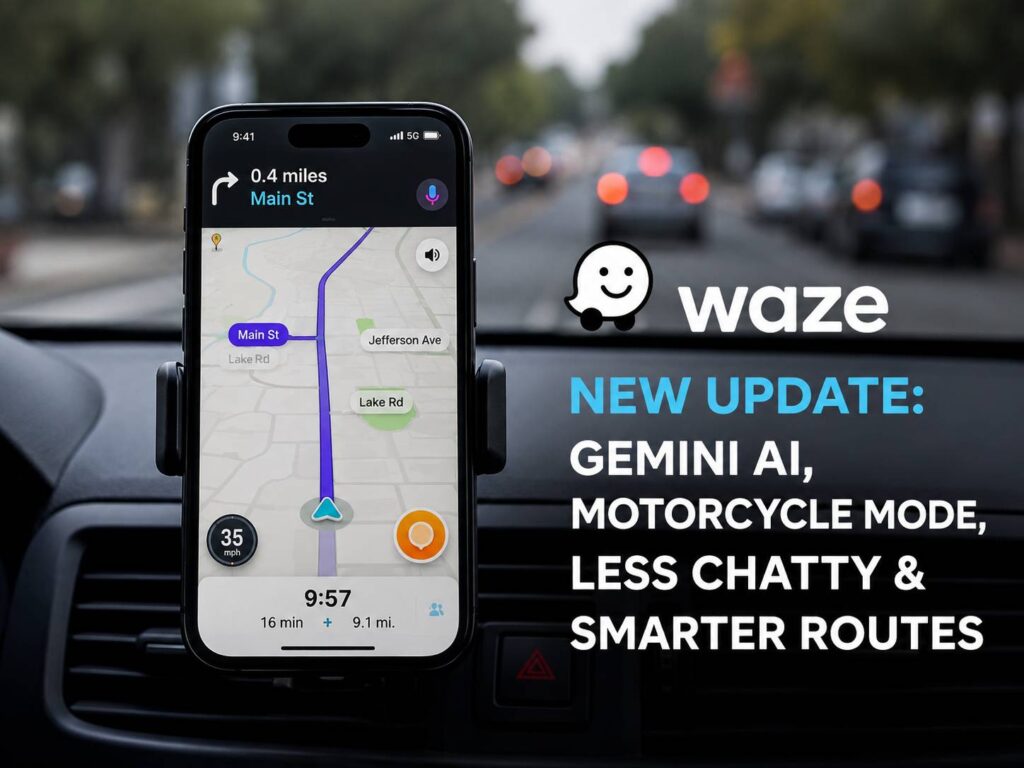
Waze is getting one of its biggest updates in years. The navigation app now includes new Gemini AI tools, a dedicated Motorcycle Mode, smarter route suggestions, conversational map reports, and a Less Chatty setting for drivers who prefer fewer voice interruptions.
Some of these features are already rolling out worldwide. Others are limited to selected countries or beta testers. So, availability will vary based on your device, region, and Waze app version.
The update does more than add a few new buttons. Instead, it changes how users search for destinations, report road problems, and choose routes. At the same time, Waze still keeps its familiar focus on live traffic information and community reports.
Here is what each new feature does and why it matters for everyday drivers and motorcycle riders.
Gemini AI Makes Destination Search More Conversational
Searching for a destination in Waze usually means entering a business name, address, or place category. Gemini adds a more natural way to find locations.
For example, a driver can tap the voice search icon and say:
- “Find a coffee shop that is open now.”
- “Show me parking close to the shopping centre.”
- “Find a nearby fuel station with low prices.”
- “Take me to a restaurant with outdoor seating.”
Waze then processes the request and shows relevant results. From there, the driver can select a destination and begin navigation.
This change sounds small at first. In practice, though, it removes the need to know the exact name of a business. Many people know what they need but do not know where to find it. Gemini can interpret the full request and look for places that match several conditions.
For instance, a standard search for “coffee shop” may display dozens of results. A spoken request for a coffee shop that is open, nearby, and offers parking gives Waze more useful context.
The feature is being tested with Waze beta users on Android and iOS. So, most users may not see it immediately.
Still, its purpose is clear. Gemini is not being added as a general chatbot inside the app. Instead, it helps drivers complete tasks that relate directly to navigation.
Conversational Reporting Makes Road Updates Easier
Waze has always relied on drivers to report crashes, traffic jams, police activity, road hazards, and blocked lanes. Yet reporting an incident through menus can feel distracting during a drive.
Conversational Reporting aims to make that process simpler.
Drivers can describe what they see using normal speech. For example, someone can say that traffic has stopped, a vehicle is blocking a lane, or an object has fallen onto the road. Gemini then interprets the description and selects the most relevant report type.
Sometimes, the first report may not include enough detail. In that case, Waze can ask a brief follow-up question.
The 2026 update expands this feature to map corrections. Users can now report longer-term changes, such as an incorrect address, a closed street, or a missing road connection.
For example, a driver could say, “This road is permanently closed,” or “The address is shown in the wrong place.” Waze can then send the suggestion to local map editors.
That human review step still matters. AI can understand the spoken message, but local editors can confirm the information before changing the public map. So, Waze keeps its community mapping system instead of allowing automatic edits based on a single report.
Conversational map update suggestions are rolling out more widely on Android and iOS.
Motorcycle Mode Gives Riders More Relevant Routes
Motorcycles travel through cities differently from cars. Riders may use roads that have specific two-wheeler rules, narrower access points, or different traffic patterns.
Road hazards can feel different too. A pothole that causes a small bump in a car can create a serious risk for someone on a motorcycle.
For that reason, Waze is adding a dedicated Motorcycle Mode.
The mode uses traffic data, motorcycle restrictions, road information, and local map edits to calculate routes for riders. It can also provide arrival time estimates that reflect motorcycle travel rather than normal car movement.
Motorcycle Mode can warn riders about hazards such as:
- Potholes
- Speed bumps
- Raised pedestrian crossings
- Narrow bridges
- Shoulder endings
- Roads with two-wheeler restrictions
These warnings can help riders prepare before reaching a dangerous section of road. More importantly, they make the navigation experience feel designed for motorcycles instead of copied from the car version.
The first rollout covers Argentina, Brazil, Colombia, Malaysia, Mexico, Peru, and the Philippines. Waze plans to bring the feature to more countries, but it has not confirmed a complete release schedule.
Romania is not included in the first group. Local riders will need to wait for a future rollout.
The quality of Motorcycle Mode will depend heavily on local map data. So, regions with active motorcycle communities and map editors may receive more accurate routes and hazard information.
Less Chatty Mode Cuts Down Voice Interruptions
Voice navigation can become annoying on familiar roads. Repeated instructions often interrupt music, podcasts, phone calls, or conversations inside the car.
Turning voice guidance off completely is not always a good option. A driver can miss an exit, a lane change, or an important road warning.
Waze’s new Less Chatty Mode sits between full voice guidance and complete silence.
The setting reduces the number of spoken prompts and shortens some instructions. Yet Waze still announces key information, including turns, lane changes, and serious hazards.
For example, the app may skip a reminder that the driver is continuing straight for several kilometres. Then, it can speak again near an important junction.
This is likely to become one of the most popular changes in the update. It solves a problem that many regular Waze users already understand. The app remains helpful, but it becomes less repetitive.
Less Chatty Mode is rolling out worldwide on Android and iOS. Users should check for the latest Waze update through Google Play or Apple’s App Store.
Drivers who often switch between mobile navigation and desktop devices may find this guide on how to connect a Bluetooth mouse to Windows 10 without the usual headaches useful too.
Personalized Navigation Learns Which Routes You Prefer
The fastest route is not always the best route for every driver.
Some people prefer highways with steady traffic. Others choose local streets to avoid tolls, complicated junctions, or stressful lane changes. Waze may recommend the route with the lowest estimated travel time, yet the driver may ignore it every day.
Personalized Navigation aims to learn from those choices.
The feature uses previous trips and local traffic information to rank route suggestions. So, a driver who often selects highways may see highway routes first. A person who regularly chooses smaller roads may receive different suggestions.
Waze still shows alternative routes. The driver keeps control and can select another option at any time.
Users can turn route personalization off through the app settings. That gives people a simple way to use standard route recommendations instead.
This feature should prove useful for daily commuters. A route can look faster based on numbers but feel slower or more tiring in real life. Frequent traffic lights, difficult junctions, rough roads, or crowded roundabouts can make a short route less appealing.
By learning from repeated choices, Waze can offer routes that fit personal driving habits more closely.
Which New Waze Features Are Available?
The rollout is different for each feature.
Features rolling out worldwide on Android and iOS include:
- Less Chatty Mode
- Personalized Navigation
- Conversational map update suggestions
Motorcycle Mode is starting in:
- Argentina
- Brazil
- Colombia
- Malaysia
- Mexico
- Peru
- The Philippines
Gemini destination search is currently available to selected Waze beta users.
New app features often arrive in stages. So, two users with the same phone model may not receive the update on the same day. Region, account status, operating system, and app version can affect availability.
Updating Waze is still the best first step. Users can then check the navigation, voice, and vehicle settings for new options.
Why This Waze Update Matters
Waze became popular through live traffic reports and driver-submitted road information. This update keeps that foundation but makes several tasks easier.
Gemini reduces the need for exact voice commands. Motorcycle Mode gives riders routes and alerts designed around two wheels. Less Chatty Mode reduces unnecessary interruptions. Personalized Navigation learns which roads a driver usually prefers.
At the same time, Waze still depends on its user community. Drivers report hazards, and map editors confirm long-term changes. That balance helps the app add AI without removing the people who keep its maps current.
The new features feel practical rather than decorative. Each one addresses a real part of driving, such as finding a place, reporting a road problem, avoiding hazards, or choosing a comfortable route.
What Waze Users Can Expect Next
Motorcycle Mode will likely attract the most attention as it expands into more countries. Still, its accuracy will depend on local road rules, rider reports, and map editor activity.
Gemini destination search may need a longer testing period. Business hours, parking details, and fuel prices can change often. Beta testing gives Waze time to check how well the system handles different languages, accents, and regional search habits.
Less Chatty Mode and Personalized Navigation should reach the largest number of users first. Both features improve everyday driving without changing the main Waze interface.
This update does not turn Waze into a completely different app. Instead, it makes the existing experience calmer, more personal, and easier to control.
For regular drivers, that may be exactly the right type of update.