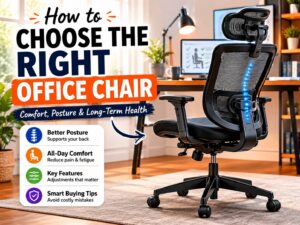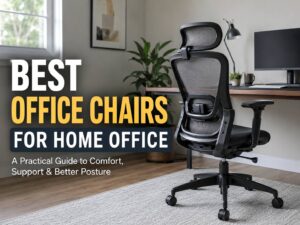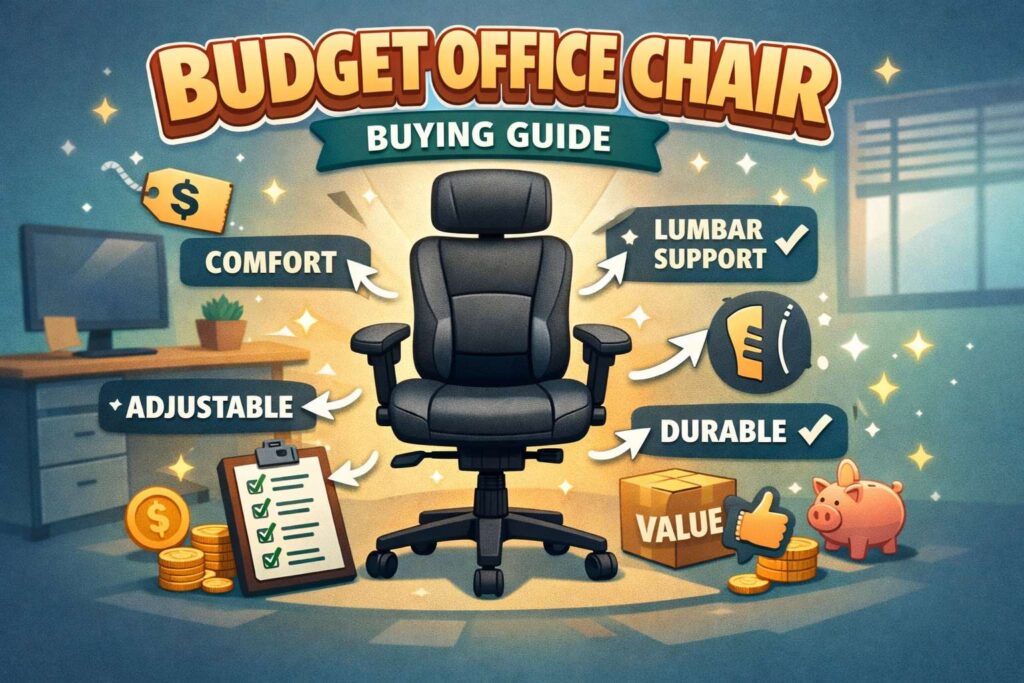
A budget office chair can be a smart buy. You just need to focus on the parts that matter in daily use. Many cheap chairs look great in product photos, yet feel bad after an hour at a desk. The good news is simple. You do not need a fancy chair to sit in comfort. You need a chair that fits your body, supports your back, and adjusts with ease.
Price is the obvious place to start. Still, fit should come first. A chair that costs less but hurts your back is not a bargain. A chair that supports you well, moves with ease, and lasts a few years gives far better value.
This guide breaks down what to check before you buy. It covers seat height, lumbar support, armrests, materials, weight limits, and more. It is built for readers who want a cheap office chair, a budget ergonomic chair, or a home office chair that does not feel like a mistake after a week.
Start with fit, not looks
A chair should fit your body first. Color, style, and trendy shapes come later.
Seat height is the first check. Your feet should rest flat on the floor. Your knees should stay close to a right angle. Your arms should line up with the desk without forcing your shoulders upward. If a chair cannot reach that position for your height, then it is the wrong chair.
Seat depth matters just as much. Sit all the way back in the chair. Then check the space between the seat edge and the back of your knees. You want a small gap. A seat that presses into your legs can feel tiring fast. A seat that is too short can leave your thighs without support.
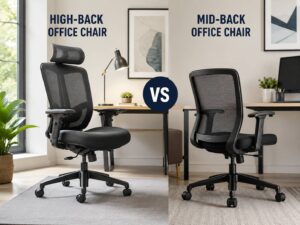
Back height plays a role too. Some low back task chairs work well for short sessions. For longer workdays, a mid back or high back chair is the safer choice. The extra support can help you stay comfortable through calls, writing, meetings, and general desk work.
Look for basic ergonomic adjustments
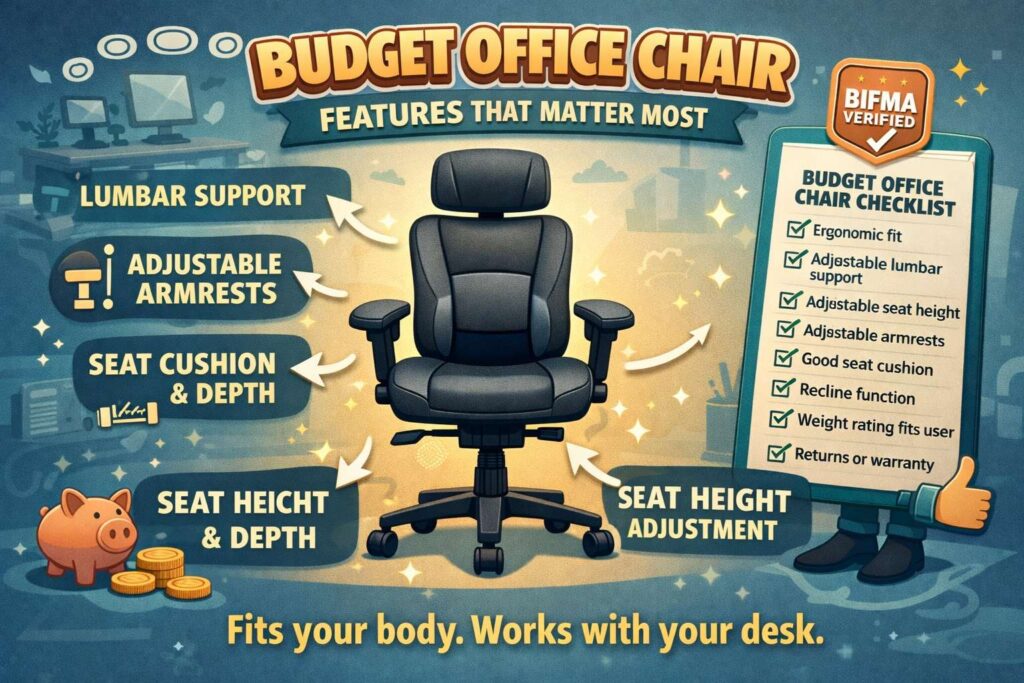
A budget chair does not need every advanced feature on the market. It still needs the right core adjustments. Those features make the biggest difference in day to day comfort.
Look for these first:
- Seat height adjustment
- Tilt or recline function
- Lumbar support, built in or adjustable
- Swivel base
- Smooth rolling casters
- Stable five point base
A cheap ergonomic chair should let you change position with little effort. That matters a lot over a full workday. People do not sit in one perfect posture for eight straight hours. You shift, lean, reach, type, and turn. So the chair should move with you.
Recline is useful for this reason. A chair with a slight lean can feel much better than one that locks you upright like a statue. At the same time, the backrest should still support your lower back. That balance is what separates a decent budget desk chair from a bad one.
Lumbar support is not optional
If back pain is the reason you are shopping, start with lumbar support. Your lower back needs support in the natural inward curve of the spine. Without that support, many chairs leave you slumped or rounded forward.
Some budget chairs have fixed lumbar support. That can work if the shape hits the right spot on your back. Still, adjustable lumbar support is better when the chair fits your budget. It gives you a better shot at a good match.
Do not get distracted by big pillows or oversized padding. Those parts look impressive in product images, yet real comfort comes from proper support in the right place. A simple chair with a good backrest often beats a flashy chair with bulky add-ons.
Check the seat cushion with care
Seat comfort can fool you at first. A super soft cushion often feels great for five minutes. After that, it may sink too much and leave you sore. A very firm seat can feel harsh right away. The sweet spot sits in the middle. You want support with some give, not a seat that collapses under you.
Foam quality matters here. Dense foam usually lasts longer than thin padding. Cheaper chairs often cut cost in this area. So read product details with care. Then check reviews for terms like sagging, flattening, or bottoming out. Those words often reveal long term comfort problems.
Mesh seats divide opinion. Some users like the airflow. Others find them too firm. Fabric and foam seats feel more familiar. Bonded leather can look polished at first, yet it may crack or peel sooner than fabric or mesh. A mesh back with a cushioned fabric seat avoids both problems.
Armrests should help, not block you
Armrests can be useful. They can support your forearms and reduce shoulder tension. Yet bad armrests create new problems.
Fixed armrests are the biggest risk in the budget range. They may sit too high, too low, or too wide. Then they block your chair from sliding under the desk. That pushes you farther from the keyboard. After that, your shoulders and wrists do more work than they should.
Adjustable armrests are better. Flip up armrests can work well too. They give you support at times, then move out of the way fast. That feature is handy in smaller home offices.
Some people skip armrests altogether. That choice can work if your desk setup supports your arms well. Still, light arm support helps during long typing sessions.
Your desk and chair need to work together
Before you blame the chair, check the setup around it. Desk height plays a huge role in comfort. So does monitor position. So does keyboard placement.
A good chair cannot fully fix a desk that is too high. It cannot solve a monitor that forces you to look down all day. It cannot help much if your keyboard sits too far away.
That is why it helps to view the chair as one part of the full workspace. A budget office chair can feel much better with a footrest, monitor stand, or keyboard tray. Small changes around the chair can improve comfort more than an expensive upgrade.
For example, readers who are comparing other everyday desk gear may find useful ideas in this guide on fast charging power bank buying choices. Desk comfort often improves through a full setup, not one product alone.
Weight capacity and build quality matter more than flashy extras
Many cheap office chairs promise premium comfort, racing style looks, or executive design. Those claims mean little if the frame feels weak. Build quality matters far more than style.
Check the listed weight capacity before you buy. Then treat that number as a serious limit, not a vague suggestion. A chair built for your weight will usually last longer and feel more stable.
Look at the base material too. Metal bases often feel sturdier than cheap plastic ones, though good reinforced plastic can still perform well. Pay attention to the gas lift, wheel quality, and backrest frame. Reviews often mention wobble, tilt issues, broken arms, or a sinking seat. Those are warning signs.
A five point base is the standard choice for good reason. It spreads weight well and helps the chair stay stable through normal movement.
Features you can skip on a tight budget
A lot of budget buyers waste money on features that sound better than they feel.
You can often skip:
- Thick head pillows
- Loud racing style designs
- Faux luxury stitching
- Built in footrests
- Extra wide wings on the backrest
- Overstuffed cushions that lose shape fast
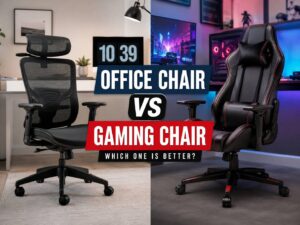
A clean task chair with good support usually gives better value than a dramatic gaming style chair sold for office use. The simple option often wins here.
That same idea comes up in other home product comparisons too. A product does not need more features to be the better pick. Sometimes the simpler choice works better, much like the tradeoffs covered in this air fryer vs toaster oven guide.
Read reviews the smart way
User reviews can help, yet you need to read them with care. Do not just look at the star rating. Read the complaints first. Those comments often show the truth fast.
Watch for repeated issues like:
- Seat cushion goes flat
- Armrests wobble
- Chair squeaks after a month
- Backrest feels too hard
- Wheels do not roll well
- Gas lift sinks over time
- Assembly holes do not line up
Then check the positive reviews. Look for comments from buyers with a similar height, weight, and use case. A chair that works for a person at 5’4″ may not work well for someone at 6’2″. Fit changes everything.
A quick test for any budget office chair
Use this simple test before you buy, or right after delivery.
Sit all the way back. Your lower back should feel supported.
Place your feet flat on the floor. Your knees should feel relaxed.
Check the seat edge. It should not dig into the backs of your legs.
Raise your arms to desk height. Your shoulders should stay loose.
Lean back slightly. The chair should support you, not dump your weight backward.
Roll the chair a little. The base should feel steady and smooth.
After that, stay seated for at least fifteen minutes. A chair that feels fine for one minute can feel bad after ten.
The best budget office chair is the one you can use every day
This is the part many buying guides miss. The best affordable office chair is not the one with the longest feature list. It is the one that fits your body, matches your desk, supports your back, and keeps doing that through normal daily use.
Price matters, of course. Still, comfort matters more. Support matters more. Durability matters more. A chair that costs a little less but fails fast is not the smart buy. A chair that feels solid, supports the spine, and holds up over time gives you much more for your money.
So keep your focus on the basics. Check fit first. Check lumbar support next. Then review the cushion, armrests, base, weight rating, and build quality. That process cuts through the noise and helps you find a cheap office chair that feels good at home or at work.
A budget chair can absolutely do the job. You just need to shop with care.