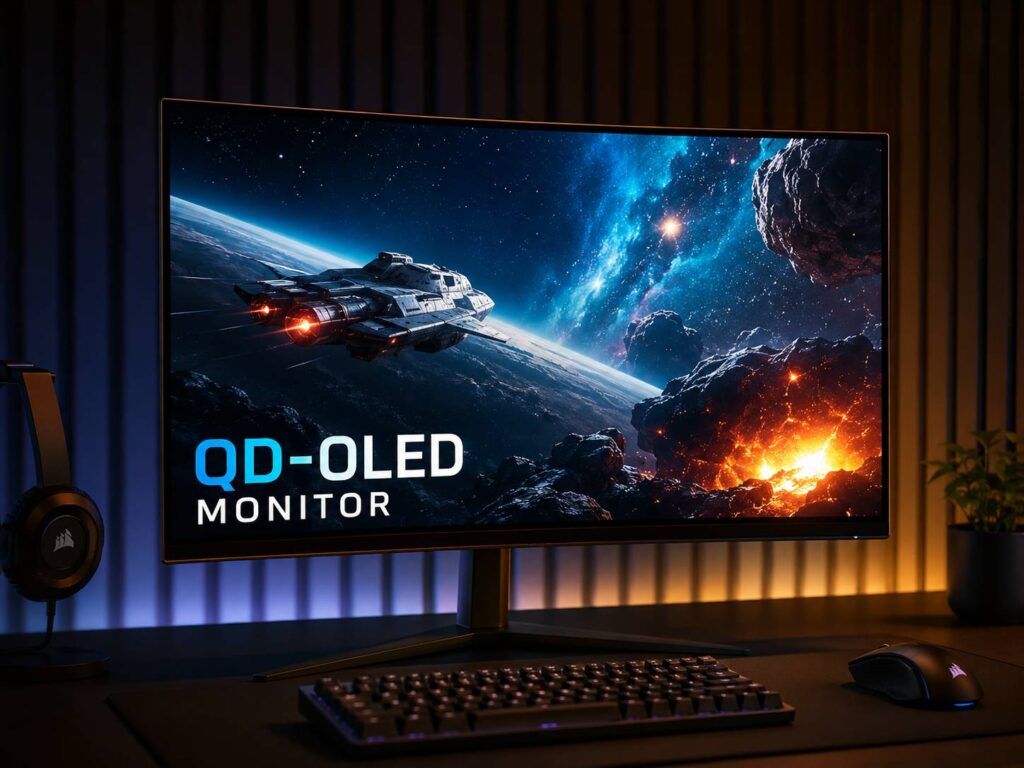
What Is a QD-OLED Monitor?
A QD-OLED monitor is a premium screen that combines OLED pixels with quantum dot color technology. QD-OLED stands for Quantum Dot OLED. In simple terms, it gives you the deep black levels of OLED and the rich color performance of quantum dots in one panel.
A regular LCD monitor needs a backlight. That light sits behind the panel and shines through several layers before you see the final image. A QD-OLED monitor works in a different way. Each pixel can create its own light, so the screen can turn tiny parts of the image on and off by itself.
That is why black areas look so deep on a QD-OLED screen. A black pixel can simply turn off. As a result, dark scenes look cleaner, shadows have more depth, and bright objects stand out with more punch.
Then quantum dots help with color. They convert light into strong red and green tones, which helps the screen produce vivid and accurate color. So, instead of only getting great contrast, you also get a wider and richer color range.
For gaming, movies, HDR content, and creative work, this can make a big difference. A QD-OLED monitor often feels more alive than a standard IPS, VA, or TN display.
How Does a QD-OLED Monitor Work?
A QD-OLED panel starts with a blue OLED light source. That blue light passes through a quantum dot layer. After that, the quantum dots help create red and green light. The screen then mixes red, green, and blue subpixels to create the image you see.
This sounds technical, but the result is easy to understand. The screen can show very dark blacks, bright highlights, and rich colors at the same time.
For example, imagine a night scene in a game. A normal LCD monitor may show the sky as dark gray. It may also create a glow around bright lights. On a QD-OLED monitor, the black parts can stay black, and the bright parts can still look sharp.
That makes space games, racing games, horror games, and sci-fi movies look much better. Neon lights, fire, stars, reflections, and explosions can all stand out more.
QD-OLED vs Regular OLED
QD-OLED is still OLED, but it is not the same as every OLED screen. Many OLED TVs and monitors use WOLED panels. A WOLED panel uses white OLED light with color filters. A QD-OLED panel uses blue OLED light with quantum dots.
Both types can look excellent. Both can show true black, fast response times, and very high contrast. Still, QD-OLED has a few traits that make it stand out.
QD-OLED often has very rich color, strong HDR highlights, and wide viewing angles. It can look especially good in colorful games, animated content, and dark scenes with bright effects.
At the same time, WOLED can still be a strong choice. Some WOLED monitors handle text better. Some models can also perform better in certain brightness tests. So, the better choice is not always the same for every person.
For gaming and entertainment, QD-OLED often feels more exciting. For heavy office work, the choice needs more care.
Why QD-OLED Looks So Good
The biggest reason QD-OLED looks impressive is contrast. Since every pixel can control its own light, the screen does not need to brighten a whole area just to show one bright object.
That helps in real scenes. A candle in a dark room looks cleaner. A spaceship against a black sky looks more dramatic. A game menu with bright icons on a dark background looks sharper.
Then there is color. Quantum dots help the panel create strong reds, greens, and blues. As a result, colorful scenes can look full without seeming flat.
Motion is another major strength. OLED pixels change very fast. So, fast camera movement can look cleaner than it does on many LCD monitors. This helps in shooters, racing games, sports games, and action titles.
The first impression is simple: the image looks expensive. Blacks are deeper. Colors pop more. Motion feels smoother. HDR has more impact.
QD-OLED Monitor Benefits
A QD-OLED monitor gives you several clear advantages.
Main benefits include:
- True black levels from self-lit pixels
- Very high contrast
- Fast response time
- Rich color from quantum dot technology
- Great HDR performance
- Wide viewing angles
- Clean motion in fast games
- Strong image depth in dark scenes
- Premium look for movies and games
Plus, QD-OLED monitors often come with gaming-focused specs. Many models offer high refresh rates, fast response times, and modern ports. That makes them a great fit for powerful gaming PCs and current consoles.
Still, the value depends on what you do every day. A QD-OLED monitor shines in visual content. It feels less dramatic in simple office work.
QD-OLED for Gaming
QD-OLED is one of the best monitor technologies for gaming. The fast response time helps reduce blur. The deep blacks help dark scenes look cleaner. The rich colors make worlds feel more detailed and more enjoyable.
For competitive gaming, motion clarity matters most. A fast QD-OLED monitor can make quick camera movement feel cleaner. This helps when tracking enemies, turning fast, or moving through busy scenes.
For single-player gaming, image quality matters more. This is where QD-OLED feels special. Games with dark environments, bright effects, and HDR support can look excellent.
Racing games benefit from reflections and lighting. Horror games benefit from deeper blacks. RPGs and open-world games benefit from richer color. Even simple games can look more polished.
That said, a QD-OLED gaming monitor is not always the best budget choice. If you play only esports games on low settings, a cheaper high-refresh LCD monitor may still be enough. But if you want speed and picture quality together, QD-OLED is hard to beat.
QD-OLED for Movies and HDR
QD-OLED monitors are great for movies, mainly in a dim room. The black levels make dark scenes feel deeper, and the bright highlights can look more intense.
HDR works best when a screen can show bright and dark parts at the same time. QD-OLED handles that very well. A bright moon, a glowing sign, or a small spark can stand out without washing out the whole image.
This gives movies more depth. It also makes high-quality streaming content look better. You can see more detail in shadows, and bright highlights feel more natural.
Still, full-screen brightness can be lower than some Mini LED displays. So, for a very bright room, Mini LED may look stronger during daytime use. In a controlled room, QD-OLED usually gives a more cinematic look.
QD-OLED for Work and Productivity
A QD-OLED monitor can work well for productivity, but it is not perfect for every desk.
For creative work, it can be excellent. Photo editing, video editing, design work, and color-heavy projects can all benefit from the contrast and color range. A 32-inch 4K QD-OLED monitor can feel sharp and spacious. A 34-inch ultrawide QD-OLED monitor can give you room for timelines, tools, and browser windows.
For regular office work, the story is more mixed. Static elements like taskbars, browser tabs, spreadsheets, and toolbars can stay on screen for hours. That matters because OLED panels can suffer image retention or burn-in over time.
Text clarity can also vary. Some QD-OLED panels use a subpixel layout that can create slight color fringing around small text. Not everyone notices it. Still, people who write, code, or read all day should check real user feedback before buying.
So, for mixed use, QD-OLED can be great. For long office sessions every day, an IPS monitor may still be safer and easier to live with. For a deeper comparison, this guide on OLED vs IPS monitor is a useful read.
Common QD-OLED Monitor Issues
QD-OLED monitors look great, but they are not problem-free. Before you buy one, it helps to know the real issues.
Common problems include:
- Burn-in risk from static images
- Temporary image retention
- Text fringing on some panels
- Higher price than standard monitors
- Reflections on glossy models
- Lower full-screen brightness than some Mini LED monitors
- Automatic dimming during desktop use
- Panel refresh reminders
- Extra care needed for long-term use
Burn-in is the main risk. It can happen when the same image stays on screen for very long periods. Examples include a taskbar, game HUD, news ticker, or app sidebar.
Modern QD-OLED monitors include protection tools. Pixel refresh, panel refresh, logo dimming, and screen shift can help reduce risk. Still, the user has to let these features work.
In daily use, the biggest annoyance may not be burn-in. It may be brightness behavior. Some OLED monitors dim during large bright screens, such as white documents or web pages. For gaming, this is rarely a big issue. For office work, it can feel distracting.
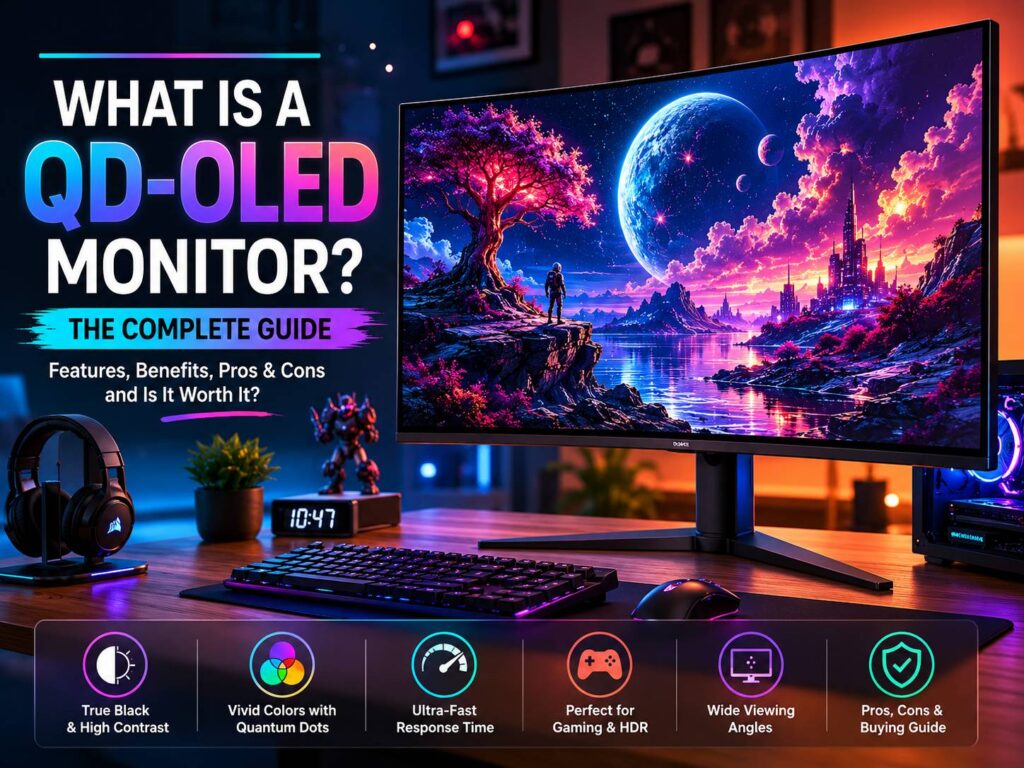
QD-OLED vs Mini LED
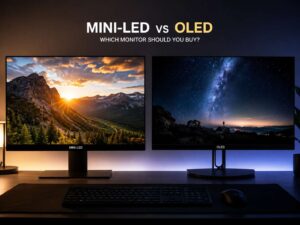
Mini LED monitors use an LCD panel with many small backlight zones. They can get very bright, and they do not have the same burn-in concern as OLED.
QD-OLED wins in pixel-level contrast. It can turn off each pixel, so black areas look cleaner. Mini LED controls groups of pixels through dimming zones. For that reason, you may still see blooming around bright objects.
Mini LED is often better for bright rooms, static desktop work, and people who want high brightness with no burn-in worry. QD-OLED is better for deep blacks, fast response, and a more premium gaming or movie experience.
So, the choice depends on your use. For a bright office, Mini LED makes sense. For gaming at night, QD-OLED often feels better.
QD-OLED vs IPS
IPS monitors remain popular because they are practical. They are usually cheaper, bright enough for most rooms, and safe for long work sessions. They also have good viewing angles and solid color performance.
QD-OLED beats IPS in contrast, black levels, HDR impact, and response time. The difference is easy to see in dark scenes. An IPS monitor can look gray in a dark room. A QD-OLED monitor can look much deeper.
Still, IPS has real strengths. It has no burn-in concern. It often has cleaner text. It also makes more sense for office work, school use, and budget builds.
If your monitor is mainly for work, IPS is still a smart pick. If your monitor is mainly for gaming, movies, and visual content, QD-OLED is the more exciting upgrade.
What to Check Before Buying a QD-OLED Monitor
Do not buy a QD-OLED monitor only because the panel sounds premium. Check the full spec sheet first.
Important things to check:
- Screen size
- Resolution
- Refresh rate
- HDMI 2.1 support
- DisplayPort version
- USB-C support
- Built-in KVM switch
- Warranty length
- Burn-in coverage
- Panel coating
- Brightness behavior
- Text clarity feedback
- Pixel care tools
- Firmware update support
Screen size matters a lot. A 27-inch 1440p QD-OLED monitor works well for fast gaming. A 32-inch 4K model gives a sharper image and works better for mixed use. A 34-inch ultrawide model feels great for immersive games and multitasking. A 49-inch super ultrawide is more specialized and needs a large desk.
Panel coating also matters. Glossy screens can look clearer and more vibrant, but they reflect lights more easily. Matte screens handle reflections better, but the image can look a little softer.
Warranty matters too. Look for burn-in coverage in writing, not only general marketing text. QD-OLED monitors cost a lot, so warranty terms should be part of your buying decision.
How to Care for a QD-OLED Monitor
QD-OLED care is not hard, but it does require better habits than a regular LCD monitor.
Use these simple habits:
- Hide the taskbar
- Use dark mode for desktop apps
- Set the screen to sleep after a few minutes
- Avoid leaving static images on screen for hours
- Let pixel refresh cycles run
- Keep desktop brightness reasonable
- Use varied wallpapers
- Move windows around during long work sessions
- Keep firmware updated
- Turn off the monitor when you leave the desk
These habits do not ruin the experience. They just reduce risk. For gaming and movies, use the monitor normally. For office work, take extra care with static content.
Is a QD-OLED Monitor Worth It?
A QD-OLED monitor is worth it for users who care about picture quality, motion clarity, and HDR. It can make games and movies look much better than a basic IPS or VA screen.
The upgrade feels most obvious in dark scenes, colorful games, and high-quality HDR content. Once you get used to true black levels, many regular monitors start to look flat.
At the same time, QD-OLED is not the best choice for everyone. It costs more. It needs panel care. It can have text fringing. It can dim during desktop work. For some people, those trade-offs are annoying.
My honest opinion: QD-OLED is a great buy for gamers, movie fans, and creators who use varied content. It is less ideal for people who stare at spreadsheets, documents, dashboards, or static browser windows all day.
For more buying context, this guide on is an OLED monitor worth it in 2026 can help you decide if the upgrade fits your setup.
Who Should Buy a QD-OLED Monitor?
A QD-OLED monitor is a good fit for:
- Gamers who want rich visuals and fast response
- Console users with PS5 or Xbox Series X
- PC users with a strong graphics card
- Movie fans who watch in a dim room
- Creators who work with color-rich content
- Users who want a premium ultrawide or 4K display
- People who care more about contrast than raw brightness
It is not the best fit for:
- Heavy spreadsheet users
- Static office dashboards
- Very bright rooms
- Budget builds
- Shared family PCs left on for hours
- Users who do not want panel care habits
- People who write or code all day and need perfect text clarity
So, think about your real use. A QD-OLED monitor can be amazing, but it should match your daily routine.
Final Verdict
A QD-OLED monitor combines self-lit OLED pixels with quantum dot color technology. The result is a screen with deep blacks, rich color, fast motion, and strong HDR performance.
For gaming, movies, and visual content, it can be one of the best monitor upgrades available. The image has depth, contrast, and speed that many LCD monitors cannot match.
Still, it has trade-offs. Burn-in risk, text clarity, reflections, brightness behavior, and price all matter. These issues do not ruin QD-OLED, but they should shape your buying decision.
If you play games, watch HDR content, and want a screen that feels premium every day, QD-OLED is a strong choice. If you mostly work with static windows and bright documents, IPS or Mini LED may make more sense.